
Top 8 AI Menu Design Tools to Create Beautiful Food Menus
Designing a menu no longer has to feel overwhelming, because AI menu design tools now turn simple ideas into polished visuals in seconds. With a few prompts, you can craft layouts that look professional, on-brand, and customer-ready. It’s fast, fun, and surprisingly creative.
This article explores how today’s AI tools simplify layout creation, branding, illustration, and menu updates, giving businesses faster, more flexible ways to design.
Key Takeaways:
- AI tools make menu creation faster, more consistent, and more accessible for non-designers.
- An array of platforms specializes in different focuses, including layout, branding, translation, analytics, or prompt-based design.
- Digital and print-ready formats are now easy to generate in minutes.
- Smart features like item organization, dietary labels, and QR menus enhance customer experience.
Elevate Your Visual Identity with These 8 AI Menu Design Tools
A well-designed menu shapes customer decisions and reinforces your restaurant’s brand. Here are the top AI platforms that can help you achieve that.
1. Yumzi

Yumzi is an impressive AI menu design platform that transforms PDFs or photos into polished digital and print menus, letting you customize fonts, colors, and layouts with ease. It also supports multilingual menus and dynamic QR sharing, bridging design with real-world guest interaction.
Key Features:
- Import menus from PDFs or images with AI extraction
- Create interactive digital formats and print-ready files
- Displays menus in 25+ languages
- Generate QR codes for contactless access
Also Read: Top 10 AI Digital Marketing for Law Firms Growth and Success
2. Pixazo AI Menu Maker

Pixazo balances creative freedom and automation as an AI graphic design tool for menus, letting users tweak layouts, fonts, and color schemes while previewing mobile-ready designs. Its intuitive editor and export options streamline workflow from concept to cafe-worthy menus.

Key Features:
- Provides smart AI suggestions for layouts and color palettes
- Allows editing of fonts, colors, and menu sections
- Offers responsive previews across different screen sizes
- Enables downloads for both digital and print use
3. Nento AI Menu Board

Nento helps restaurants build attractive, organized menus supported by data-aware design choices. Its system can generate layouts from simple inputs, apply branded styles, and suggest structure based on item importance.
It’s useful for businesses that want visually appealing menus backed by practical, performance-focused insights.
Key Features:
- Creates menus from simple inputs, such as dish names
- Adjusts layouts for better visual balance
- Supports both digital and print-ready menus
- Helps with fast concept iterations
4. Musely AI Menu Generator

Musely creates clean, visually consistent menus in minutes, offering styles tailored to cuisine, branding, and dietary preferences. Its fast generation flow and intuitive customization make it ideal for small restaurants that need professional output without paying for design services. Everything is organized clearly for easy customer reading.
Key Features:
- Generates menus based on restaurant details
- Choose styles and themes for your brand
- Add dietary tags and section divisions
- Enables fast creation without design expertise
Also Read: 50+ Top Business Idea AI Prompts to Inspire Your Next Venture
5. Pixelcut AI Cafe Menu Generator
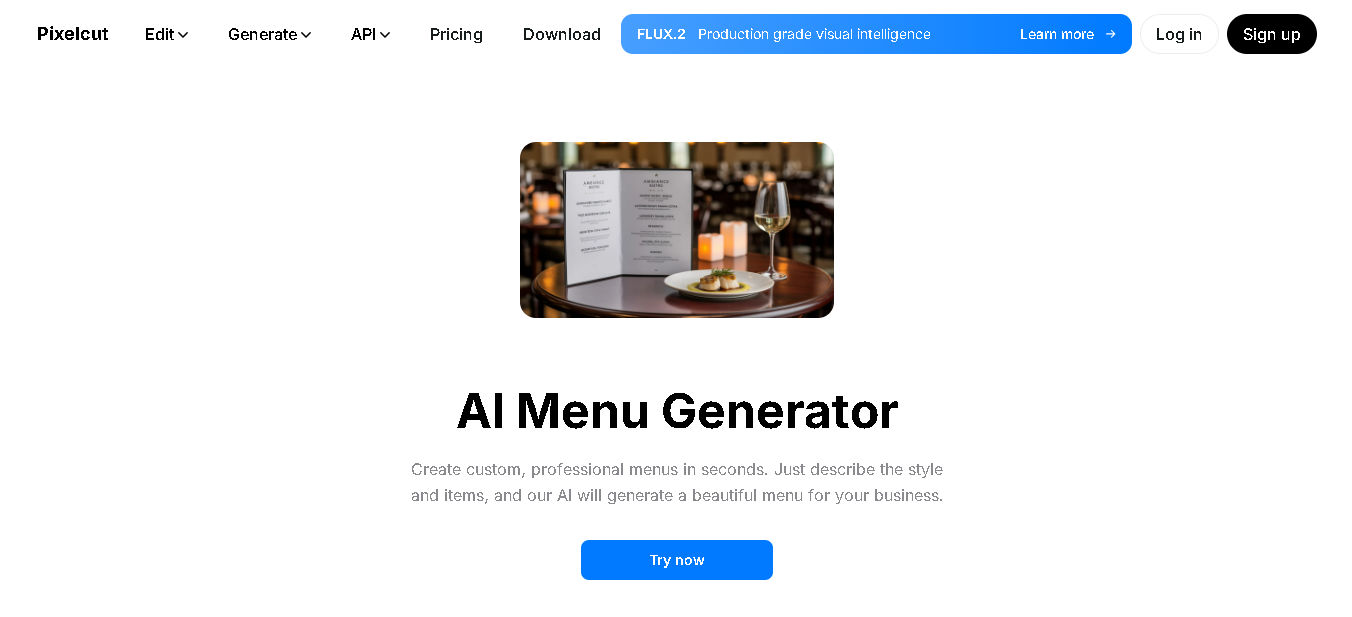
Pixelcut converts short text prompts into polished café-friendly menus, delivering layouts that feel fresh and modern. Users can describe the tone or style they want, and the AI assembles high-resolution designs instantly. It’s a great option for quick seasonal updates, pop-up cafés, or fast branding refreshes.
Key Features:
- Generator menus with descriptive prompts
- Includes automatic font and color matching
- Download high-res outputs for print
- Great for quick, creative visuals
6. Lovart AI Design Agent

Lovart’s conversational design agent creates menu layouts from simple natural-language instructions, giving restaurants full creative freedom without relying on fixed templates. It adapts to brand colors, adjusts sections on request, and exports in multiple formats, making it helpful for teams that want expressive, custom visuals.
Key Features:
- Accepts natural-language input for AI menu design
- Matches branding colors and fonts automatically
- Supports multiple export formats (PDF, PNG, SVG)
- Allows editing after generation
Also Read: Top Picks: Best AI Poster Design Tool for Every Designer
7. Easy Menu AI

EasyMenu.AI is one of the best AI menu creator tools for scaling operations, supporting multi-branch setups and large item lists with effortless rearrangement and analytics. Features like smart QR menus and live updates help restaurants manage both design and performance.
Key Features:
- Supports multi-branch menu management
- Includes built-in QR code generation
- Provides a dashboard for analytics and insights
- Handles up to thousands of menu items
8. Venngage AI Menu Generator

Venngage simplifies crafting attractive menus that reflect brand aesthetics, ideal for digital and print marketing. It’s a solid choice when visual appeal and readability matter most, helping businesses quickly produce menus that draw customer attention. It’s the best AI for restaurant menu design when visual impact is key.
Key Features:
- Offers AI-guided layout and style suggestions
- Includes templates for various industries and cuisines
- Uses brand-aligned fonts and colors
- Provides a free tier for experimentation
Also Read: Top 7 Intuitive AI Packaging Design Software for Your Products
Ready to Transform Your Creations with AI Menu Design?
Crafting a menu that feels fresh, inviting, and true to your brand is easier than ever. With the right tools and a bit of creativity, you can elevate every dish through thoughtful design. Let these AI solutions guide your next step toward memorable, modern menus.
AI helps you build menus faster, but a cohesive visual identity is what turns them into customer magnets. Strengthen your design by incorporating elegant, well-crafted fonts from StringLabs Creative. Our top fonts can elevate your menu, making it appear more intentional, visually appealing, and perfectly attuned to your brand’s personality.