
7 Best AI Sketch Generator Tools to Create Stunning Sketches
An AI sketch generator is a practical solution to automatically transform photos or visual ideas into sketches. Powered by artificial intelligence, it enables users to create a wide range of sketch styles quickly and easily, from realistic pencil drawings and simple line art to detailed, structured architectural sketches.
With its growing popularity, it’s no surprise that AI sketch usage continues to rise. According to PhotoGPT, around 34 million AI images are created daily today. But the question is, which tools are the best for creating AI image sketches? This article highlights seven of the best AI sketch generators for designers, beginner illustrators, architects, and content creators.
Key takeaway:
- AI sketch generators let users quickly turn photos, rough sketches, or ideas into polished sketches with simple prompts.
- Each tool offers unique features such as style customization, upscaling, inpainting, and line automation.
- While AI accelerates the process, human creativity adds storytelling, originality, and emotional depth, ensuring sketches remain meaningful and visually engaging.
How AI Sketch Generator Tools Work
Before exploring the recommended tools for creating AI sketches, it’s important to understand how they work. AI sketch generators use an uploaded photo as the base, then apply AI algorithms to detect shapes, lines, and textures within the original image.
Then, the system transforms this information into a sketch and refines it based on the text prompts you provide. This process allows for the creation of clean, visually appealing sketches quickly while still preserving the original concept.
Also Read: 5 Indicators of How to Tell If Art Is AI Generated
7 Best AI Tools to Generate Sketches
There are now many platforms that allow you to create AI-generated sketches. Here, we’ve highlighted seven of the best AI sketch generator tools, each with unique features and strengths, for you to choose the one that best fits your creative needs.
1. OpenArt
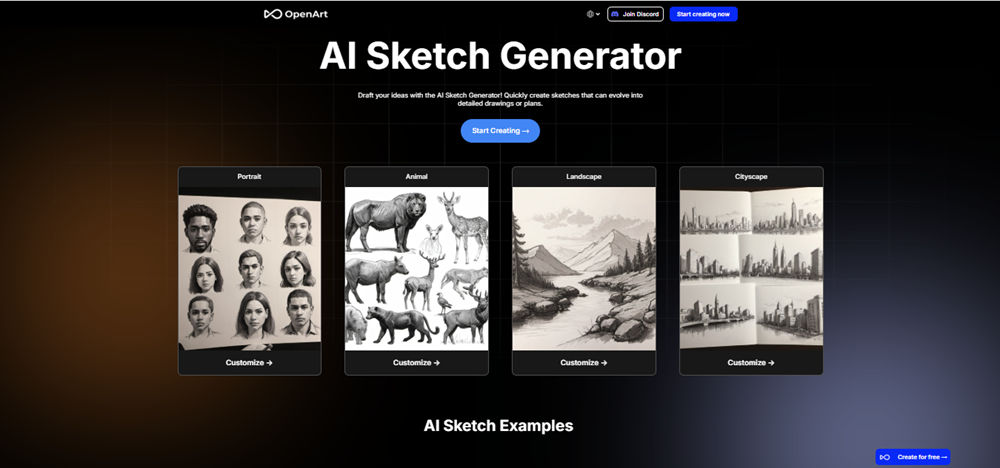
OpenArt is an AI tool that allows users to automatically transform photos or rough sketches into professional-quality sketches using simple prompts. What sets it apart is its comprehensive output settings, which include options for image size, resolution, and upscaling to enhance overall quality.

Additionally, the “Number of Images” feature lets users generate multiple variations in a single process, so it’s easy to compare results and select the best visual to suit their creative needs.
2. Fotor
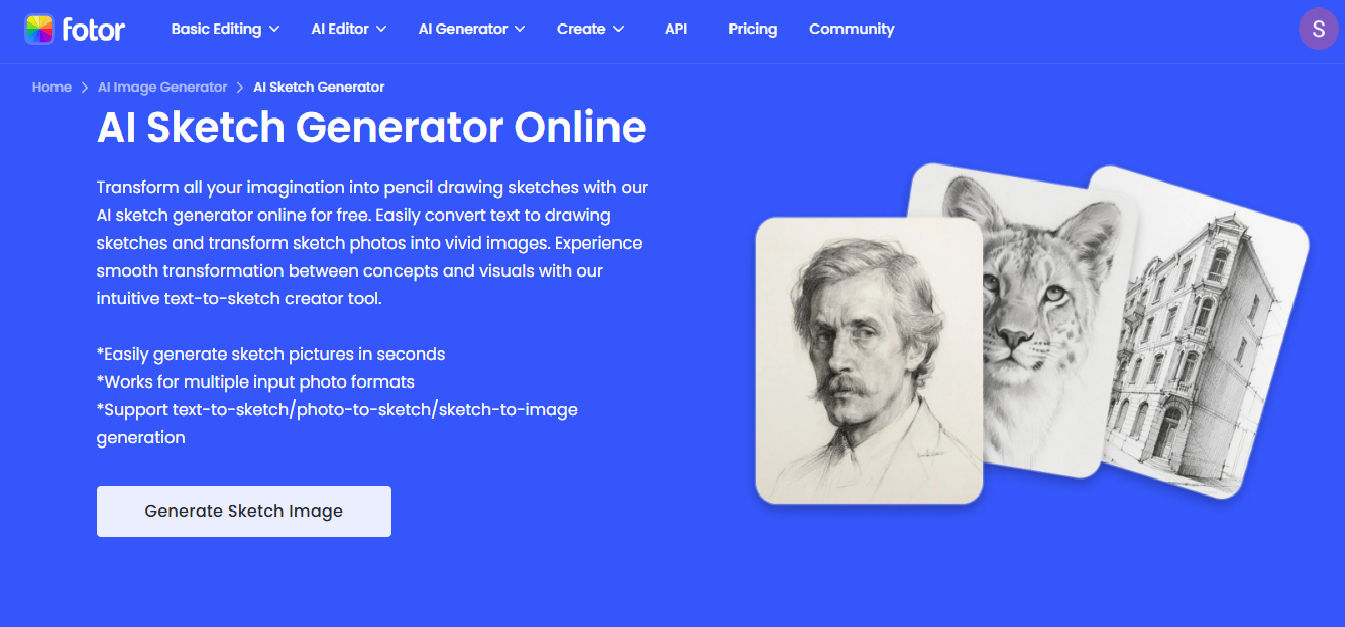
Another AI sketch generator you can try is Fotor. Its “Generate Sketch Image” feature lets you create various sketch styles simply by uploading an image through “Upload Image” and choosing your preferred style from the “AI Art Effect” menu under the Sketch category.
Furthermore, Fotor offers a wide range of styles, from ink sketches and retro sketches to line drawings. This makes it easy to customize the results for your creative projects, whether for design concepts, illustrations, or digital content.
Also Read: Best AI Image Generator for Line Art You Need to Try
3. Adobe Firefly
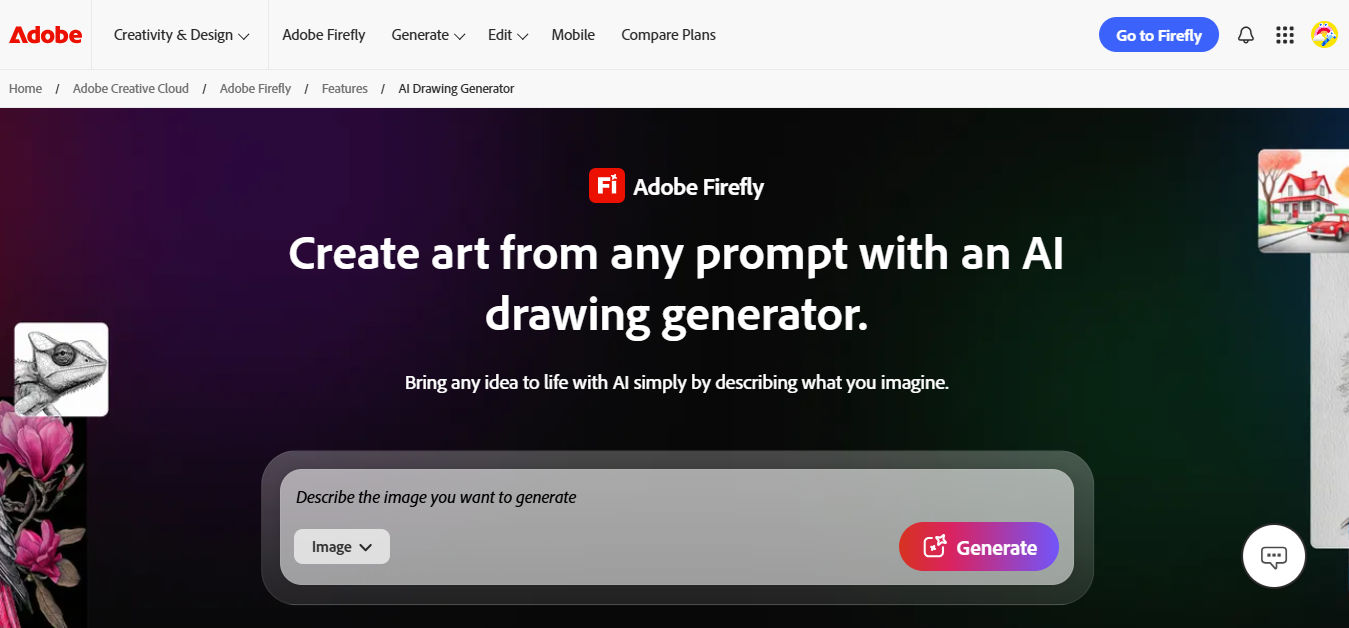
Adobe Firefly is an AI sketch generator from Adobe designed to help users transform text, images, or initial sketches into more polished and professional visuals. With the “Text to Image” feature, users can create detailed sketches, adjust visual styles, and refine or add specific elements using simple prompts.
What makes Adobe Firefly unique is its seamless integration with the Adobe ecosystem, including Photoshop and Illustrator, allowing AI-generated sketches to be directly edited and enhanced for professional-level design, illustration, and creative content.
4. Phygital+
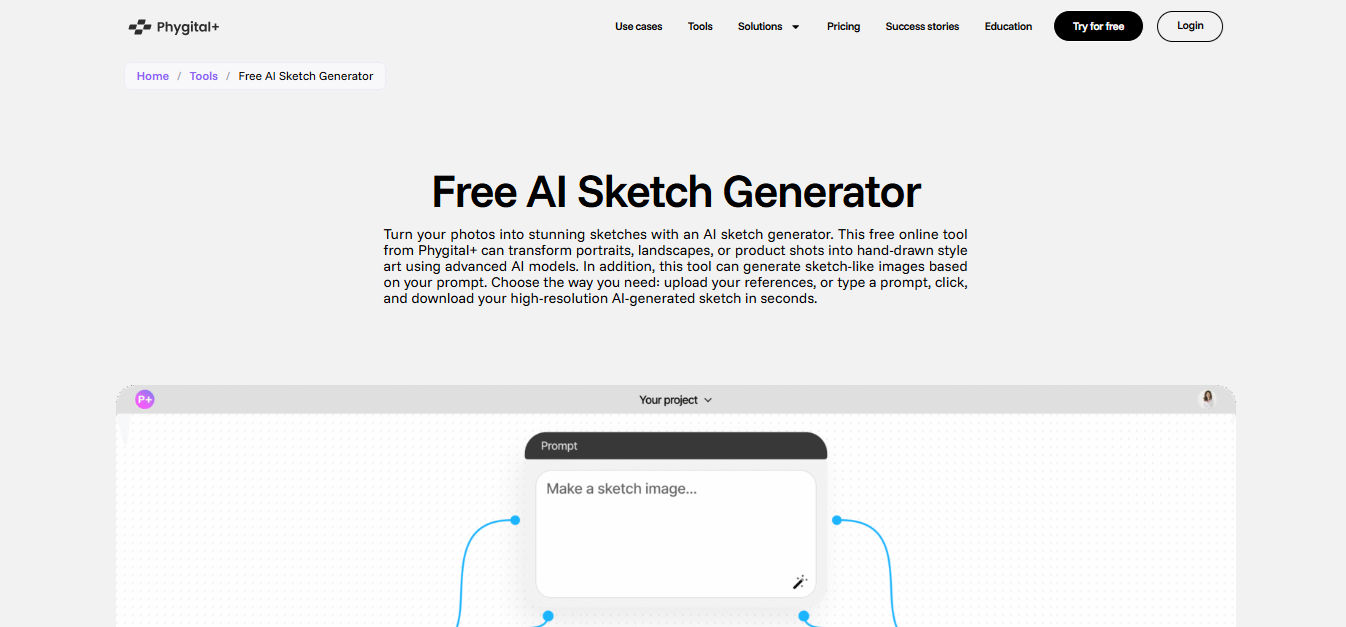
Phygital+ is an AI sketch generator that lets users create and refine digital sketches of specific sizes using just simple prompts. Its standout feature is “edit area” (inpainting), allowing users to modify or enhance parts of a sketch without redoing the entire image, thereby making revisions faster and more flexible.
Additionally, the “Upscale” feature helps improve resolution and detail, ensuring sketches remain clear and high-quality for advanced design or publication purposes.
Also Read: How to Make Studio Ghibli AI Art: A Guide to Magical Results
5. PromeAI
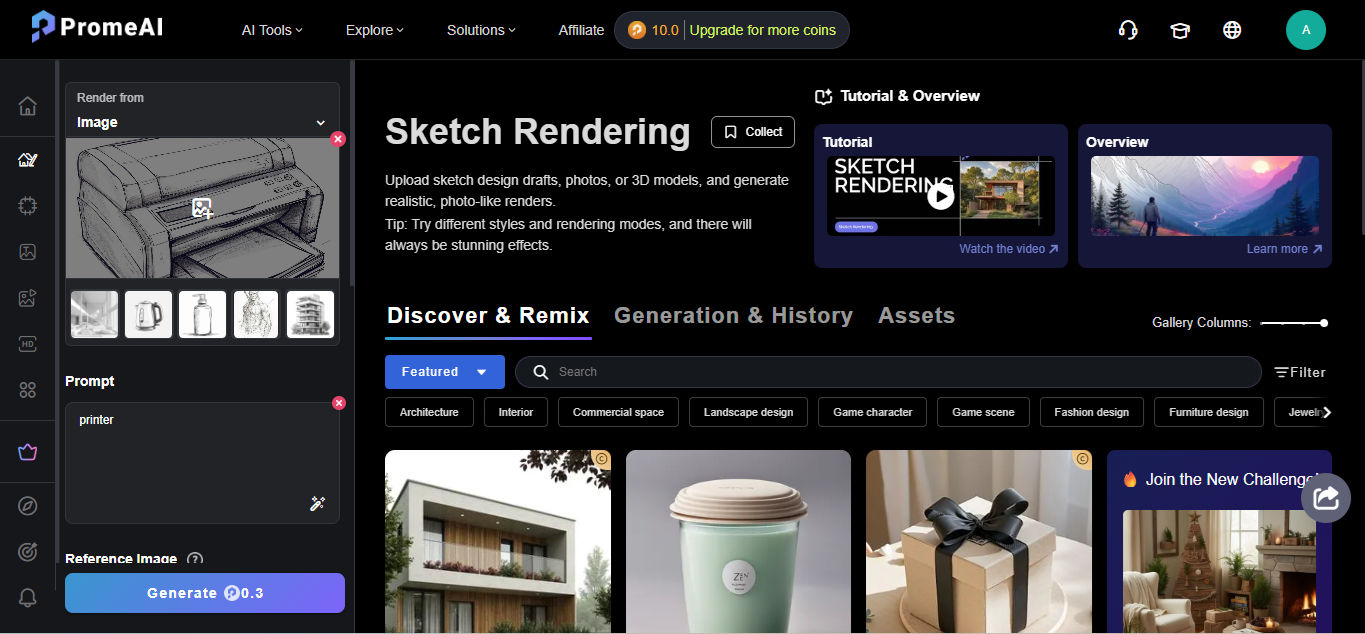
The next top AI generator is PromeAI. Its main feature, “Sketch Rendering,” can transform rough sketches or initial drafts into more professional and realistic images.
In addition, PromeAI offers an “AI Image Generator” feature for creating sketches from uploaded images or text descriptions. PromeAI also includes supporting tools like “HD Upscaler” to enhance visual details. With all these features, PromeAI helps you accelerate the visualization process and produce multiple high-quality sketch variations for design and creative content needs.
6. Phot.AI
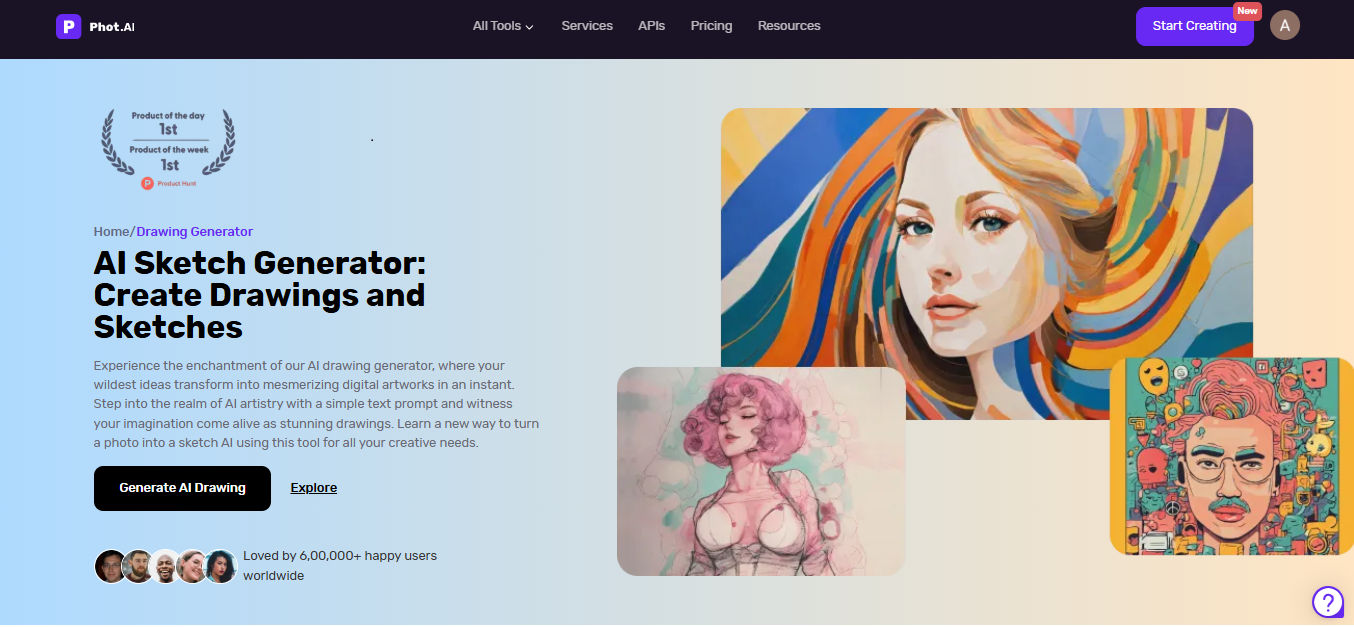
Phot.AI is an AI tool that allows users to create rough concept sketches using simple prompts through text-to-image or image-to-image features. The platform is designed for ease of use. Simply select a sketch style from the ‘Choose a Style’ menu, enter your prompt, and adjust the aspect ratio. Within seconds, you can generate a custom set of sketches perfectly tailored to your project requirements.
What makes Phot.AI particularly useful is the “Edit Image in Studio” feature. It allows you to refine the initial output, producing sketches that are more polished and ready for advanced design purposes.
7. Monica
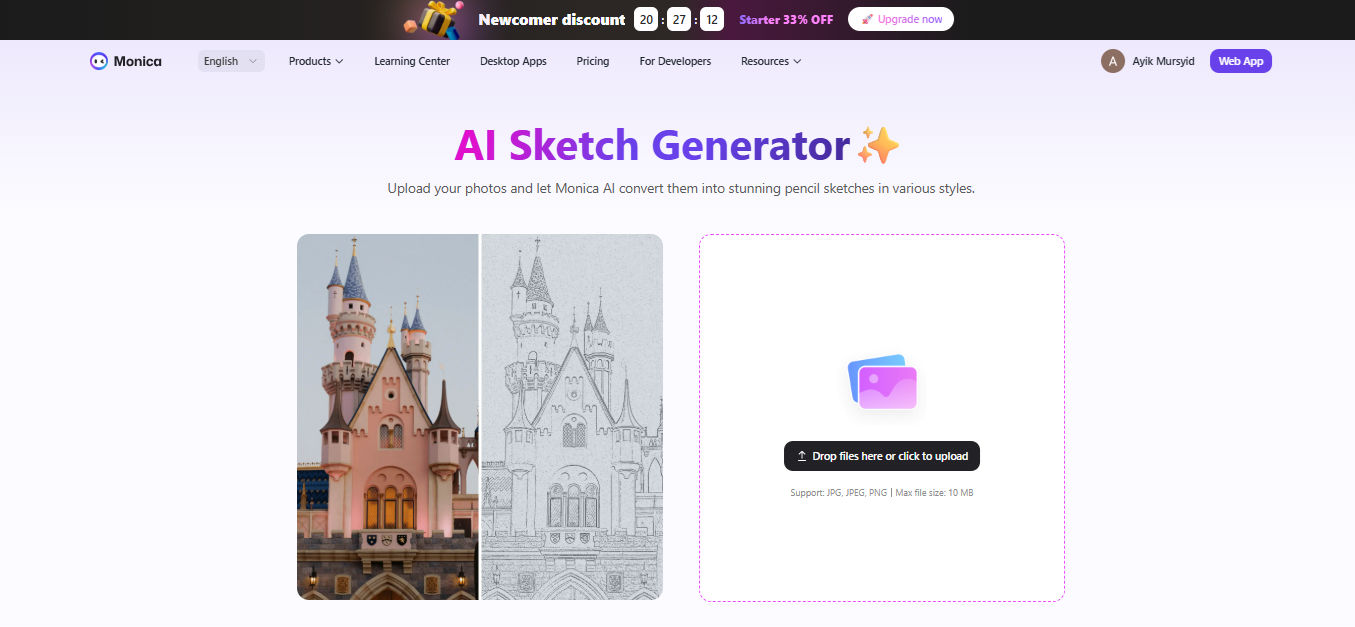
Next, the AI sketch maker that you can try is Monica. With its AI sketch generator feature, Monica allows users to quickly and easily transform images into artistic sketches.
In addition, Monica offers features to remove brushed areas, text, or backgrounds, and to upscale images. These features must make sketches cleaner, more detailed, and ready for professional projects or creative exploration.
Also Read: What is the Main Goal of Generative AI: Reflection of the Augmentation Era
The Importance of Human Touch in AI Sketch Generation
While AI makes sketch creation easier, human creativity remains essential in defining the visual character. AI operates based on data and instructions, which can result in uniform outputs without strong creative guidance. In contrast, humans bring storytelling, originality, emotion, and sensitivity to nuance, adding meaning and identity to the work.
Without human involvement, AI-generated sketches risk losing uniqueness, depth, and visual character. Therefore, combining the power of AI with human creativity is key to producing works that are authentic and truly valuable.
Enhance Your Designs with Fonts Created by Humans
AI sketch generator is a great choice for quickly and easily creating sketches. You can choose one of the seven AI sketch generators mentioned above since each offers unique features that suit different creative needs. Whatever you choose, it’s important to always incorporate human creativity to produce work that is truly unique and meaningful.
To maximize the final result, it is recommended to pair AI-generated sketches with premium fonts from StringLabs Creative when creating posters, covers, or digital content. We offer 550+ high-quality fonts in various styles, multilingual support, and compatibility with both PC and Mac.
Additionally, there are two flexible licensing options: Extended License and Business Elite License, which can be tailored to your usage needs. For more details, visit the official StringLabs Creative website!
Comments are closed.