
8 AI YouTube Thumbnail Generator Tools That Improve CTR
AI YouTube thumbnail generator tools help creators optimize thumbnails based on real viewer behavior data. In crowded YouTube feeds, thumbnails play a major role in click decisions. According to SuperAGI, AI-driven thumbnail optimization can significantly improve rates by identifying high-performing visual patterns faster.
Today, creators use AI to analyze elements such as color, facial expressions, and text placement automatically. This approach reduces guesswork, accelerates design decisions, and produces thumbnails that are more consistent and performance-driven. Want to know which tools can help you do this? Keep reading.
Key Takeaways:
- AI YouTube thumbnail generator platforms transform thumbnails from visual guesswork into data-driven assets optimized for click behavior.
- AI-based visual analysis helps creators identify which design elements consistently capture attention across audiences.
- Strategic thumbnail insights support stronger channel branding and long-term visual consistency.
Best AI YouTube Thumbnail Generator Tools for Content Creators
Here’s a curated list of top AI YouTube thumbnail generators for content creators. Each tool offers unique features to help you create optimized, high-impact thumbnails that attract more clicks.
1. VidIQ Thumbnail AI
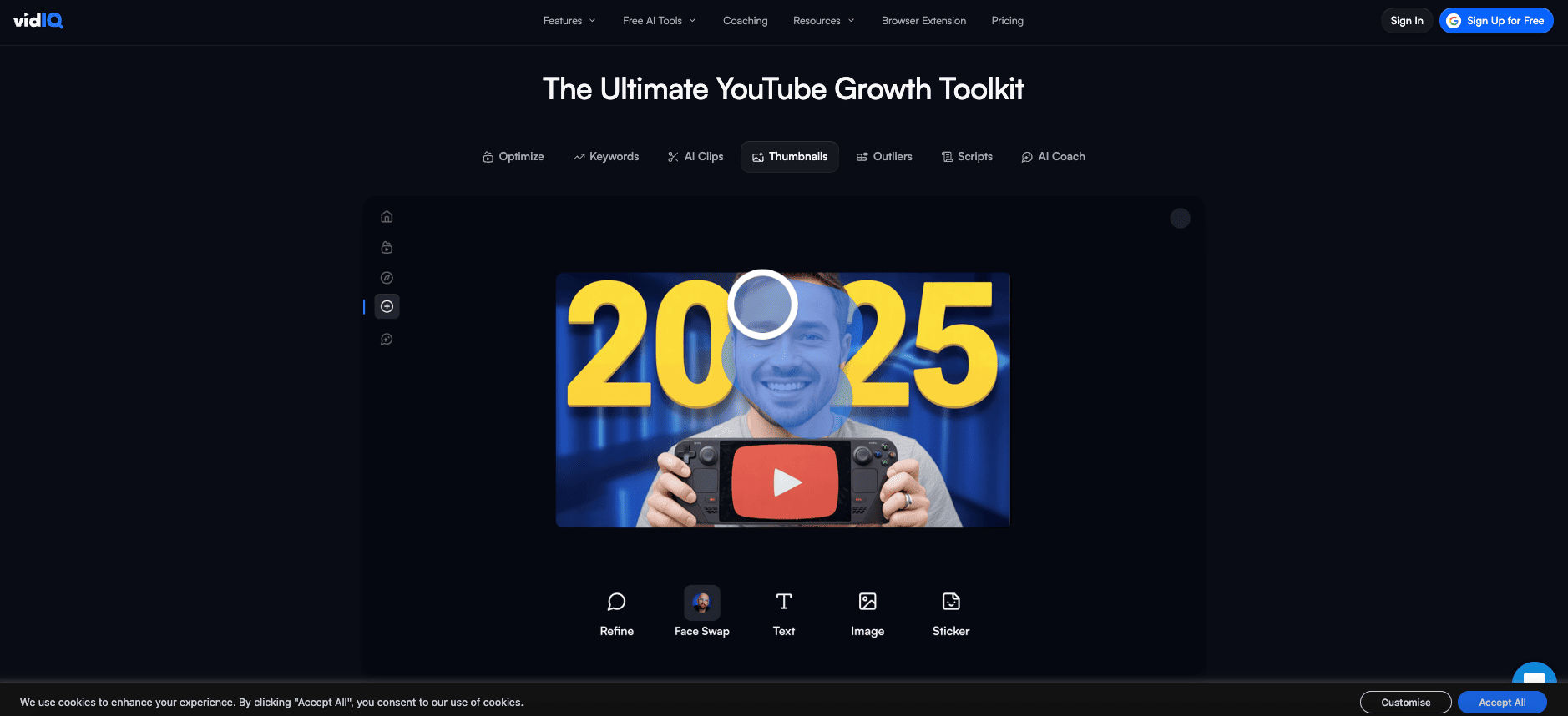
VidIQ analyzes thumbnail performance by comparing visual elements across high click-through videos. It identifies patterns related to color contrast, facial focus, and text density, helping creators redesign thumbnails based on proven engagement signals.
Its AI preview feature shows how thumbnails appear across different device sizes, ensuring visuals remain clear and readable even on smaller screens.
Also Read: How to Use AI to Create YouTube Dialogue in 5 Easy Ways
2. TubeBuddy Thumbnail Split Testing
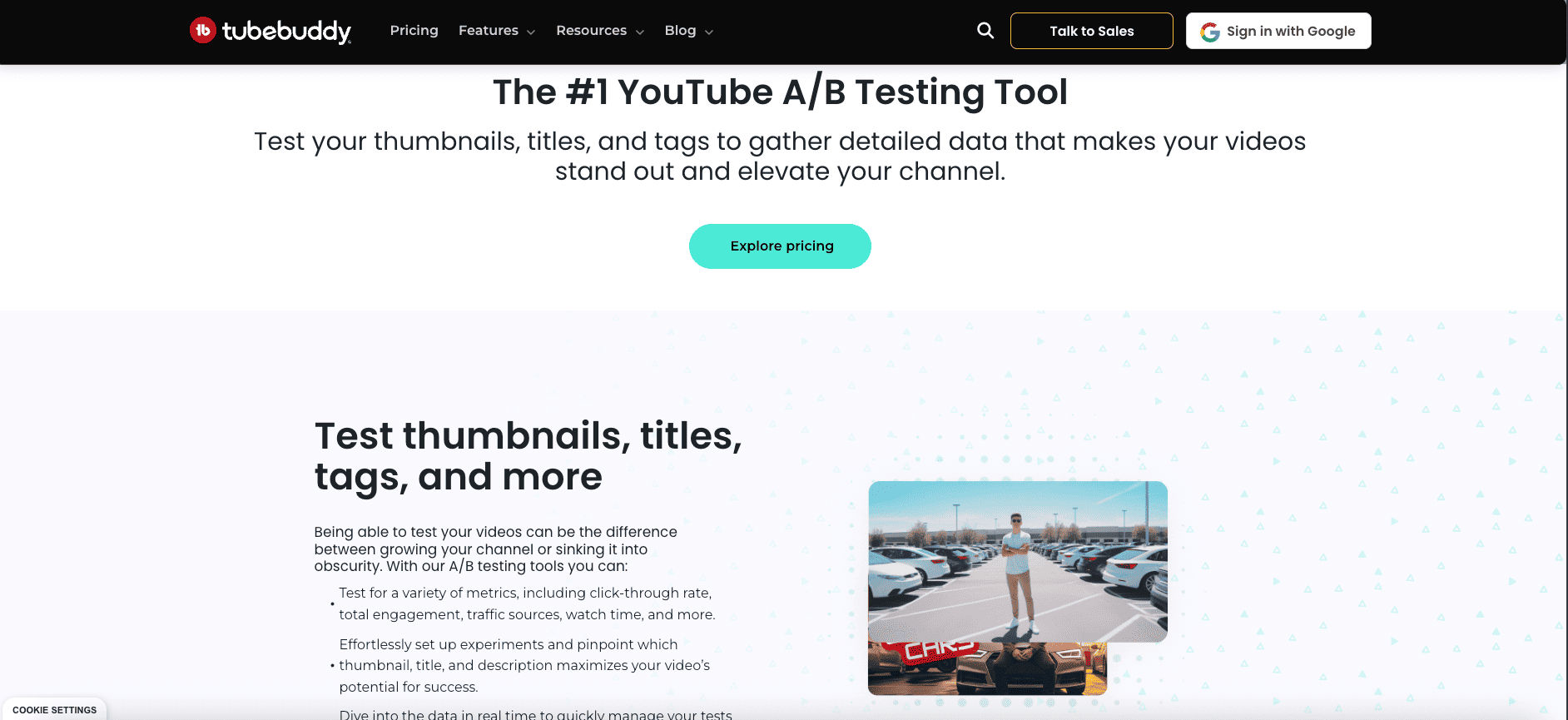
TubeBuddy allows creators to test multiple thumbnail variations at the same time. The platform tracks viewer behavior and determines which version performs best, removing guesswork and subjective design decisions.

AI-powered insights highlight which colors, layouts, and compositions drive more clicks, making it easier to refine thumbnails continuously without manual analysis.
3. ThumbnailTest AI
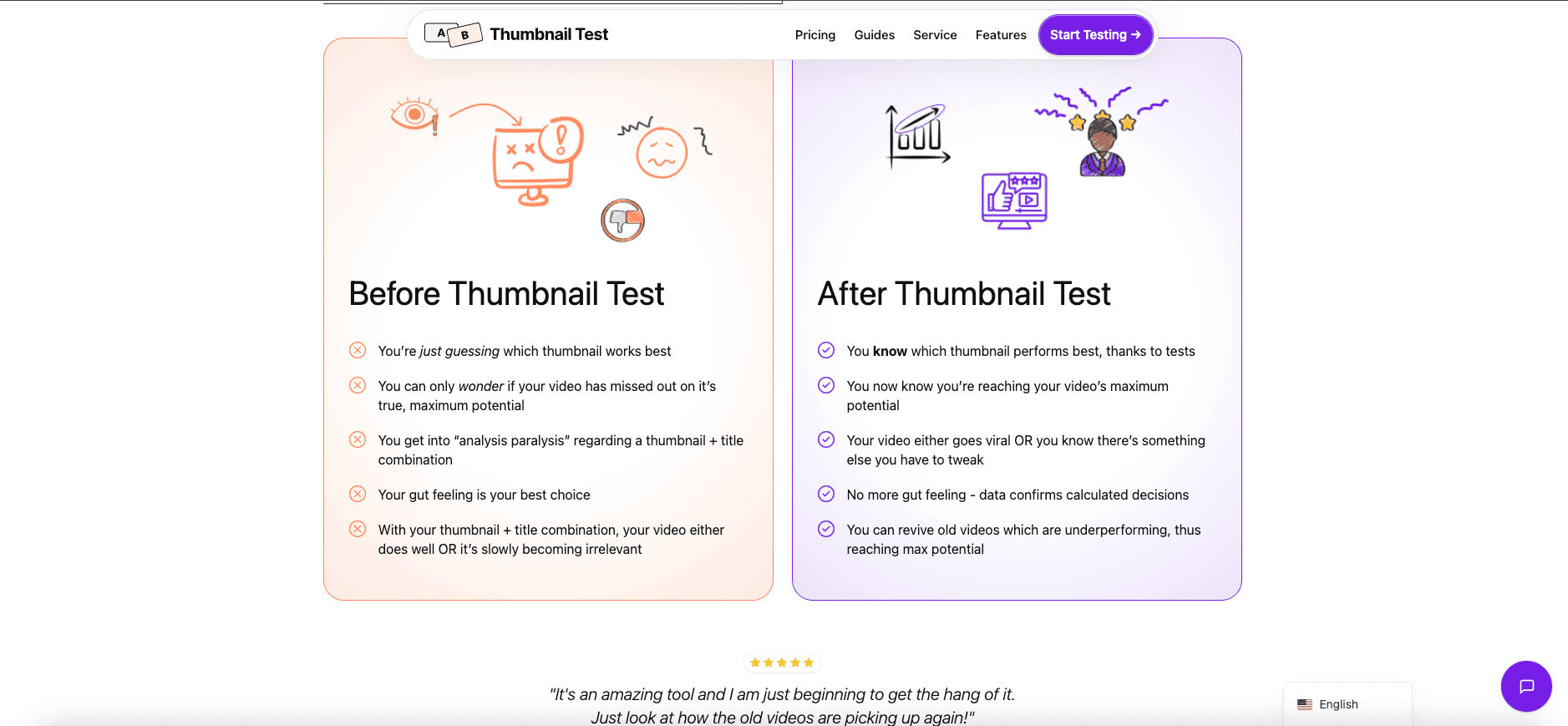
ThumbnailTest AI specializes in measuring emotional impact within thumbnail visuals using pattern recognition. The system evaluates facial expressions, eye direction, and framing to determine how quickly a thumbnail communicates intent. This helps creators align imagery with audience psychology rather than aesthetic preference.
The platform also analyzes text density and placement relative to focal points. By correlating readability with engagement data, it highlights layouts that remain clear at small sizes.
Also Read: Best AI Video Creator for Instagram Reels: Top 7 Tools
4. Canva AI Thumbnail Insights
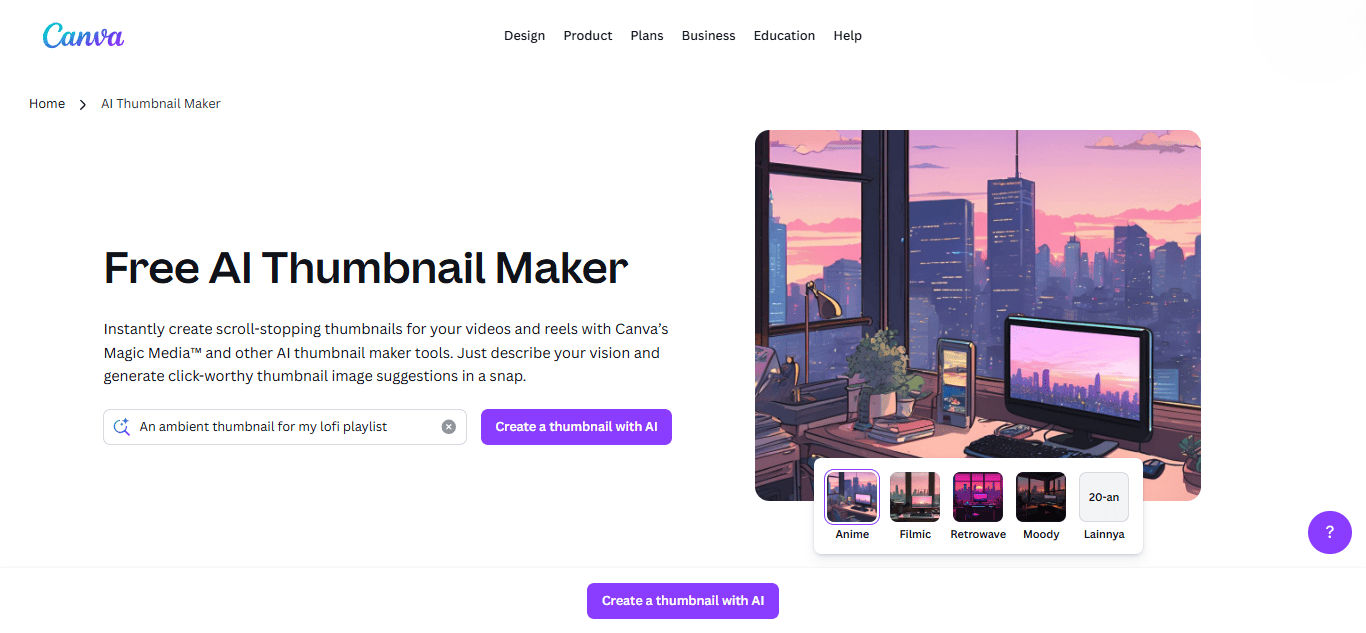
Canva AI Thumbnail Insights integrates performance-based recommendations into its design workflow. The AI evaluates layout balance, text hierarchy, and color contrast based on trending YouTube visuals. This allows creators to design thumbnails that follow current engagement patterns.
Its strength lies in simplifying complex visual decisions. As an AI YouTube thumbnail maker, Canva enables faster production while maintaining alignment with data-driven visual standards.
5. ClickPilot Visual AI
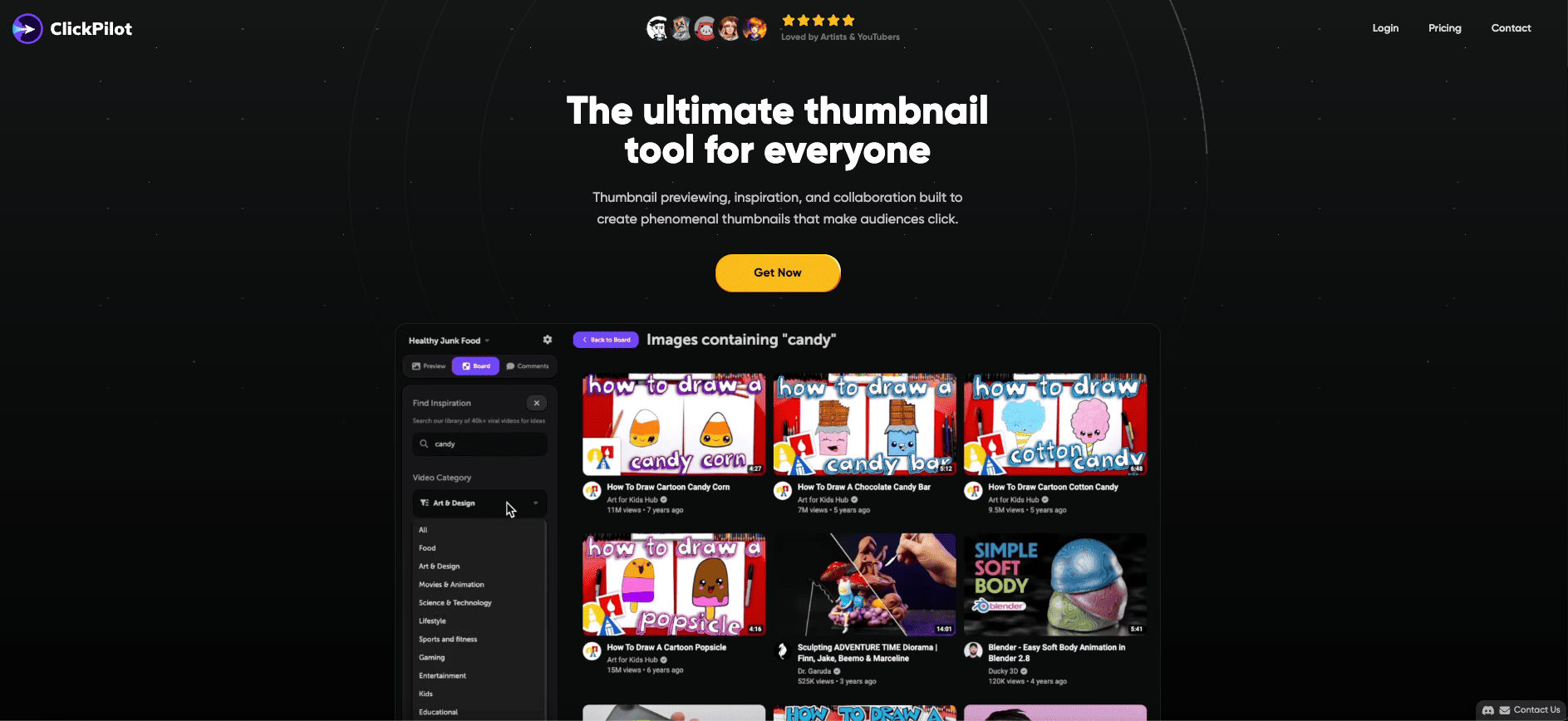
ClickPilot focuses on click prediction modeling by simulating how thumbnails compete within recommendation grids. This helps creators understand visual dominance before publishing.
The AI assigns a performance score to each thumbnail in advance, reducing risk and giving creators more confidence when uploading new content.
6. Thumblytics Pro
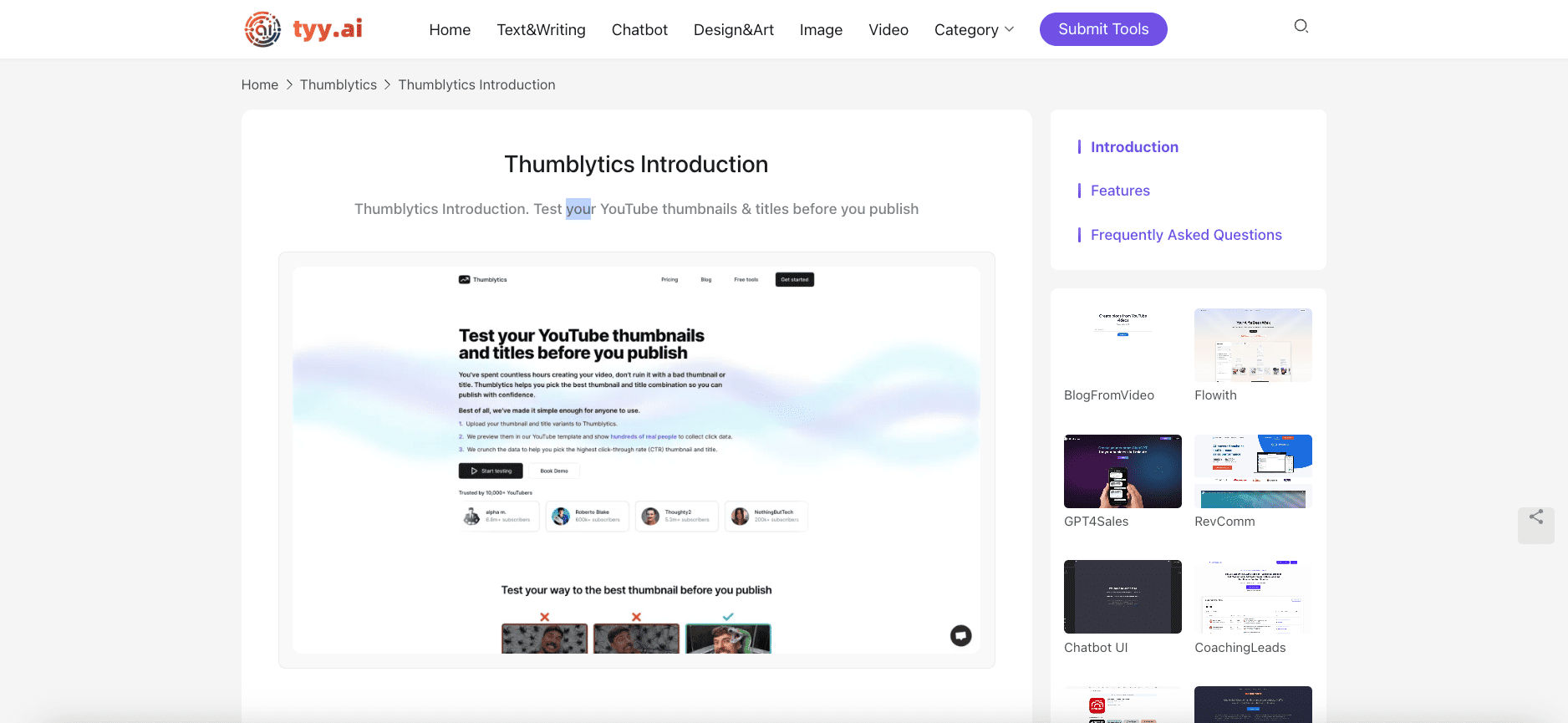
Thumblytics Pro maps individual visual elements to historical engagement metrics. It identifies recurring structures that correlate with high click behavior. This enables creators to refine visual formulas rather than redesign from scratch.
The platform also analyzes regional performance differences, helping creators adapt thumbnails to local audience preferences while maintaining a consistent brand identity.
Also Read: 7 Best AI Subtitle Generator to Boost Video Accessibility
7. TestMyThumbnails
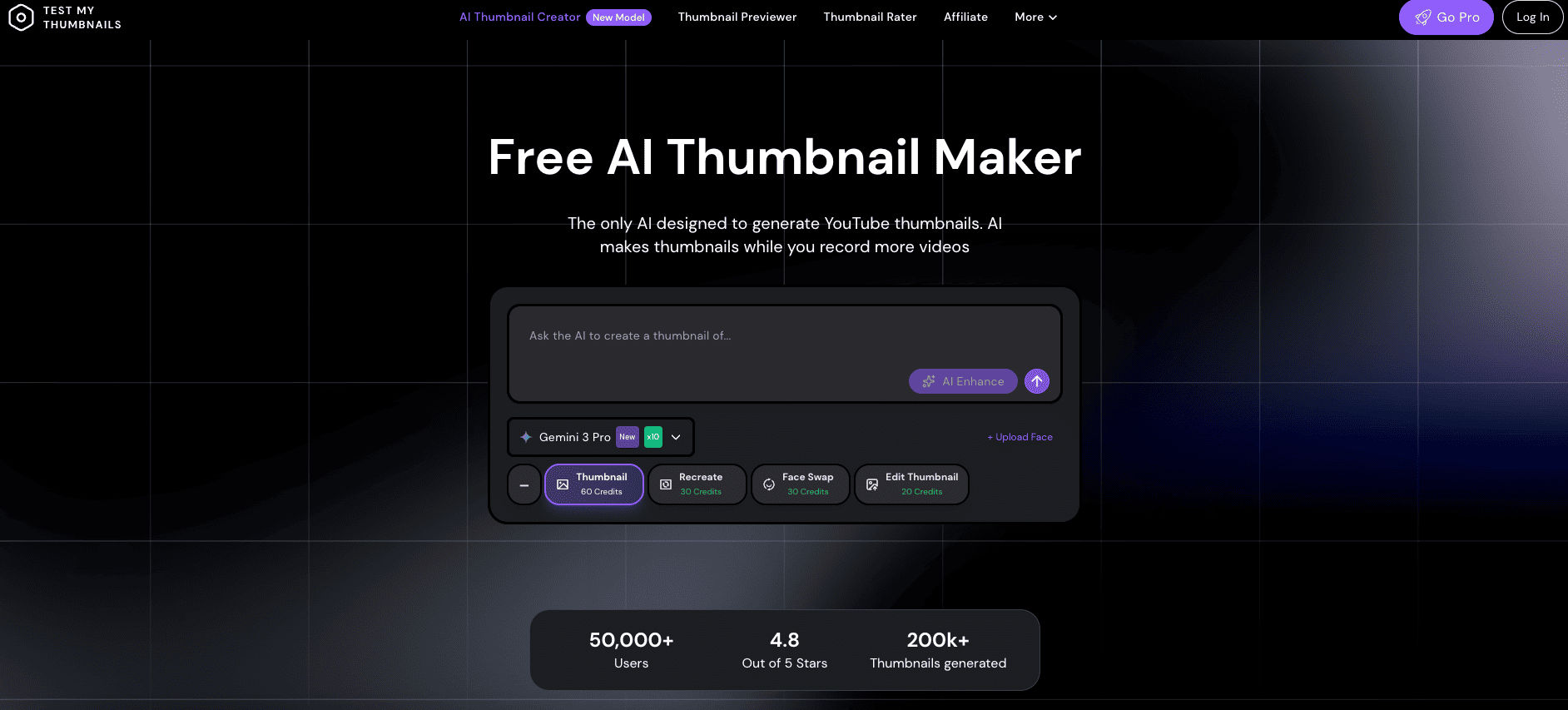
TestMyThumbnails supports creators using an AI YouTube thumbnail generator by previewing how thumbnails appear within realistic YouTube feed layouts. The tool simulates surrounding videos to evaluate contrast strength, subject clarity, and overall visual impact.
Rather than relying on traditional analytics dashboards, it focuses on perceptual testing. This allows creators to refine composition and color balance based on real-world viewing conditions before publishing.
8. Thumber
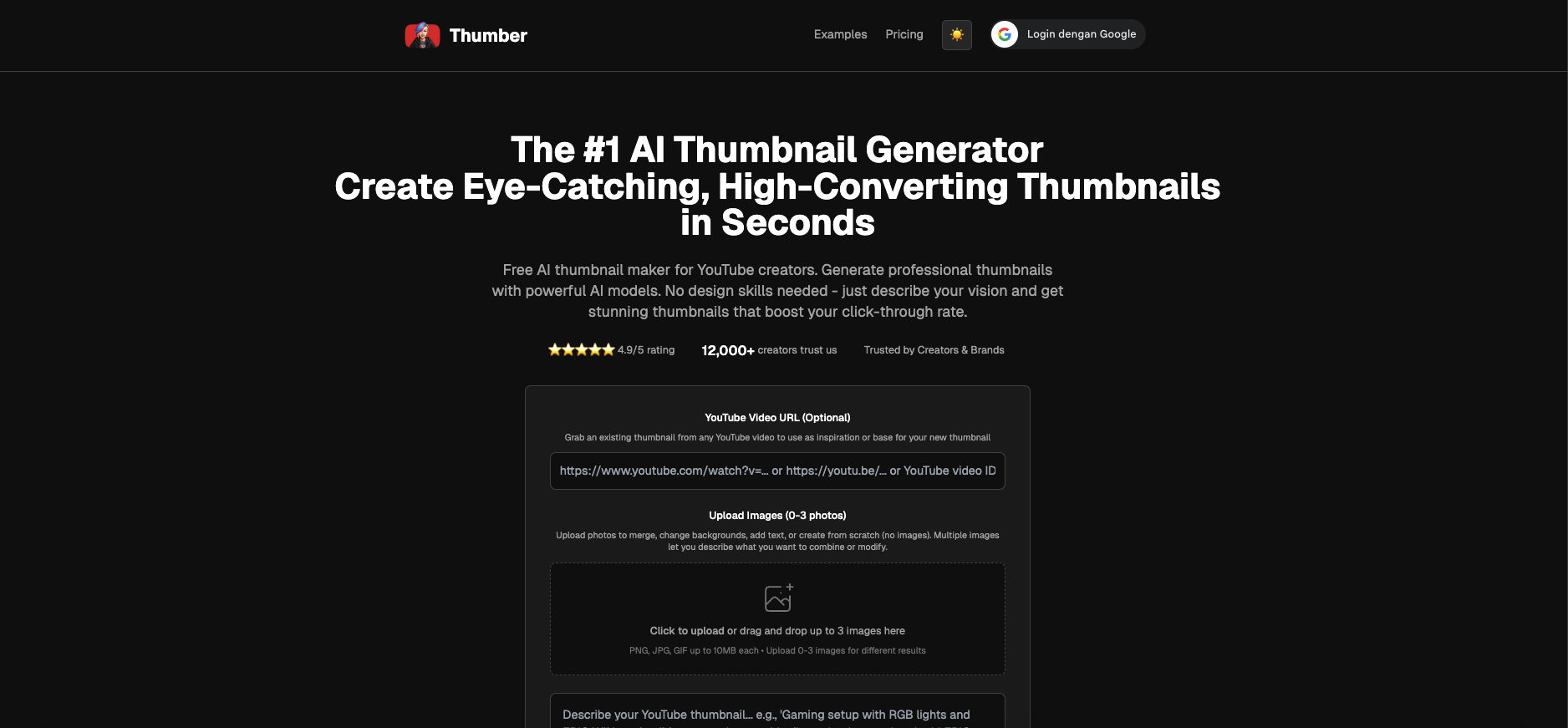
Thumber is a dedicated AI tool that generates YouTube thumbnails from descriptions or uploaded images. It is often considered one of the best AI thumbnail generator for YouTube for creating multiple visual options quickly. This helps creators explore ideas without complex design work.
You can provide video context or upload reference visuals to guide the generation process. The AI adapts composition, color, and subject framing automatically. This workflow supports fast experimentation while keeping visual quality consistent.
Also Read: How to Use AI on TikTok: 8 Secrets for Instant Reach
Building Consistent Visual Identity Through AI Insights
AI YouTube thumbnail generator insights enable creators to understand how specific elements influence viewer decisions. Data from AI analysis highlights the impact of contrast, focal points, and emotional cues on click behavior. When applied consistently, these insights help maintain predictable performance across multiple uploads.
Beyond individual thumbnails, AI-driven optimization supports long-term visual consistency. Repeated exposure to similar visual structures improves channel recognition and audience trust. This consistency becomes increasingly important as channels scale content output.
Typography plays a critical role in reinforcing these visual patterns. For creators aiming to refine their visual identity, exploring performance-focused premium display font collections from StringLabs Creative offer a practical way to support AI-informed design decisions.