
7 Best AI Subtitle Generator to Boost Video Accessibility
Adding subtitles to long videos used to be time-consuming and frustrating, but AI has completely changed the game. Today, the best AI subtitle generator can handle the hard work for you, making it easy to create accurate captions and improve accessibility across multiple platforms, so we’ve gathered up the best tools for you!
Key takeaways:
- AI subtitle generators save time by automatically creating accurate captions, even for long videos.
- Multilingual and customizable subtitle features help improve accessibility and engagement across platforms.
- Well-designed subtitles strengthen visual identity and keep video content consistent with your brand.
7 Best AI Subtitle Generator to Streamline Your Editing Process!
According to UX Matters, 43% of content marketers are already using AI to maintain quality while improving efficiency and creating more engaging content. For that reason, we’ve put together a list of automatic subtitle generator AI you should know.
1. VEED.io
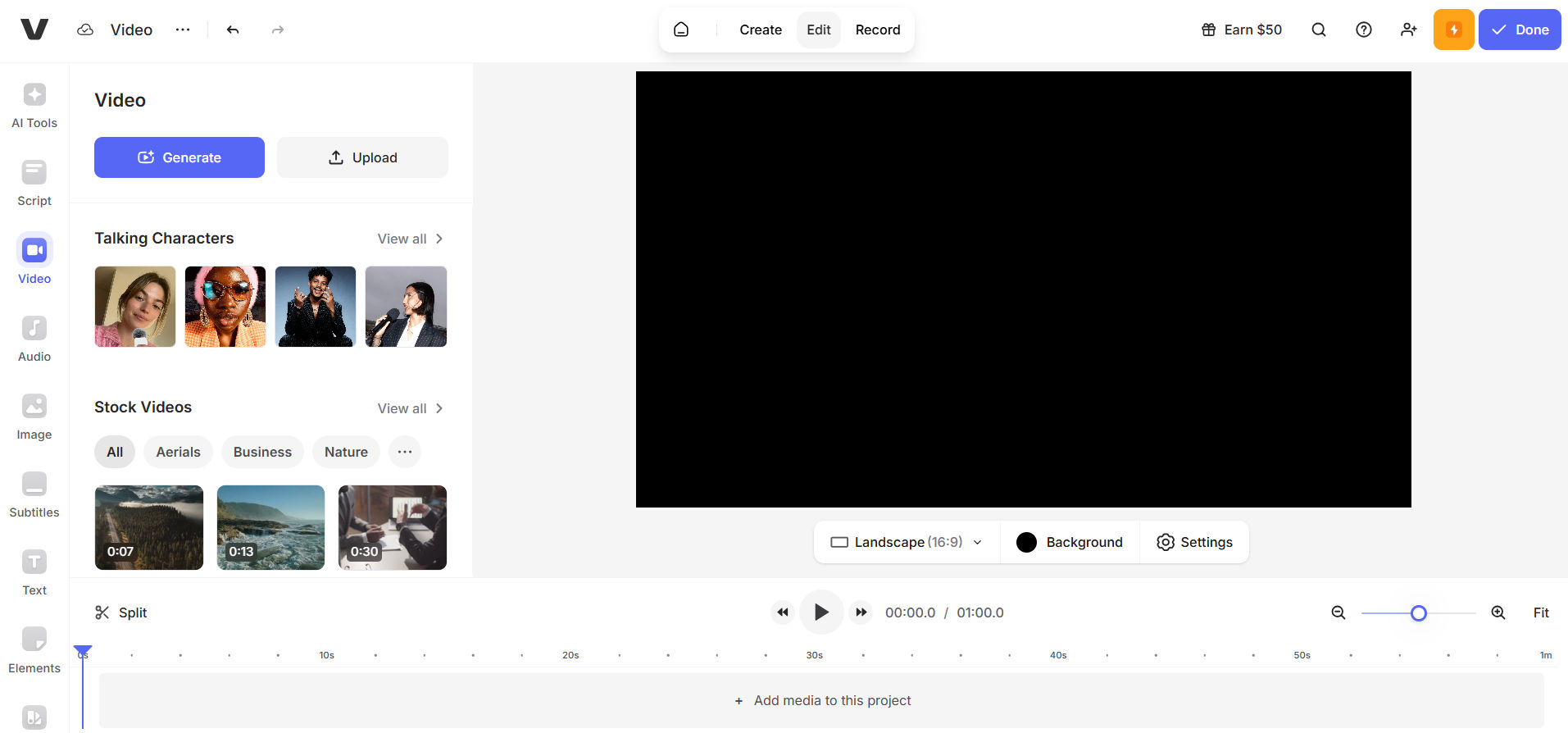
VEED.io is a web-based video editing platform that allows users to create, edit, and enhance videos directly from their browser. It provides a range of tools for basic editing, visual effects, audio adjustments, and subtitle creation, making it suitable for both beginners and experienced content creators.
Key Features:
- Supports over 100 languages for subtitles and transcription.
- Customize subtitle styles with different fonts, colors, and effects to align with their brand identity.
- MP4 video export with subtitles burned in.
- Highlights ‘low-confidence’ words for easy proofreading.
- Export subtitles as TXT or SRT files.
Also Read: AI Video Generators: The Future of Efficient Video Marketing with ImagineArt
2. Happy Scribe
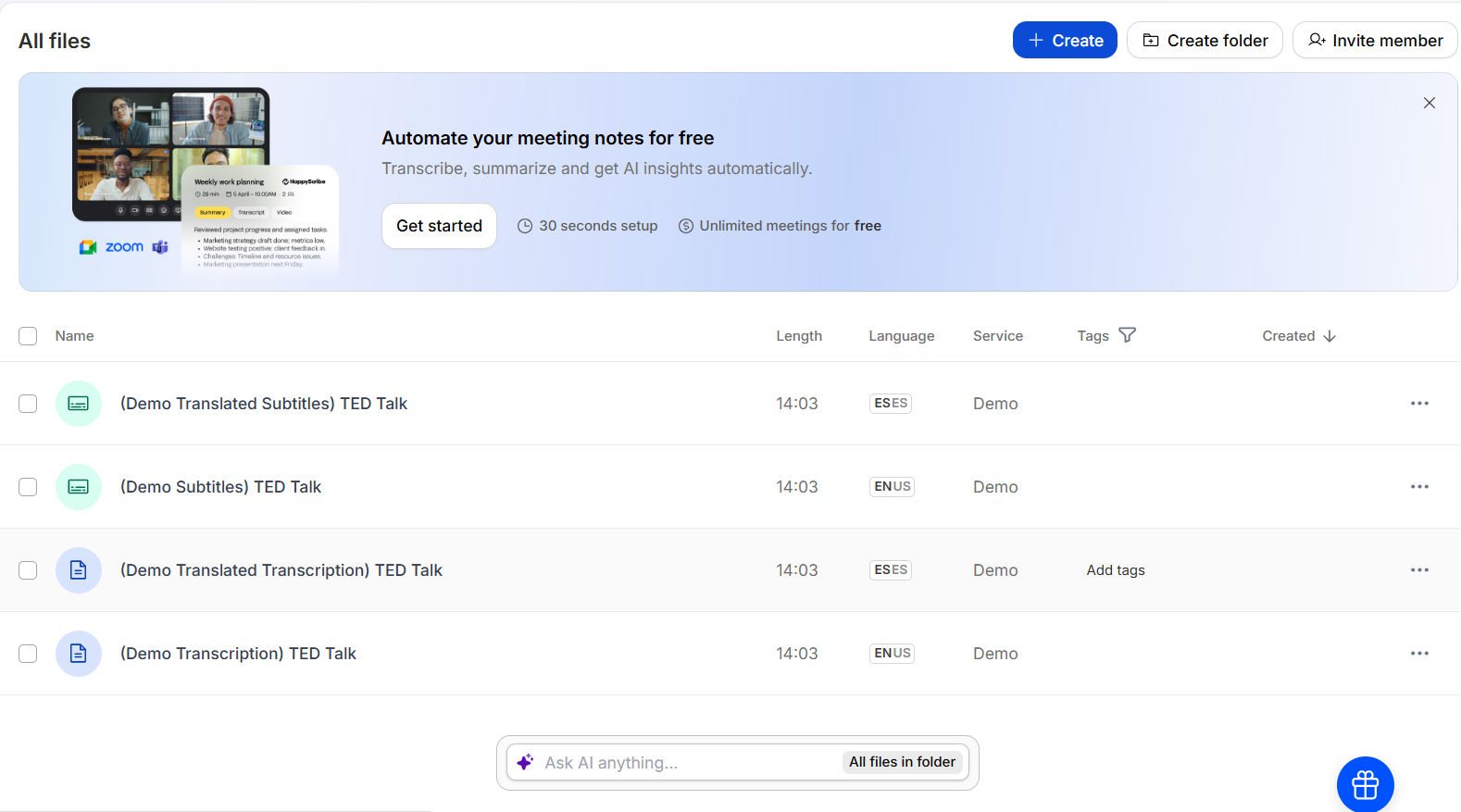
Happy Scribe is a free AI caption generator designed for content creators, marketers, educators, and business teams, using advanced speech recognition to automatically generate subtitles.
Key Features:

- Automatic transcription and subtitle generation with around 80% accuracy.
- Optional human transcription service with up to 99% accuracy.
- The platform supports over 120 languages and dialects.
- Subtitle styling options, including font, size, color, background, and position.
- The free plan allows up to 5 files per month and offers watermark-free exports.
- Users can import videos from their computers, Google Drive, Dropbox, or YouTube, with support for 60+ video formats.
3. Canva
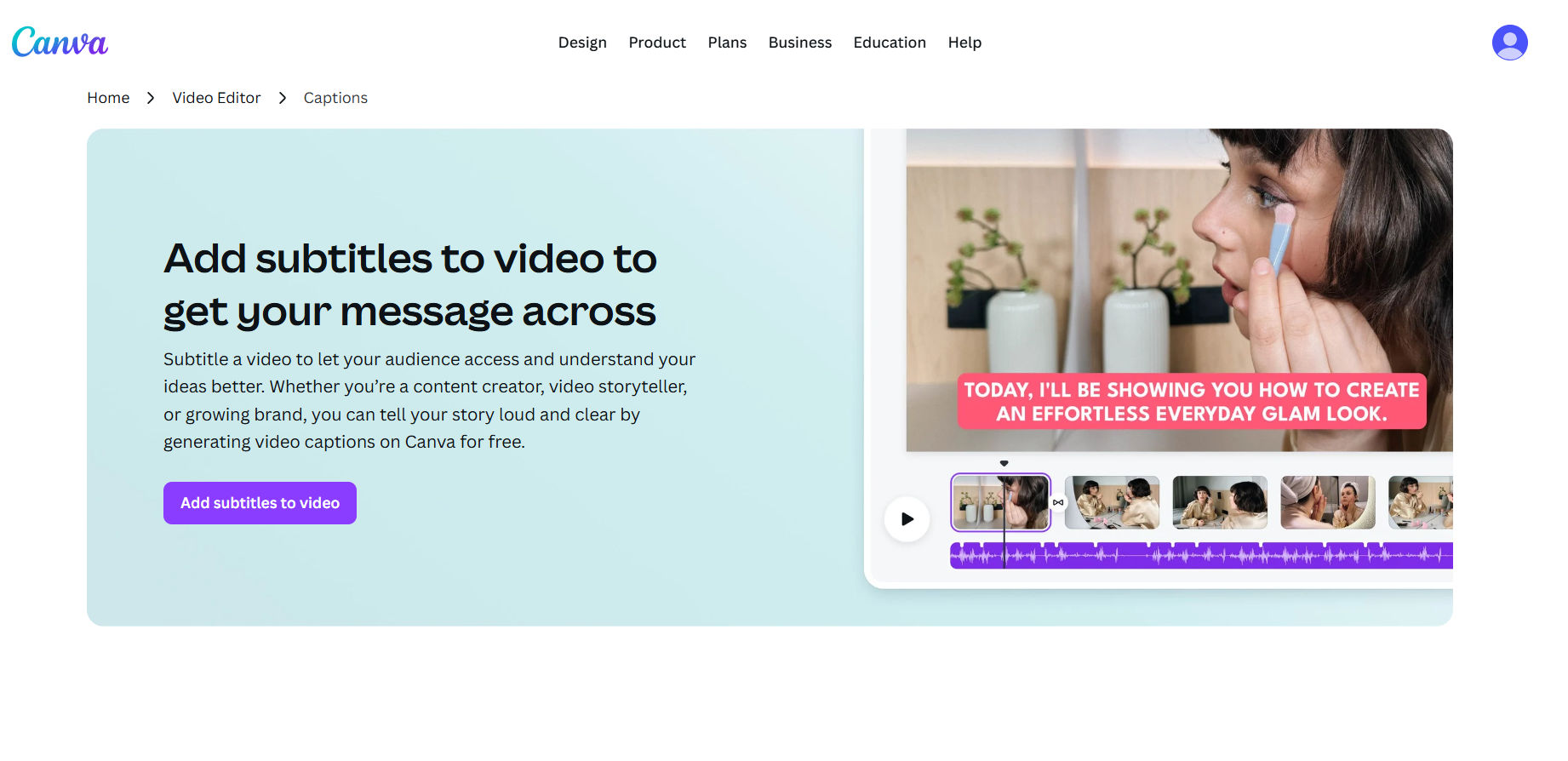
Canva’s subtitle generator lets users produce polished, brand-consistent captions directly within the design editor. After uploading a video, the platform automatically converts audio into editable subtitles that can be customized with branded fonts, colors, and animations.
Key Features:
- Enhance videos with GIFs, stickers, icons, and brand elements for a consistent visual identity.
- Edit videos easily using Canva’s drag-and-drop editor, with no design experience required.
- Design subtitles your way with complete control over colors, fonts, size, and alignment.
- Add glow effects, text animations, and highlighted words or phrases for emphasis.
4. Headliner
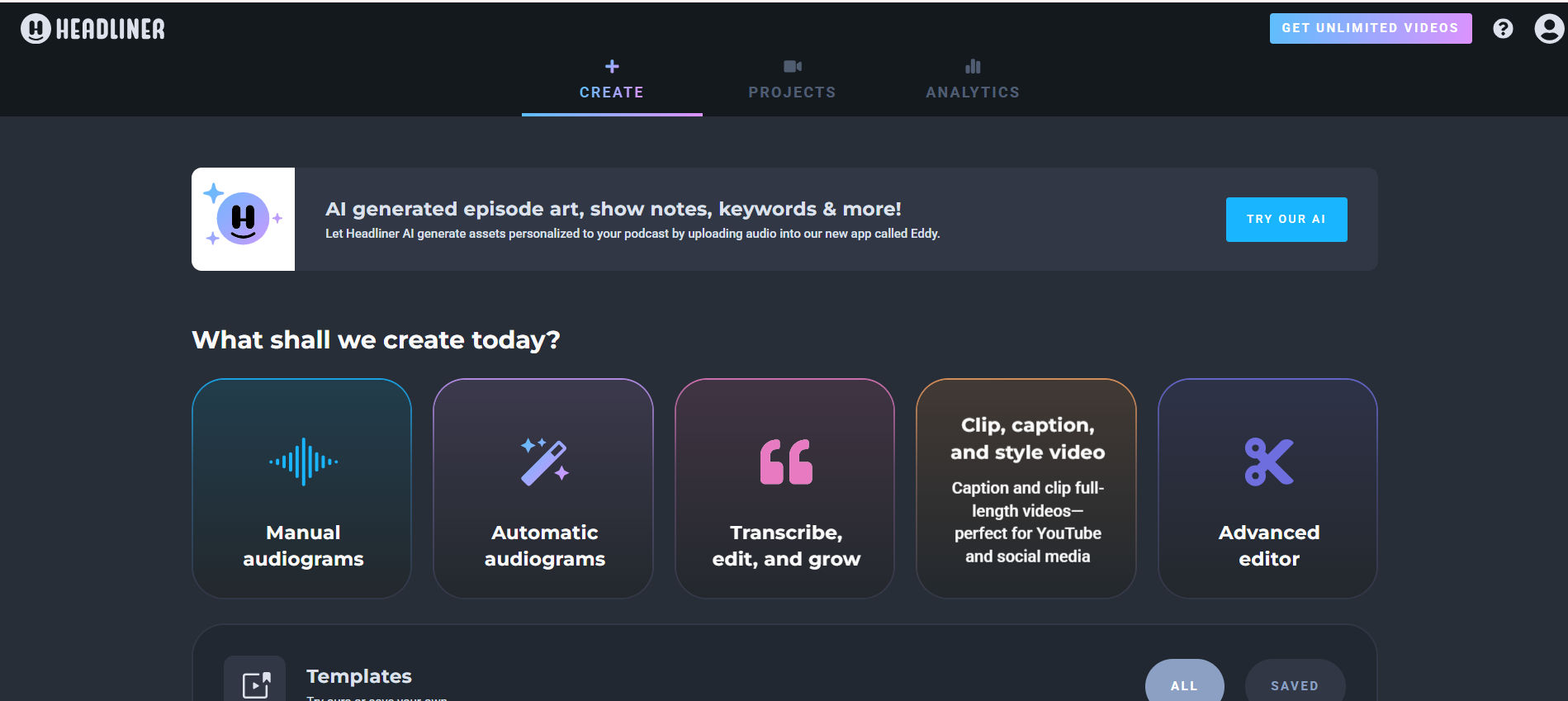
Headliner is a podcast-focused content creation platform designed to help creators turn audio into engaging, shareable visuals. It enables users to convert podcast episodes into video formats such as audiograms, waveforms, and full-length videos.
Key Features:
- Automatically publish exported videos to social platforms, such as YouTube, by connecting an RSS feed.
- Text animation tools with a wide selection of fonts, including custom font options.
- Create eye-catching animated text to enhance video visuals.
- Rich media inserts, including images, GIFs, and music.
- Easy integration of multiple media types to make content more engaging and visually dynamic.
Also Read: 7 Best 3D Text Generator AI Tools for Stunning Typography
5. Rev
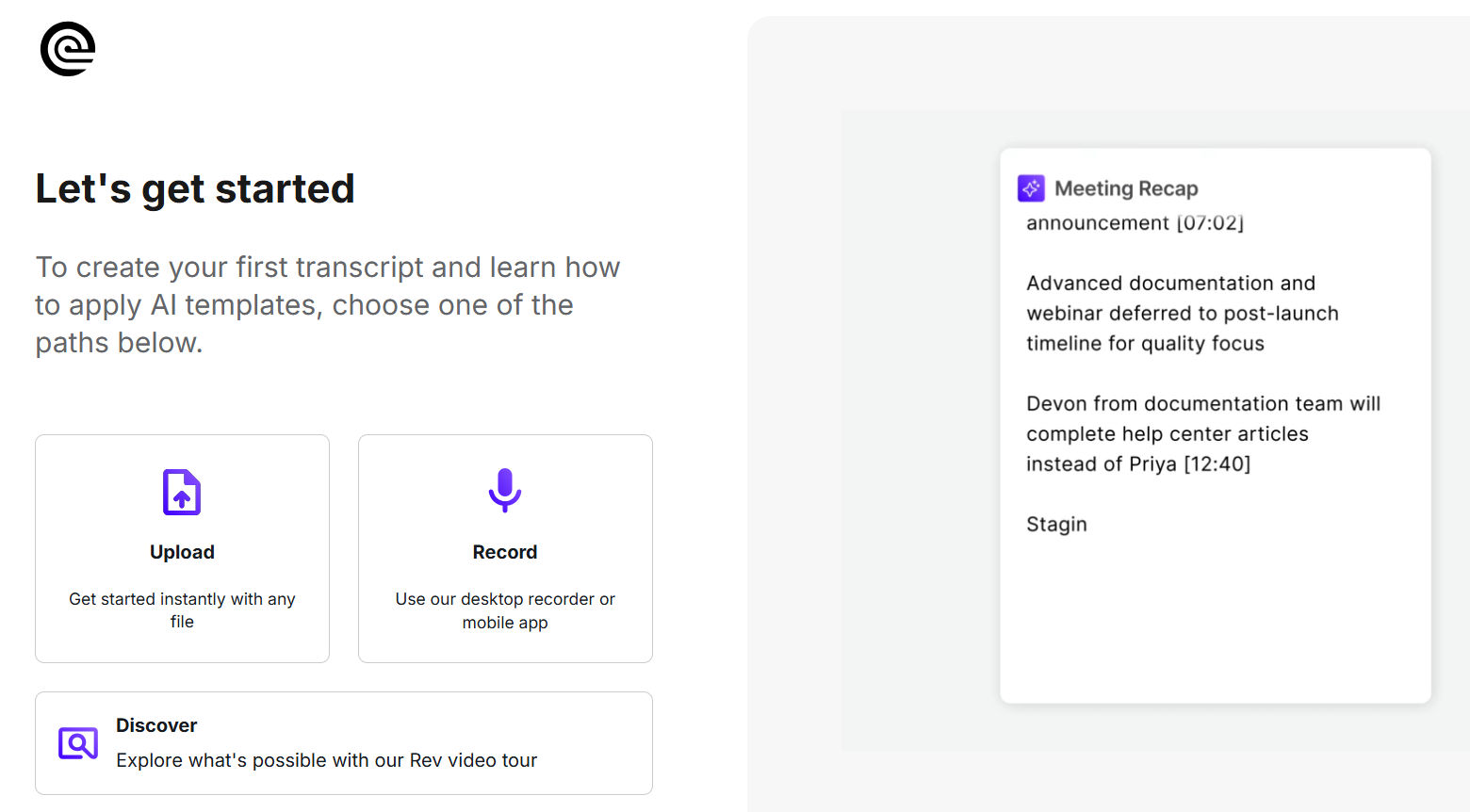
Rev.com is a transcription and captioning AI subtitle tool online that allows users to accurately convert audio and video files into written text. Its user-friendly interface makes it easy to upload files and start transcription or subtitle projects quickly.
Key Features:
- High-accuracy captions, with up to 99% accuracy.
- Supports file uploads and direct link imports (YouTube links not supported).
- The profanity dictionary includes approximately 600 profane words and phrases, any detected terms are automatically masked with asterisks.
- The JSON transcription output provides word-level timestamps, indicating exactly when each word is spoken.
- Automatic punctuation for cleaner transcripts.
Also Read: 7 Best AI Image Generator Options Without Restrictions for Free
6. Descript
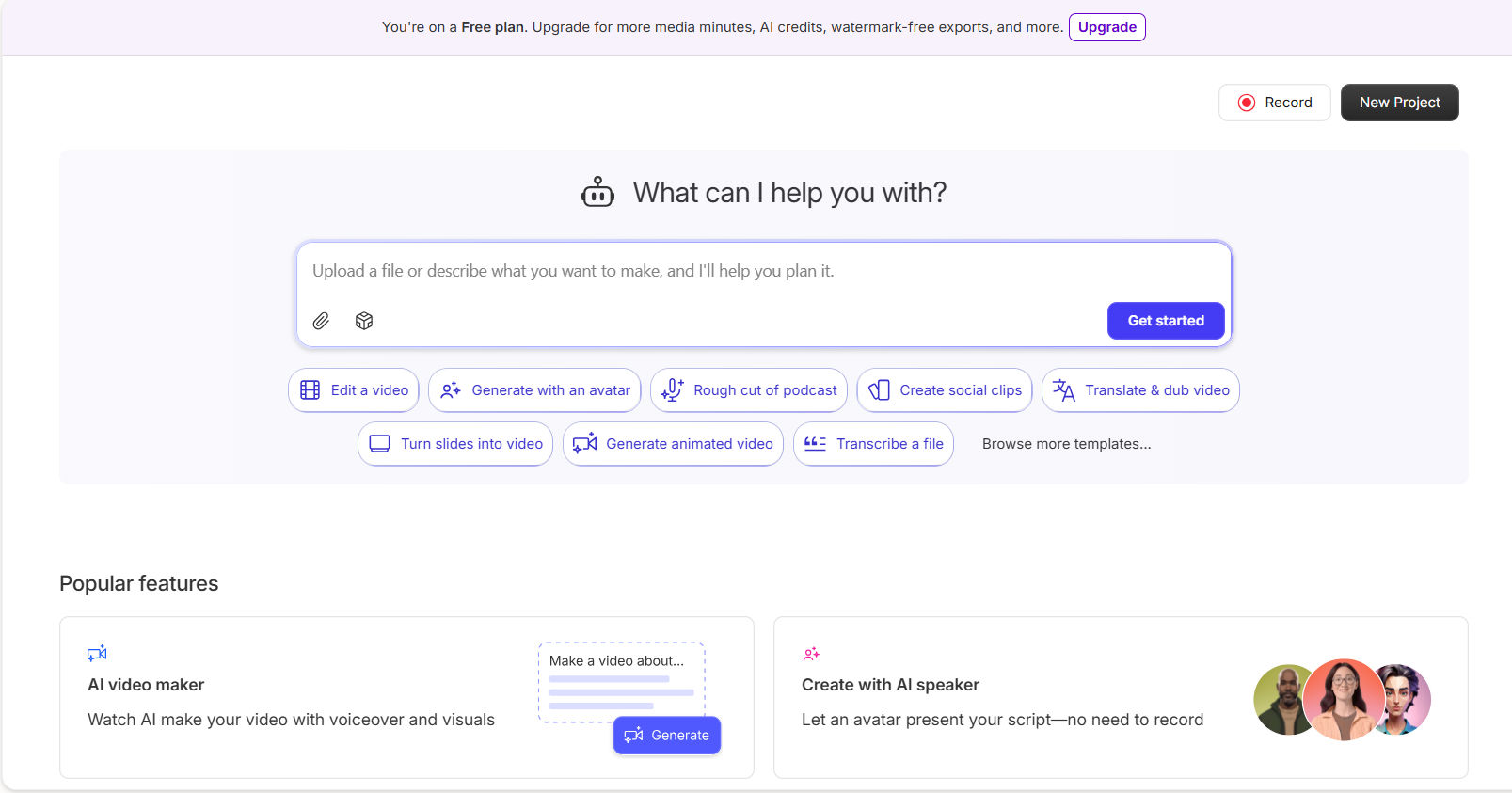
Descript is an all-in-one podcast and video editing platform that includes transcription, screen recording, social clip templates, overdub voice tools, studio-quality sound enhancement, filler word removal, eye contact correction, and subtitle and caption generation.
Key Features:
- Desktop-based video and audio editing software (requires installation).
- Text-based editing to correct transcription errors.
- Caption insertion available through built-in quick actions.
- Customizable caption styles, including font, size, color, and layout.
- Automatic transcription generated after uploading a video project.
- Transcriptions are available in 22 languages, with automatic speaker detection.
7. Kapwing
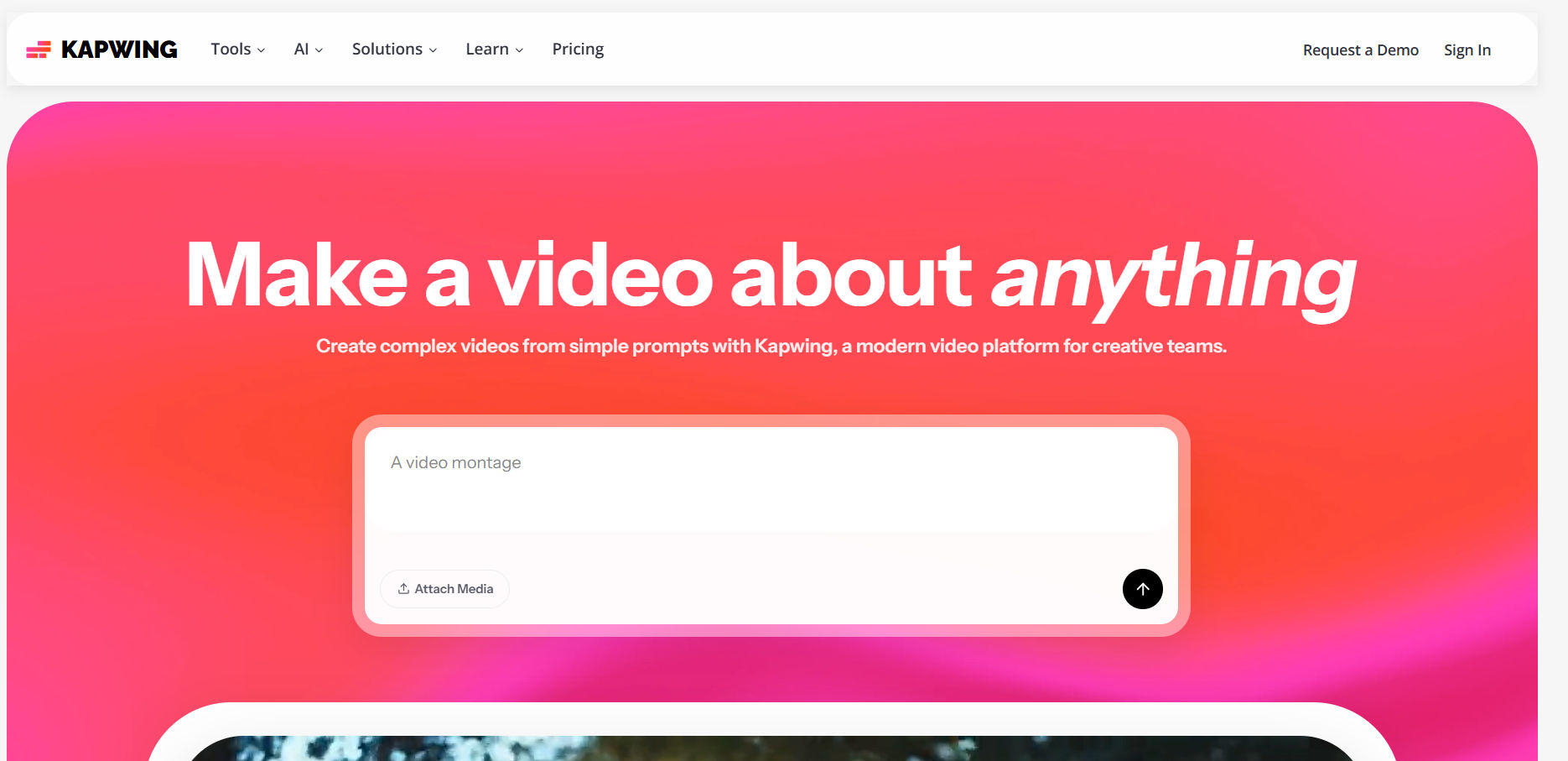
Kapwing is a video creation platform built to help teams create, edit, and publish content more efficiently. It offers a wide range of AI-powered tools, including auto-subtitle generation, text-to-speech, silence and background noise removal.
Key Features:
- Delivers highly accurate, word-by-word subtitles and editable transcripts in seconds.
- Translate subtitles into over 60 languages.
- Free exports available in 480p and 720p resolution with a watermark.
- “Show Safe Zones” feature for YouTube Shorts, TikTok, and Instagram Reels.
- Customizable caption styles, including font, size, color, background, animations, and transitions.
- Automatically sync subtitles to video timing.
Also Read: AI in Programmatic Advertising to Unlock Precision and Personalization
What’s More to Elevate the Best AI Subtitle Generator?
AI subtitle generators do more than improve accessibility, they also play a key role in strengthening a video’s visual identity. By delivering accurate, well-styled captions, they help you maintain brand consistency and create more engaging content across platforms.
Moreover, to elevate the overall look of your content, you can enhance the subtitles with a premium font collection from StringLabs Creative. Those fonts ensure every caption appears professional, consistent, and aligned with the brand’s character in all platforms.