
10 Best Sampling Method Stable Diffusion for Superior Results
Today, mastering the art of image generation with Stable Diffusion needs more than creative prompts and good taste. Using the best sampling method Stable Diffusion can dramatically reduce trial-and-error cycles and speed up your creative workflow. Let’s explore which sampling methods are worth using.
Key Takeaways:
- Choosing the best sampling method Stable Diffusion reduces trial and error while improving speed, consistency, and image quality.
- Different samplers excel at different goals, from fast exploration and batch production to photorealism and stylized illustration.
- Step count and scheduler choice matter as much as the sampler itself for achieving stable, high-quality results.
Stable Diffusion Best Sampling Method: 10 Examples
As AI image generation continues to grow, the following sampling methods have become increasingly popular among Stable Diffusion users.
1. DPM++ 2M Karras
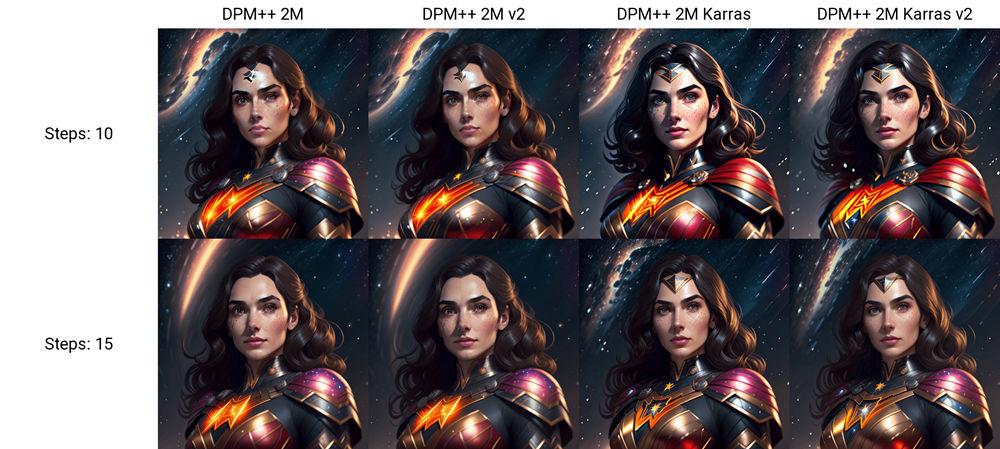
As one of the best sampling method Stable Diffusion options on this list, DPM++ 2M Karras is widely used in professional workflows for its strong detail and efficient render times. The Karras scheduler manages noise effectively, delivering high-quality results in just 20 to 30 steps.
- Best for: Photorealistic portraits, luxury product renders, detailed landscapes
- Optimal steps: 20–30 for balanced quality and speed
Also Read: Top 7 AI Brainstorming Tools That Help Teams Work Smarter
2. Euler A (Ancestral Euler)
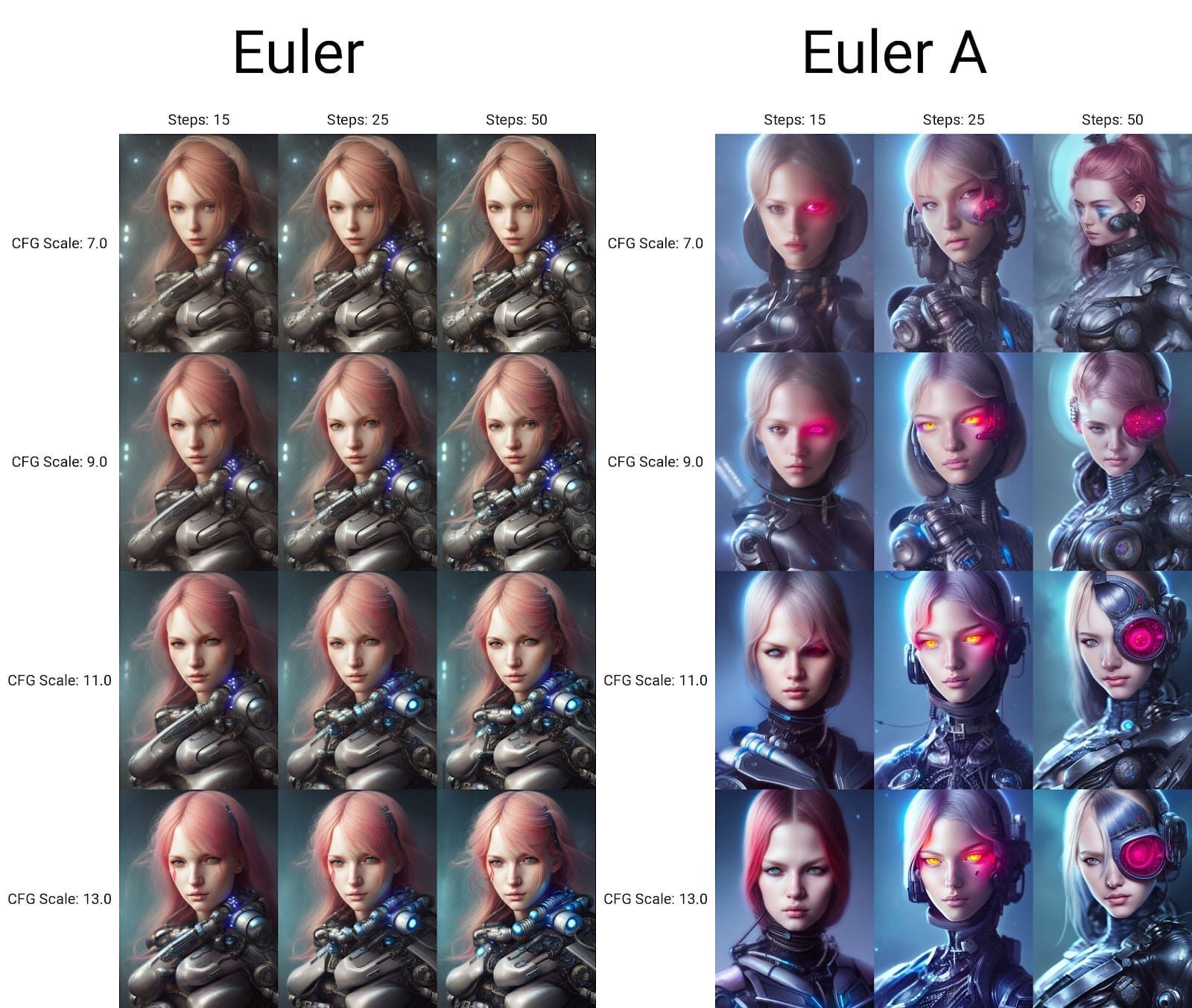
Euler A focuses on speed while keeping the visual quality, making it ideal for fast iteration and exploration. Not to mention, the ancestral variant adds randomness to each generation. Therefore, the same prompt can produce different results.
- Best for: Quick conceptual exploration, brainstorming sessions, multiple variations
- Optimal steps: 10–20 for exploration; 30+ for refined work
3. DDIM
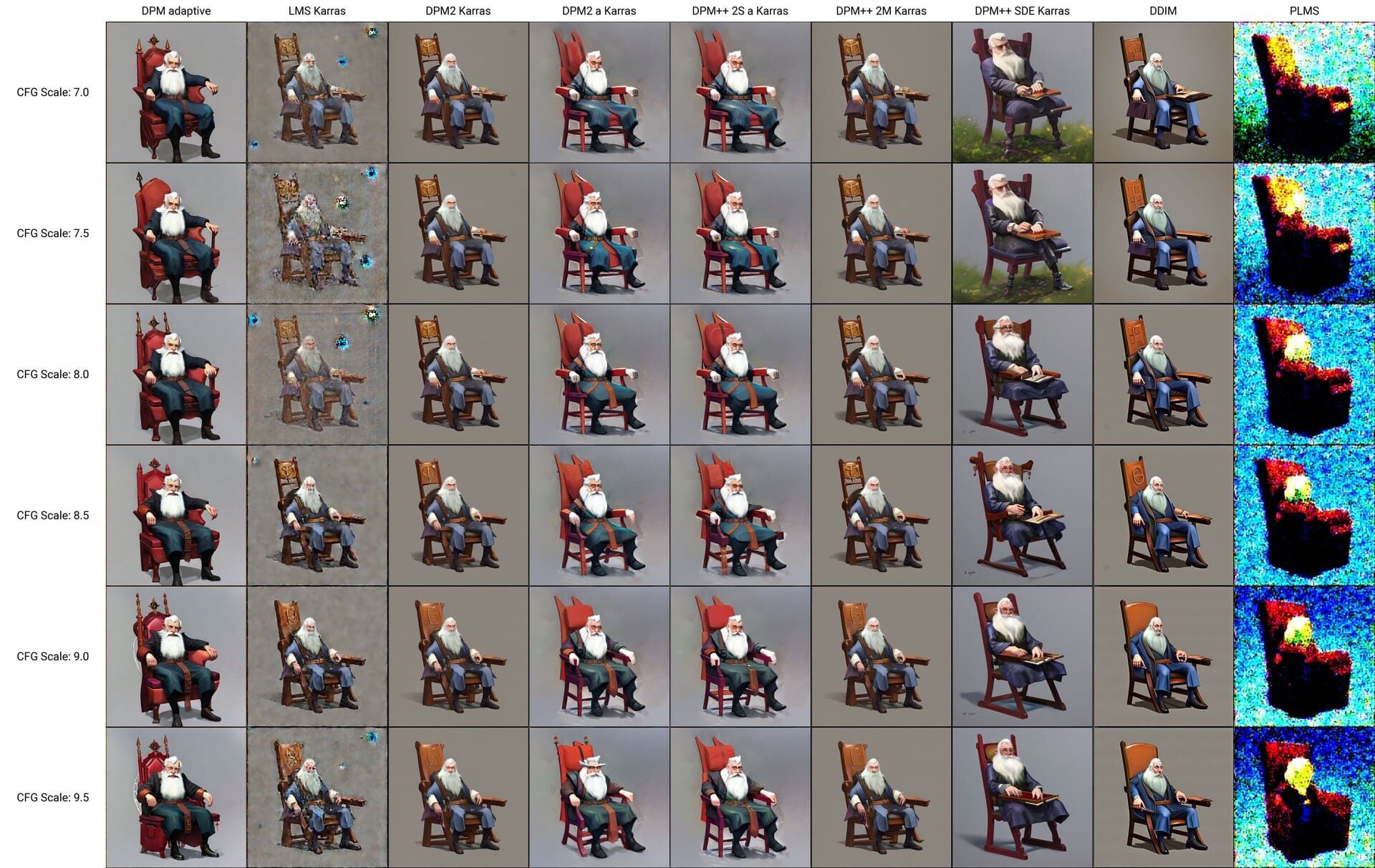
Among the best sampler Stable Diffusion for beginners, DDIM offers a strong balance between speed and image quality. It delivers clean results in as few as 8 to 10 steps and fits smoothly into most workflows, making it a reliable choice for tight deadlines.
- Best for: Fast workflows, graphic design, web graphics, social media content
- Optimal steps: 10–15 for rapid production; 20–30 for increased detail
4. UniPC
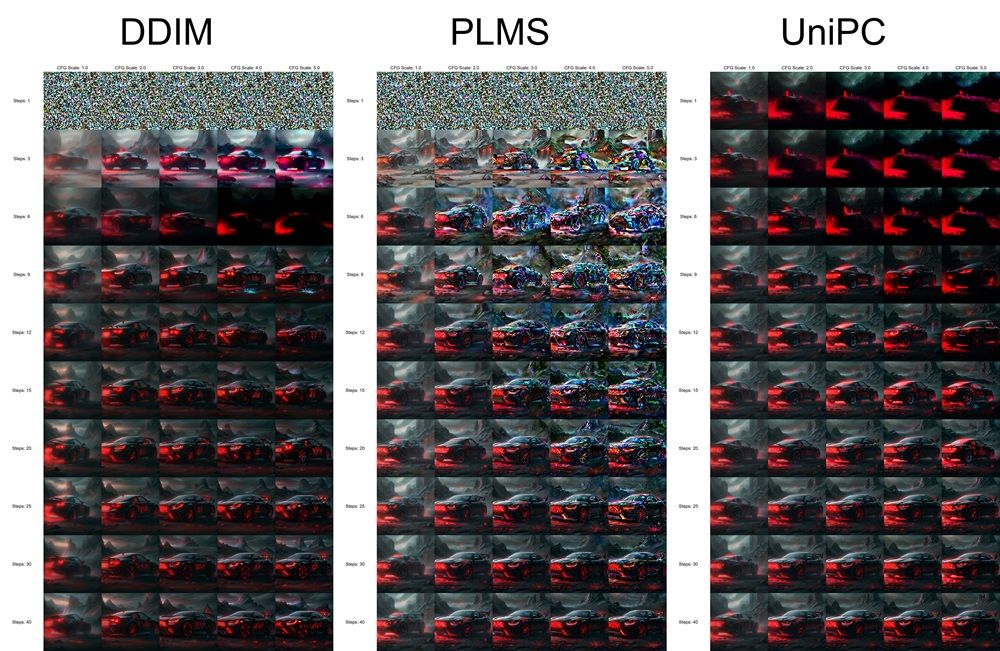
Compared to other examples, UniPC introduces a faster way to sample images without losing quality. It can produce similar results to DPM++ 2M Karras while using far fewer steps, often cutting a 30-step process down to 15 or 20 steps.

- Best for: High-volume production, batch processing, rapid prototyping
- Optimal steps: 15–25 for professional-grade quality
5. Euler
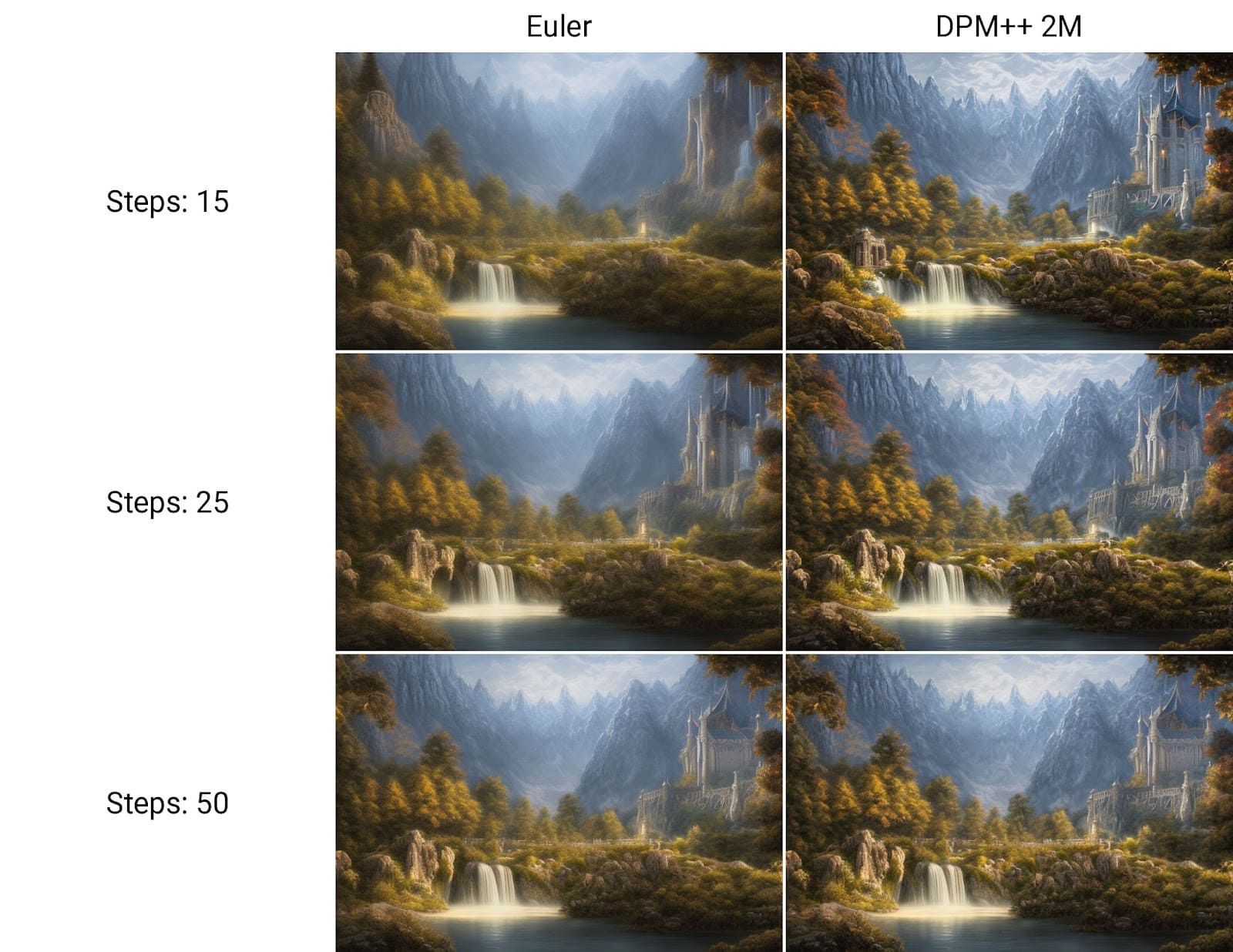
Standard Euler generates consistent and repeatable results, so you can recreate the same image by using the same seed. This reliability helps with iterative refinement, client reviews, and production work where consistency matters more than variation.
Keep in mind that although Euler handles many use cases well, it needs higher step counts, around 25 to 30, to achieve optimal quality.
- Best for: Client work, final renders, reproducible outputs
- Optimal steps: 20–30 for consistent quality
Also Read: AI Art Generator Tips: 7 Ways to Create Stunning Visuals
6. DPM++ SDE Karras
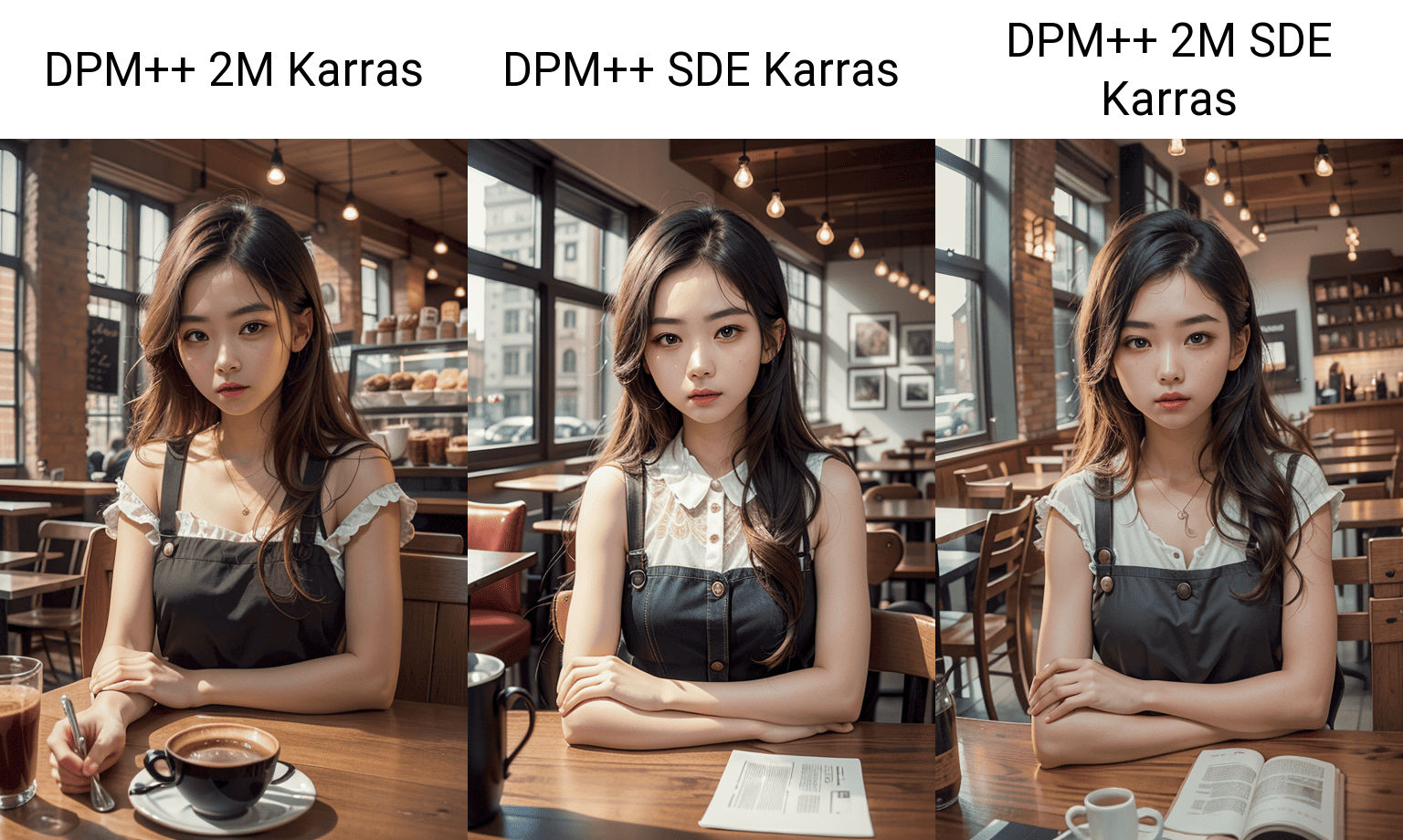
When working, DPM++ SDE Karras follows prompt instructions with high accuracy and strong consistency. The stochastic differential equation method adds realistic texture and depth that other samplers often miss.
Hence, this best sampling method Stable Diffusion works especially well for photorealistic images and complex scenes with many objects or detailed backgrounds.
- Best for: High-detail photorealism, complex scenes, maximum prompt adherence
- Optimal steps: 15–25 for optimal results
7. Heun
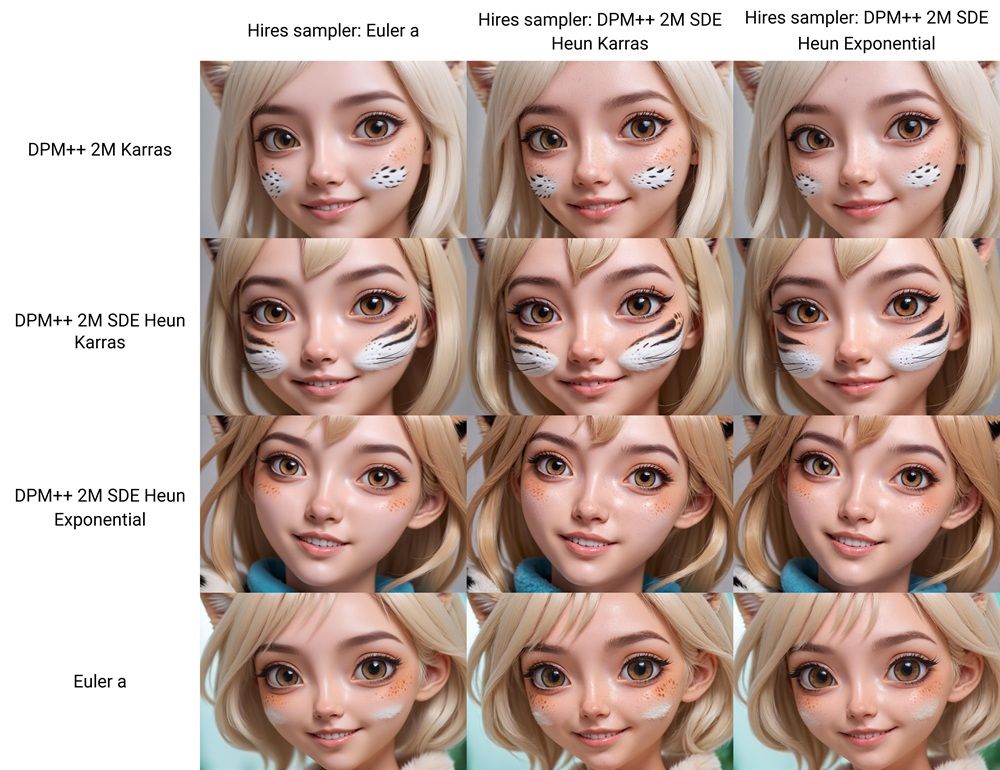
Listed among the best sampler Stable Diffusion, Heun enhances denoising accuracy through higher-order numerical methods. With Heun, artists can produce better results when working with complex compositions or specific artistic styles.
- Best for: Complex compositions, detailed character art, specialized styles
- Optimal steps: 25–40 for quality, justifying the speed cost
8. LMS Karras
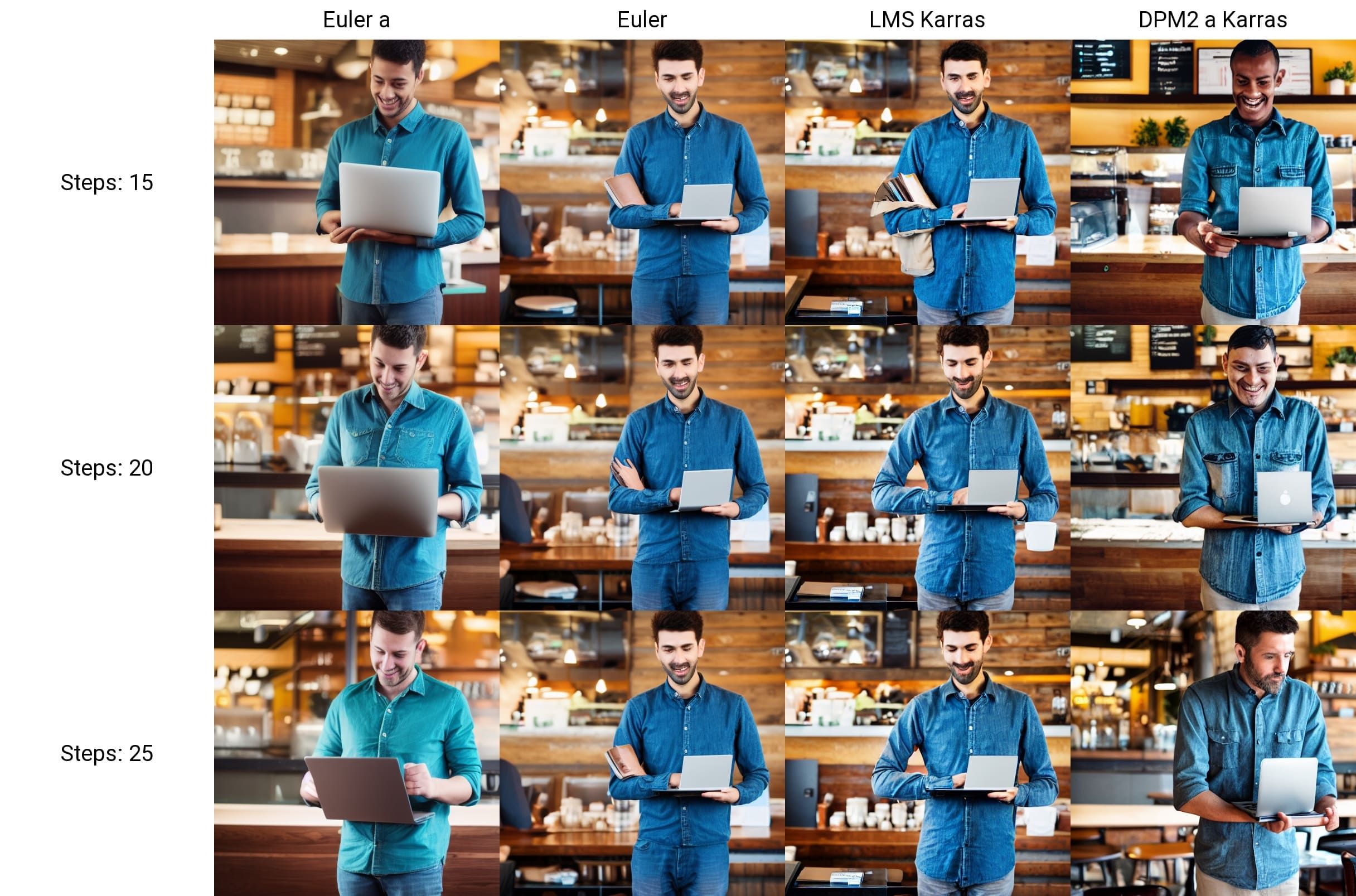
In practice, LMS Karras combines the Karras noise schedule with Linear Multistep solvers to support illustration and anime generation. It produces sharp line work and stable color, making it a strong choice for stylized art rather than photorealistic images.
Moreover, many anime artists prefer LMS Karras because it keeps the original anime look more consistently than general-purpose samplers.
- Best for: Anime art, illustration styles, detailed line work
- Optimal steps: 20–30 for optimal sharpness and fidelity
Also Read: 7 Tools of AI for Product Design for Automated Lifecycle
9. DPM2 A Karras
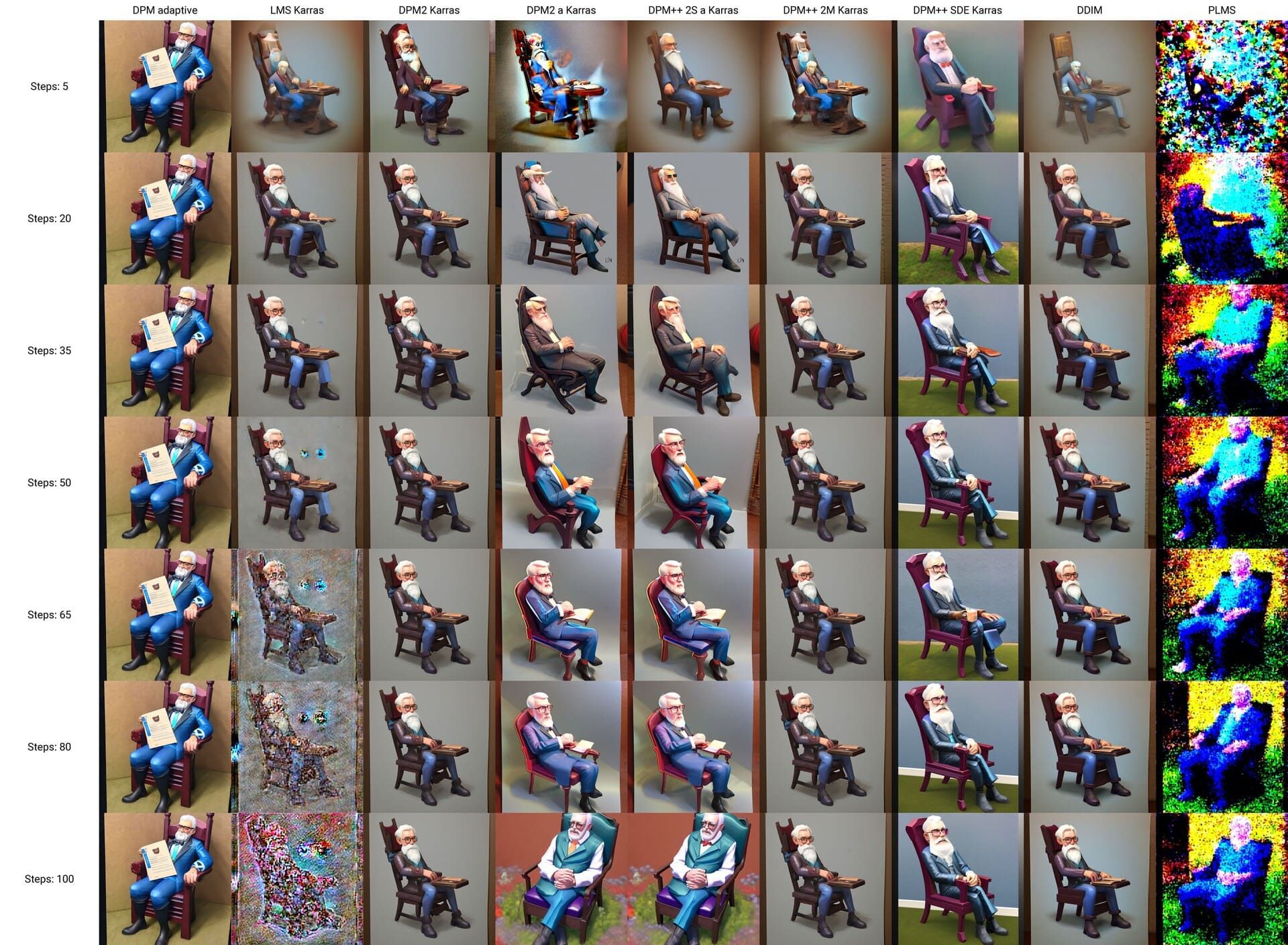
DPM2 A Karras is a second-order sampler that focuses on accuracy over speed by delivering consistent results whether you use a low step count or push beyond 50 steps. Such reliability makes it a strong choice for users who want stable and predictable image generation across different settings.
- Best for: Experiments with varying step counts, consistent quality across parameters
- Optimal steps: 15-25 with comparable quality to 30+ step runs on first-order solvers
10. PLMS
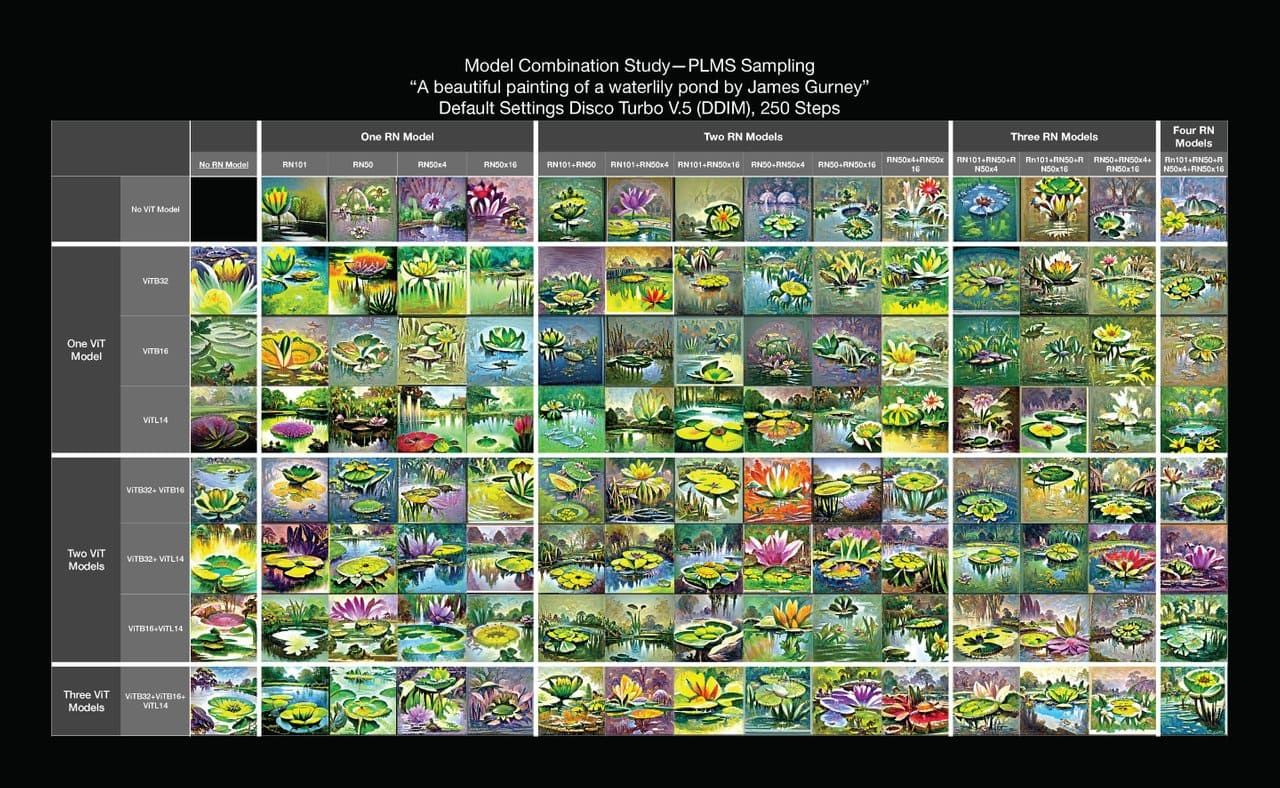
As the final entry among the best sampling method Stable Diffusion options in this article, PLMS focuses on faster sampling while maintaining solid image quality. It performs best when paired with the Karras scheduler, which helps create smoother transitions between diffusion steps.
- Best for: Branding graphics, editorial work, general illustration
- Optimal steps: 20–30 for balanced results
Also Read: 8 AI Signature Design Tools for a Professional Signature
Picking the Right Fonts for Keeping Visuals Mesmerizing
In the end, choosing the right option among the best sampling method Stable Diffusion helps artists produce images with stronger detail, cleaner composition, and more consistent results. Understanding how each sampler behaves gives designers greater control over style, mood, and overall image quality.
That said, even the best sampling methods cannot fully carry a visual without thoughtful typography. Strong font choices play a critical role in turning AI-generated images into polished, real-world design assets.
Custom fonts from StringLabs Creative help bridge that gap, making visuals feel more intentional, professional, and ready for branding or commercial use.