
Flux vs Stable Diffusion: 8 Key Differences for AI Artists
AI image generation opens creative doors, but not all tools work the same beneath the surface. When comparing Flux vs Stable Diffusion, understanding what each brings to your workflow can enhance both your productivity and imagination.
Key takeaways:
- Flux focuses on speed, prompt accuracy, and visual consistency.
- Stable Diffusion offers deeper customization and broader style diversity.
- Hardware needs differ between the two platforms.
Flux vs Stable Diffusion: 8 Key Differences
In the ongoing discussion of Flux vs Stable Diffusion differences, both tools offer strong but different advantages. Flux focuses on efficiency and prompt accuracy. Stable Diffusion prioritizes realism and customization. These differences affect how creators approach various visual projects
1. Image Quality & Realism
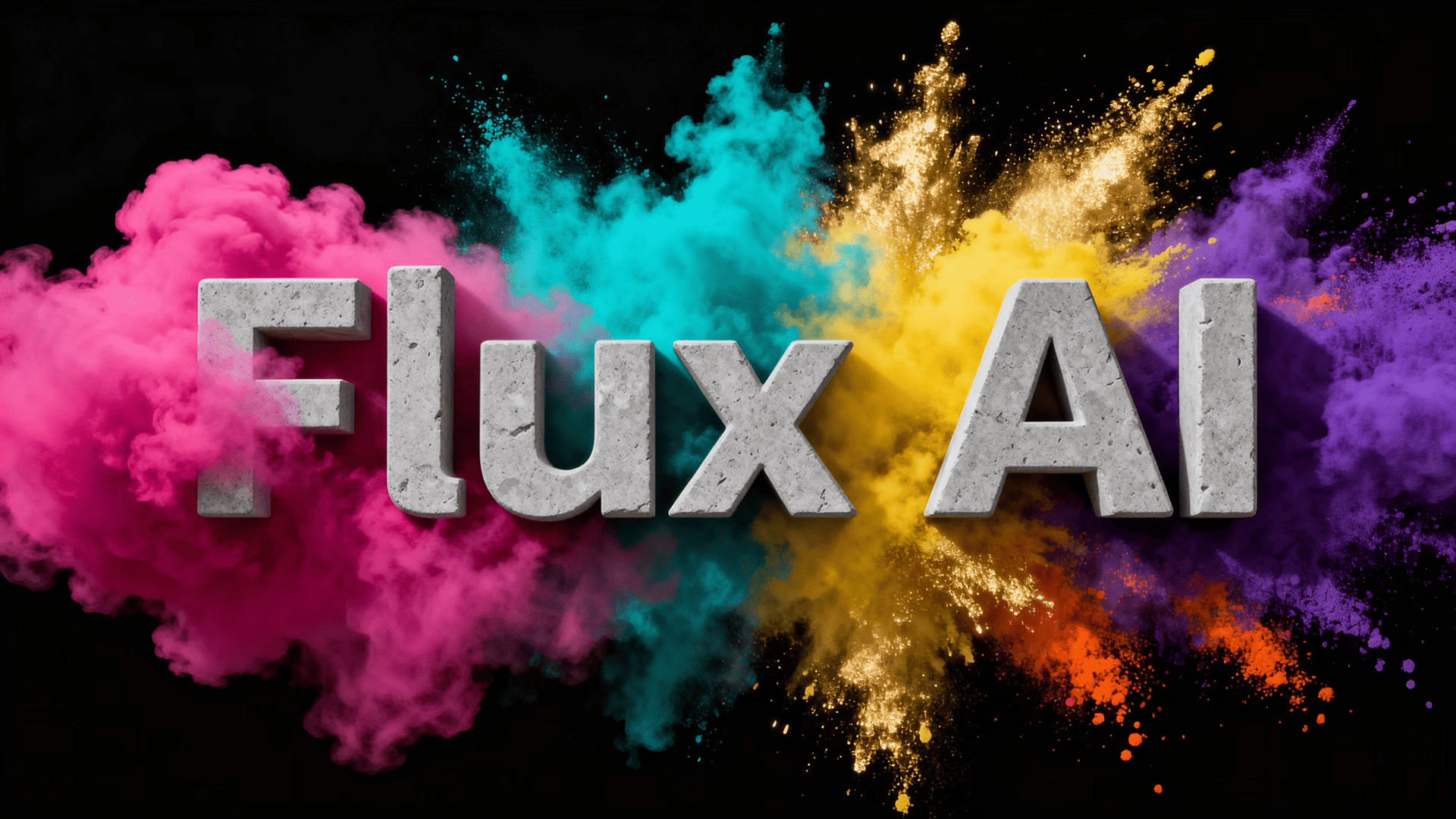
Flux produces high-resolution images with clean composition and sharp details. Facial features, clothing textures, and lighting appear refined, even in complex scenes. The model also reduces visual noise, which helps maintain a professional finish.
Stable Diffusion is well-known for its realistic textures and atmospheric lighting. Newer versions handle surface depth and shadows more convincingly. While some details may appear softer, the overall realism remains strong.
Also Read: 10 Best Sampling Method Stable Diffusion for Superior Results
2. Prompt Adherence & Control
Flux follows detailed prompts with strong accuracy and clarity. It understands object placement, descriptive language, and visual hierarchy well. This allows artists to get closer to their intended vision without excessive prompt tweaking or repeated generations.
Stable Diffusion also responds well to prompts, but results can vary between generations. Small wording changes may affect composition or style. In the broader Flux vs Stable Diffusion comparison, Flux generally feels more predictable when precise control is needed.

3. Processing Speed
Flux is optimized for faster generation by reducing processing steps. This allows artists to preview ideas quickly during brainstorming or concept development. Faster turnaround helps maintain creative momentum without long waiting times.
Stable Diffusion generally requires longer rendering times, depending on the user’s hardware and output resolution. Detailed prompts and complex scenes increase generation time. In the Flux vs Stable Diffusion discussion, speed is clearly an area where Flux has the advantage.
4. Visual Style Exploration
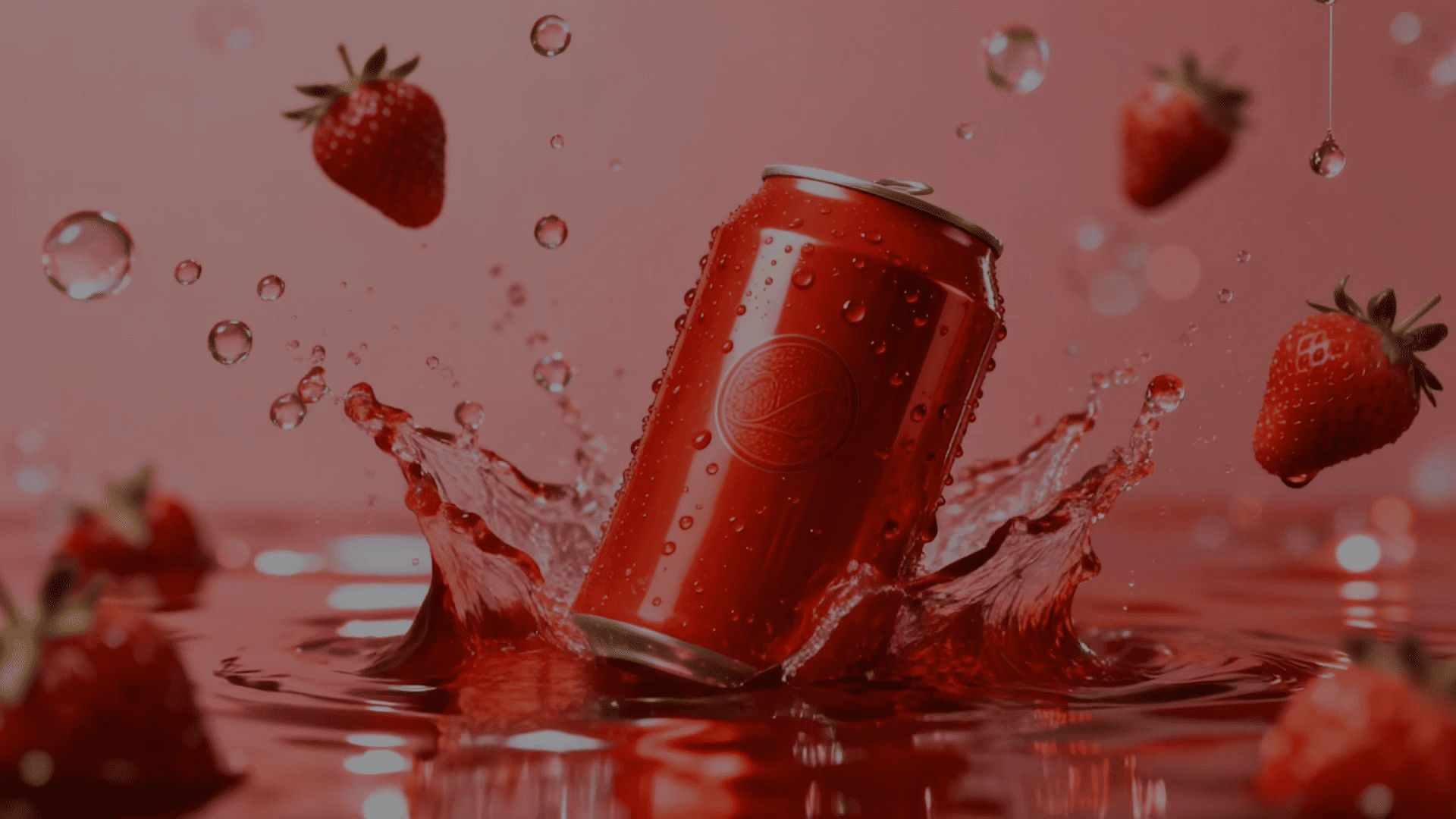
In the visual style aspect, Flux can handle both subtle aesthetic changes and bold creative shifts while keeping outputs visually cohesive. Particularly useful for projects that require a unified look, such as branding campaigns or storyboard sequences.

Stable Diffusion offers extensive stylistic freedom due to its large ecosystem of custom checkpoints, LoRAs, and fine-tuned models. Artists can experiment with artistic directions, from surreal concepts to genre-specific visuals, without being limited to a single aesthetic.
Also Read: MidJourney vs FLUX: Which AI Image Tool Is Better?
5. Anatomy & Character Consistency
Flux performs well with human figures, producing natural body proportions and consistent feature placement. Interactions between characters and surrounding objects also appear more structurally coherent, great for narrative-driven and character-focused artwork.
Stable Diffusion has improved significantly in anatomical accuracy, especially in newer releases. However, complex elements like hands, overlapping figures, or dynamic poses can still present challenges, often requiring additional prompt refinement or multiple iterations.
6. Workflow Flexibility
Stable Diffusion excels in customization due to its open-source foundation. Users can work with interfaces like ComfyUI or AUTOMATIC1111, apply extensions, and fine-tune models for specialized needs. This makes it a strong choice for technically inclined artists and developers.
Flux offers a streamlined workflow with API access, browser-based tools, and compatibility with platforms such as Replicate. Its setup emphasizes ease of use, allowing creators to focus more on idea development rather than technical configuration.
Also Read: Top 7 AI Brainstorming Tools That Help Teams Work Smarter
7. Hardware Requirements
High-quality Flux models can demand significant computing power, particularly when operating at maximum fidelity. Strong GPUs with sufficient VRAM are often recommended, although lighter versions exist for more modest systems.
Stable Diffusion scales more smoothly across different hardware levels. While advanced models benefit from powerful GPUs, many versions can run on mid-range systems, making the platform more accessible for experimentation and local deployment.
8. Output Diversity
Flux tends to generate visually consistent results when using similar prompts. While variations are possible, the model usually stays within a defined aesthetic range, which is helpful for maintaining visual identity in professional projects.
Stable Diffusion produces a wider range of visual outcomes from the same prompt. This variability encourages creative exploration but may require extra selection and refinement when consistent branding or visual unity is needed.
Flux vs Stable Diffusion Pros and Cons
Flux and Stable Diffusion each offer unique strengths and trade-offs, depending on your creative needs, technical skills, and hardware setup. Here’s a pros and cons to highlight how each platform performs.
Flux
Pros:
- Commercial-use friendly licensing
- Strong prompt adherence to complex concepts
- Consistent style
Cons:
- High hardware requirements
- Needs a premium version for full access
- Outputs can feel overly literal
Stable Diffusion
Pros:
- Large open-source ecosystem
- Runs on modest hardware
- Wide stylistic diversity
Cons:
- Slower processing and weaker native prompt control
- Complex enterprise licensing
- Occasional anatomy artifacts
Also Read: Kling AI vs RunwayML: From Prompt Control to Final Visual Output
Flux vs Stable Diffusion: Which One Fits Your Creative Vision?
Choosing between Flux and Stable Diffusion can facilitate your workflow, style preferences, and technical needs. Both platforms offer powerful image generation capabilities, helping artists create everything from concept art to branding visuals with greater speed and creative freedom.
While selecting the right AI tool improves visual quality, memorable design elements still matter. To make your branding assets more polished and commercial-ready, pairing AI visuals with our exceptional typefaces can enhance consistency, aesthetics, and overall professional appeal. Visit StringLabs Creative and boost your visual identity!
Comments are closed.