
MidJourney vs FLUX: Which AI Image Tool Is Better?
Choosing the right AI image generator can feel like picking a favorite coffee order. In the MidJourney vs FLUX debate, both tools offer powerful visuals, but each shines in different creative situations depending on your style and project goals. Let’s take notes!
Key Takeaways:
- Both AI tools offer two separate strengths: artistic style versus realistic precision.
- Understanding the core differences helps creators match tools with their visual goals and production needs.
- MidJourney works best for expressive, cinematic visuals, while FLUX suits realistic and commercial-focused outputs.
MidJourney vs Flux: The Comparisons
MidJourney and Flux are two powerful AI image generators with different creative priorities. In short, MidJourney focuses on artistic expression, while Flux emphasizes realistic output. This comparison highlights more key MidJourney vs Flux differences to help you choose the right tool for your next projects.
1. Image Character
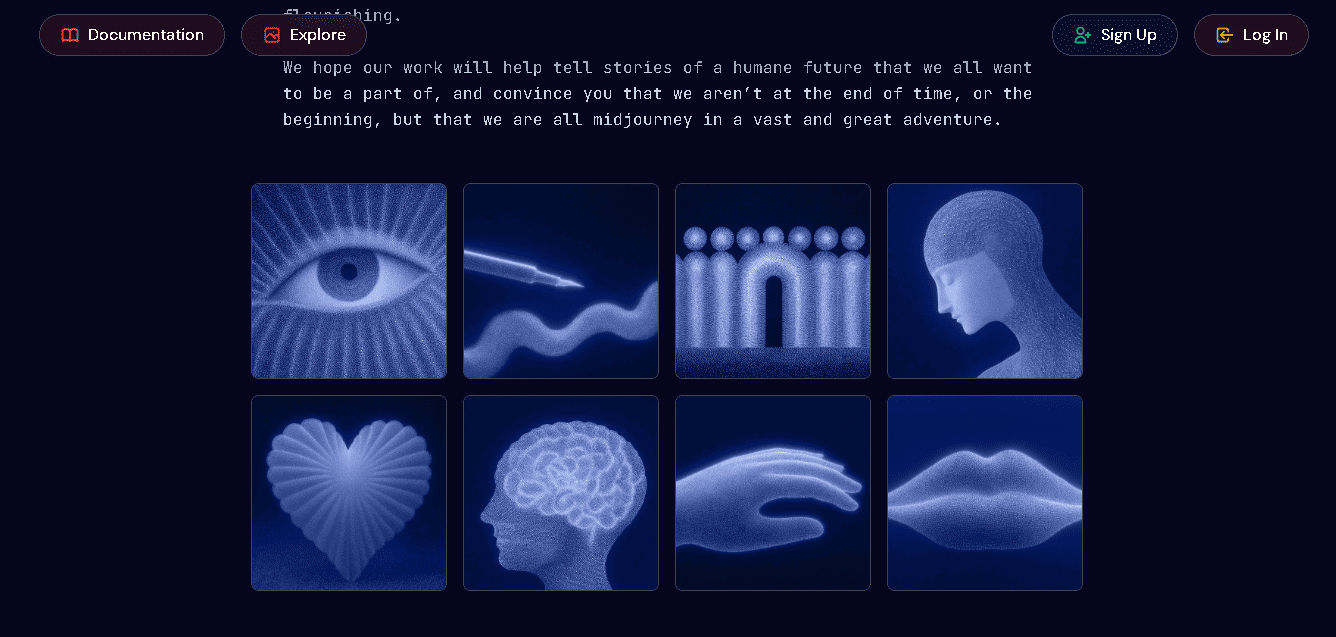
MidJourney produces images with a cinematic, painterly look. Even realistic prompts often feel imaginative and stylized. This makes it ideal for fantasy scenes, storytelling visuals, and artistic concepts that rely on mood rather than literal accuracy.
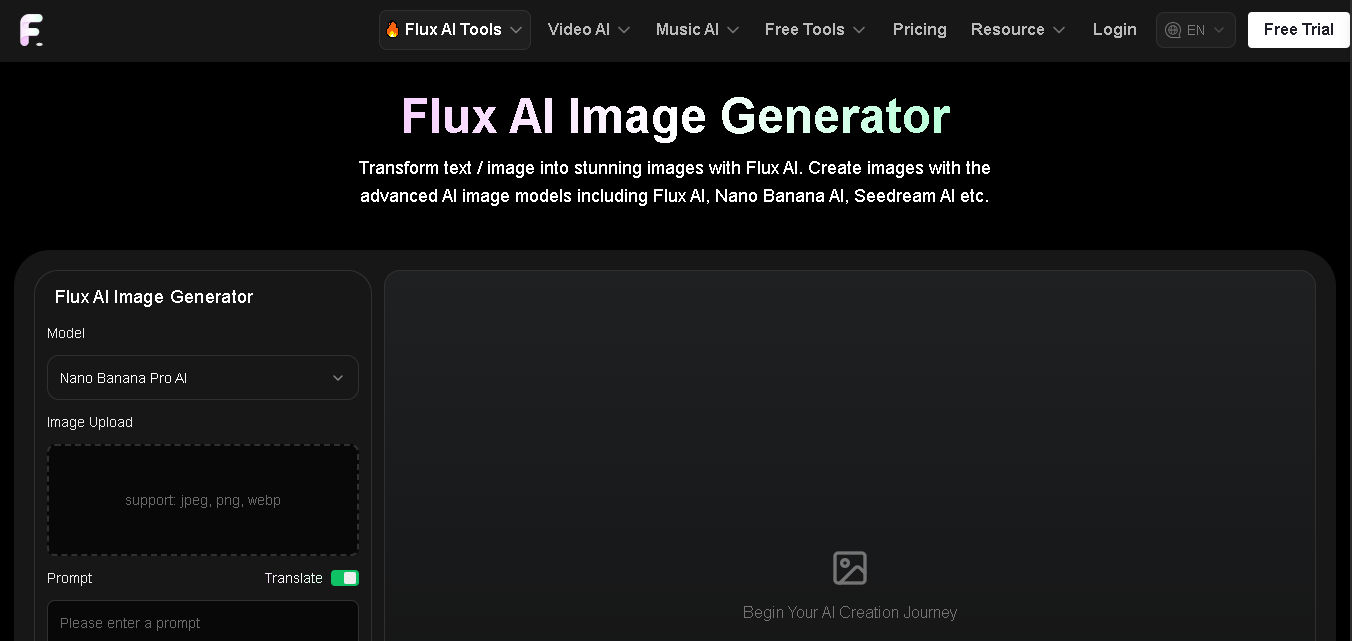
On the other hand, Flux generates neutral, photo-like images with minimal stylization. The outputs resemble everyday smartphone photography. This makes Flux better for straightforward visual interpretations that prioritize realism over artistic flair.
Also Read: Leonardo AI vs MidJourney: A Practical Comparison
2. Detail and Realism
Flux excels in photorealistic detail, especially in textures, lighting, and human anatomy. The images feel clean and accurate, with fewer visual artifacts. This makes Flux suitable for product shots, editorial visuals, and realistic marketing content.
MidJourney also delivers great detail, but with a cinematic touch. Its realism feels more artistic than documentary. Fantasy and dramatic scenes benefit from this style, even if strict accuracy is slightly reduced.

3. Prompt Freedom
In the MidJourney vs Flux comparison, prompt control is a major difference. Flux supports complex, multi-part prompts with strong accuracy. Users can control composition, angles, materials, and aspect ratios easily. Native resolutions can reach up to 4MP, making it suitable for production-level creative workflows.
In contrast, MidJourney offers creative freedom through stylization controls, like remix and stylize. However, its signature aesthetic always influences the result. Literal control is more limited, but the outputs often feel more expressive.
4. Use Cases
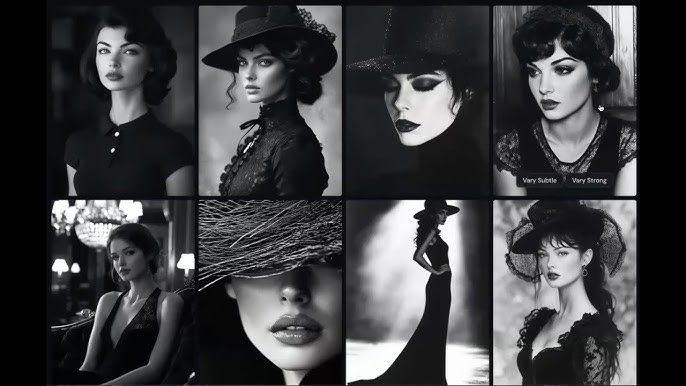
MidJourney is well-suited for illustration and concept art. Its imaginative visuals support fantasy themes and storytelling projects. Artists often prefer it for expressive designs that rely on atmosphere and visual drama.

As for Flux, it works better for graphic design and social media content. Its realistic outputs fit product visuals, branding materials, and promotional posts. Commercial teams benefit from its clean, editable results.
Also Read: 20+ Midjourney Art Style Prompts To Elevate Your Design
5. Pricing and Accessibility
MidJourney operates on a subscription model through Discord. Plans start at around $10 per month, with higher tiers offering faster generation and unlimited usage. Full access requires a paid account.
Meanwhile, Flux provides free open-source options on platforms like Hugging Face. Pro plans are more affordable, and advanced users can run it locally. This makes Flux appealing for budget-conscious professionals.
6. Generation Speed
Flux generates images very quickly, often within seconds at full resolution. This supports fast testing and rapid iteration. High-volume creative workflows benefit most from this speed advantage.
By contrast, MidJourney takes longer to render images. However, the results often feel more layered and detailed. For artistic projects, the extra time can be well worth it.
7. Ease of Use
When comparing MidJourney vs Flux, usability depends on the user’s experience level. Flux offers simple web-based interfaces that are easy for beginners. Prompt behavior is predictable, making learning faster. However, advanced setups can feel technical and require extra configuration.
On the other hand, MidJourney works through a Discord bot that is quick to use. Basic commands are simple, but advanced features require practice. Community guides help users learn faster.
8. Editing Capabilities
Flux supports precise iterative editing with higher native resolutions. Users can refine images, adjust details, and integrate text more effectively. This makes it suitable for professional production pipelines.
MidJourney allows remixing, inpainting, and upscaling. However, edits often generate new jobs instead of continuing workflows. Thus, it works best for fast creative experimentation.
Also Read: Top 20+ Midjourney Logo Prompts You Must Try
MidJourney vs Flux Pros and Cons
Now, let’s highlight how each tool serves different creative needs. While one prioritizes artistic expression, the other focuses on realism and technical precision for commercial and production-focused projects.
MidJourney
Pros:
- Strong cinematic and artistic visuals for concept art and stylized branding
- Creative freedom through stylization, remix, and community inspiration
- Faster iteration enabled by Turbo mode
Cons:
- Steep learning curve due to its Discord-based interface and prompt structure
- Limited native editing without external tools
- No free tier and inconsistent photorealism for commercial use
Flux
Pros:
- Excellent photorealism and prompt accuracy for marketing visuals
- Faster generation with free, open-source access
- Strong text rendering and flexible aspect ratios
Cons:
- Less artistic and emotionally expressive
- Technical knowledge required for advanced setup
- Smaller creative community and fewer stylized presets
Also Read: 20 Examples of Midjourney Prompt to Generate Book Cover
Ready to Decide in the MidJourney vs Flux Debate?
Choosing the right AI image generator can speed up your workflow, but strong design decisions still shape the final result. If you’re wondering which is better MidJourney or Flux, the answer is in your direction, style preferences, and how you refine the visuals for professional use.
To elevate your artwork, posters, or branding content, pairing AI-generated visuals with our artistic fonts from StringLabs Creative helps create consistent, aesthetic, and market-ready designs. The right typography ensures your creative projects look polished, professional, and ready for commercial use.