
AI Art Generator Tips: 7 Ways to Create Stunning Visuals
AI art tool generators have become mainstream creative tools, with 51.8% of global influencers relying on them. However, the use of AI in art, when applied without a clear creative direction, can lead to lack of originality, and weakened artistic identity. So, what are the most effective AI art generator tips?
The key to creating compelling AI-assisted artwork lies in combining precise prompts, thoughtful visual decisions, and strong human creativity. This article presents 7 tips that may help you produce work that is more original, detailed, and visually engaging.
Key takeaway:
- Specific and descriptive prompts are the key to achieving AI-generated results that are detailed, accurate, and not generic.
- Leveraging 2025 visual trends such as bold minimalism, metallic textures, 3D elements, and pixel art helps make artworks more relevant to current market preferences.
- AI is a creative partner, not a replacement for artists. The best results come from using AI as a supportive tool combined with human creativity and personal artistic touch.
Tips for Using AI Art Generators
Using an AI art generator requires more than random inputs. There are several important aspects to consider in order to achieve high-quality and visually compelling results. The following are 7 tips that will help you maximize AI tools to create more original, detailed, and engaging artwork.
1. Set Artwork Type Before Generating

Determining the type of artwork you want to create is essential before using an AI art generator. Whether it is a digital illustration, promotional poster, concept art, character design, social media content, or branding artwork.
This matters because each type has different visual requirements, composition rules, and levels of detail. Defining it early helps guide the AI to generate visuals that suit the intended function and context.
Additionally, knowing the artwork type informs choices such as canvas format, image ratio, visual style, color palette, and lighting, which are essential elements to include when writing an effective prompt.
Also Read: AI Video Generators: The Future of Efficient Video Marketing with ImagineArt

2. Use Specific and Descriptive Prompts
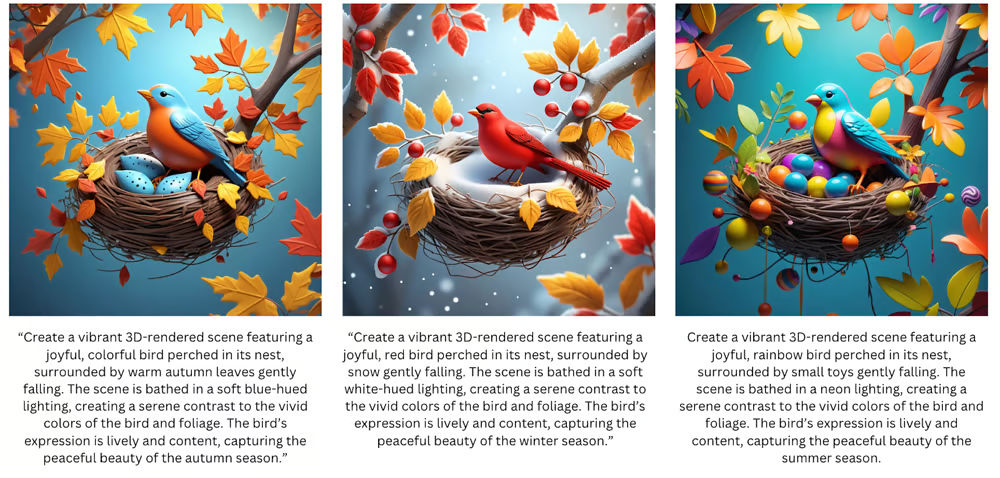
Once you have determined the type of artwork, the next step is to write a prompt for the AI generator. Tips for AI art prompts include writing complete details, which cover the subject, visual style, mood, and desired elements. The more detailed your prompt, such as the main object, background, lighting, texture, perspective, and size, the more accurate the AI-generated visual will be.
For example, if you want to create a character illustration of a knight, don’t just write a prompt like “a knight.” Instead, use a more detailed description, such as: “A female knight wearing engraved silver armor, standing on a rocky cliff at sunset, with wind blowing her red cape, warm golden lighting, semi-realistic illustration style with hand-painted texture, cinematic composition, and portrait 4:5 aspect ratio.”
Also Read: Best AI Image Generator for Line Art You Need to Try
3. Adjust Color Composition
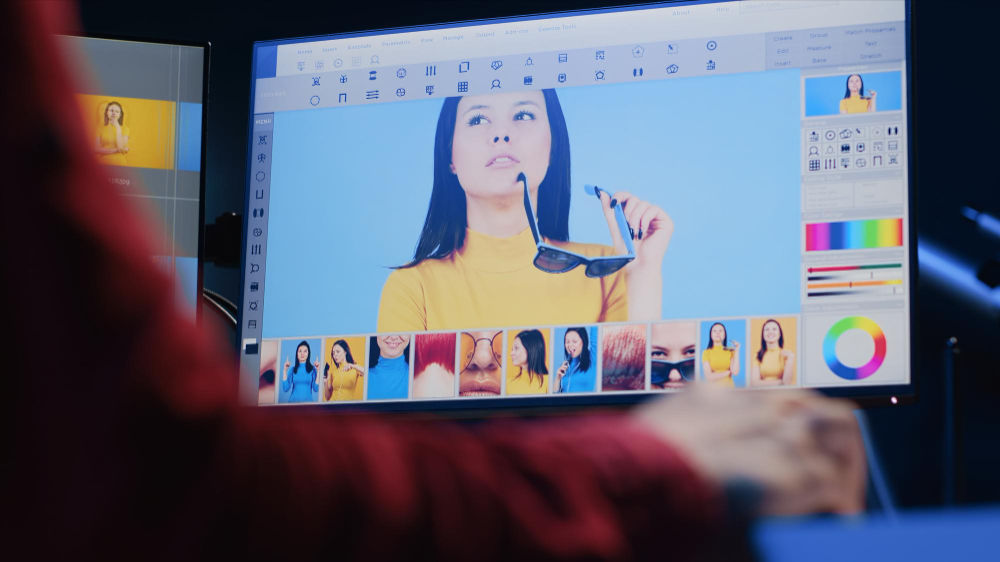
Adjusting color composition is a crucial step when using an AI art generator. It is because color greatly influences the mood, emotion, and overall visual appeal of a piece. By selecting a color palette from the start, such as warm, cool, pastel, or high-contrast, you can guide the AI. This ensures the generated visuals align with your intended concept and message.
Color composition also helps create balance and visual focus. For example, using warm colors like red and gold for the main subject and cool tones like blue or gray for the background naturally draws the viewer’s attention to the focal point without making the overall visual feel overwhelming.
4. Use Language AI Tools
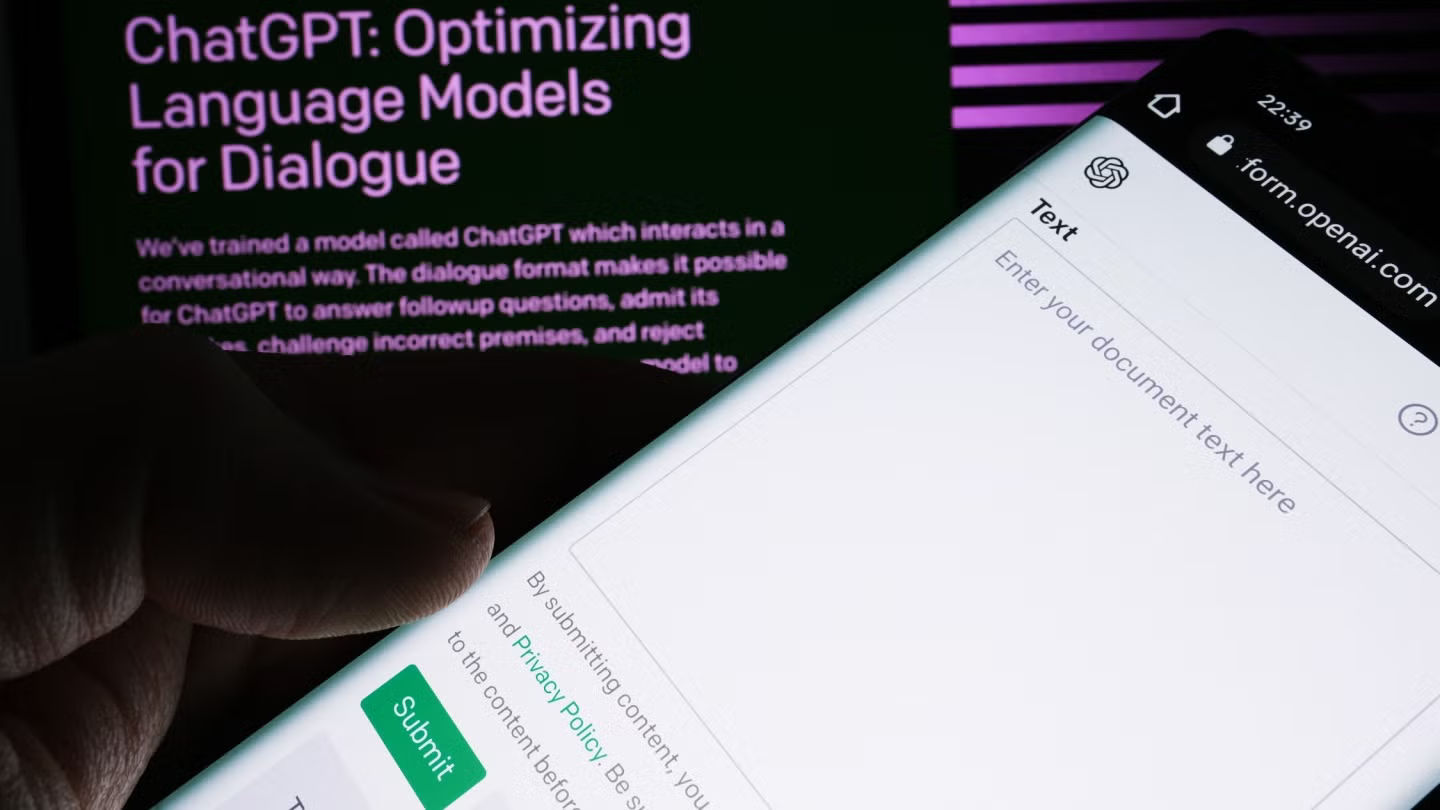
Another one of AI art generator tips is to use language AI tools. Tools like ChatGPT can help improve the quality of your prompts before using them in an AI art generator. They are useful for refining sentence structure, adding relevant visual details, and clarifying technical elements that might otherwise be overlooked.
Additionally, these tools can serve as a learning resource for writing effective prompts. By comparing your initial prompt with the refined version, you can understand language patterns that produce better visuals. This helps reduce errors, speed up the creative process, and generate more consistent AI artwork in the future.
5. Leverage Visual Styles Trending
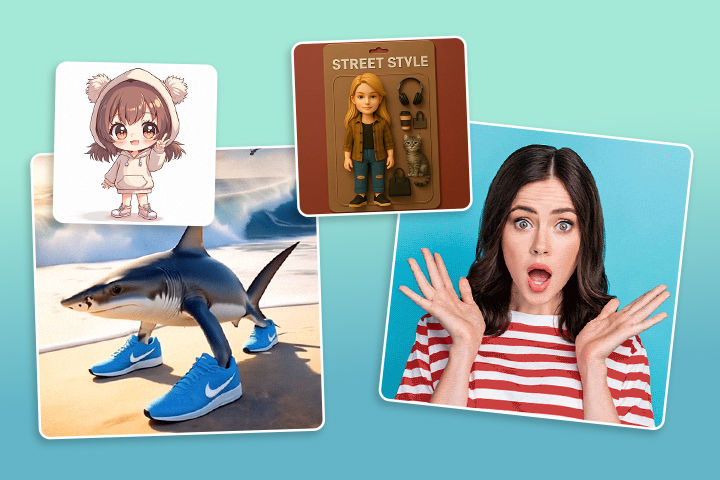
By following these tips for generating AI art, you can make your AI-generated artwork appear more relevant to today’s audience. Some of the standout visual styles today include bold minimalism, metallic textures, 3D elements, as well as pixel art and retro aesthetics.
You can choose the style that best fits your concept and integrate it into your prompt to guide the AI more effectively and produce artwork that can compete in the current market.
Also Read: 20 Funny Prompts for AI Art Generator, Let’s Get Silly!
6. Combine AI Results with Manual Touches
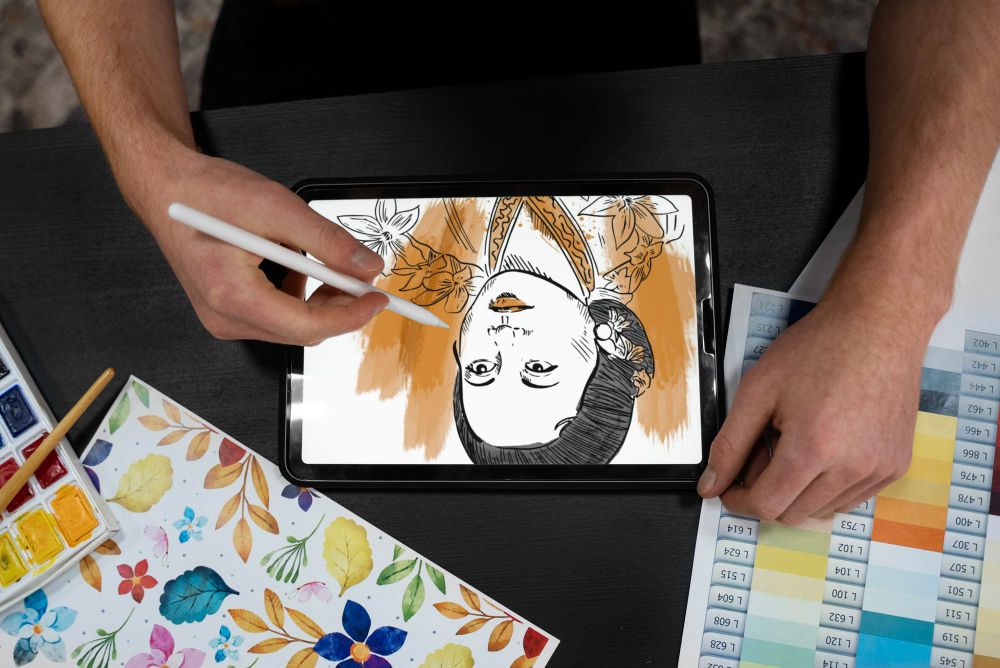
Although AI can generate visuals quickly, manual human touches are still necessary to refine the final output. Advanced editing processes, such as adjusting details, reorganizing composition, and correcting or adding elements using inpainting and outpainting techniques, require human input to make the artwork feel more vibrant and visually polished.
This approach not only helps maintain a balance between AI automation and human creativity but also ensures that each piece retains a strong personal character.
7. Respect AI Limits

AI is not always capable of producing extremely complex details, perfectly precise expressions, or visuals that fully match human imagination. Therefore, applying these AI art generator tips and setting realistic expectations from the start is essential to keep the creative process efficient and frustration-free.
Additionally, by understanding these limitations, you can optimize AI usage through gradual prompt experimentation, leveraging editing features, and applying manual touches in the final stage. So, you position AI as a supportive tool and a source of inspiration rather than a replacement for human creativity.
Also Read: 20+ Midjourney Art Style Prompts To Elevate Your Design
Elevate Your Design with Premium Fonts from StringLabs Creative
Mastering the right AI art generator tips allows creators to use AI technology effectively without losing their artistic identity. From defining artwork types, writing specific and descriptive prompts, to respecting AI limitations, each step plays a vital role in producing visuals that are more original, detailed, and captivating.
To further strengthen visual identity and enhance portfolio professionalism, using premium fonts from StringLabs Creative can be an ideal solution. StringLabs Creative offers over 550 high-quality fonts in various styles, including Display, Blackletter, Victorian, Horror, Sans Serif, Serif, Brush, and Script, designed to support visual consistency and design character across digital art platforms.
We also provide comprehensive bundle packages with flexible business licenses, as well as custom license options. This makes it a perfect solution for creators and large-scale professional projects. Explore the full collection and find the fonts that best fit your visual identity at StringLabs Creative!