
7 Tools of AI for Product Design for Automated Lifecycle
Smart Dev stated that 85% of global organizations have already integrated AI for product design in at least one of the workflows, such as prototyping or design iteration. It’s because they bring prospective values that drive innovation faster while maintaining deep relevance to modern user needs. Find the options of AI tools for each workflow in this post.
The Top-Match AI for Product Design Suits
The evolution in how AI is used in product design allows teams to compress months of research into weeks, ensuring that market-ready products are both technically feasible and ergonomically sound. Get ready to move beyond static wireframes toward dynamic, data-driven workflows with the following AI tools for product designers.
1. Galileo AI (Generative UI Ideation)
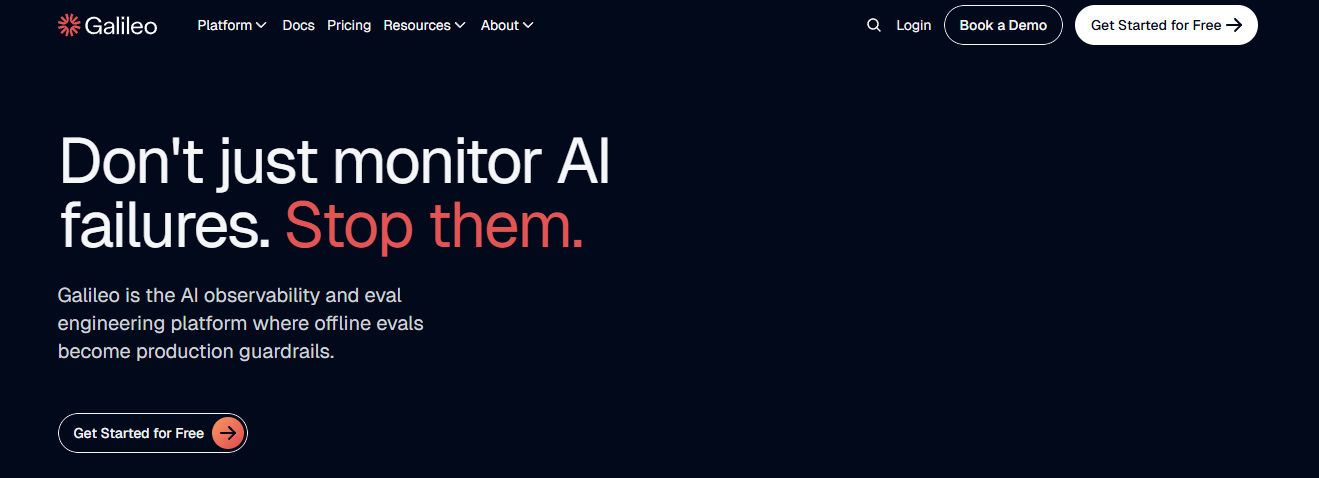
Galileo AI bridges the gap between a written brief and a visual starting point by converting natural language into high-fidelity UI mockups.
Best for: Rapidly generating thousands of interface concepts to overcome “blank canvas” syndrome during early kickoff sessions and quick prototyping phases.
Pros + essential features:
- Instant text-to-UI conversion.
- Creates editable, high-fidelity mockups.
- Allows non-designers to contribute visual ideas.
- Offers seamless Figma integration for immediate refinement of visually appealing outputs.
Drawbacks:
- Customization limitations to specific elements.
- Require extensive manual refinement.
- Lacks support for intricate interactive elements or advanced animations.
Pricing options:
- Free plans available.
- Pro plan unlocks 120 AI-generated screens monthly for $19.
Also Read: Digital Efficiency: 7 Best AI Website Builders 2025

2. Uizard (Rapid Prototype Transformation)
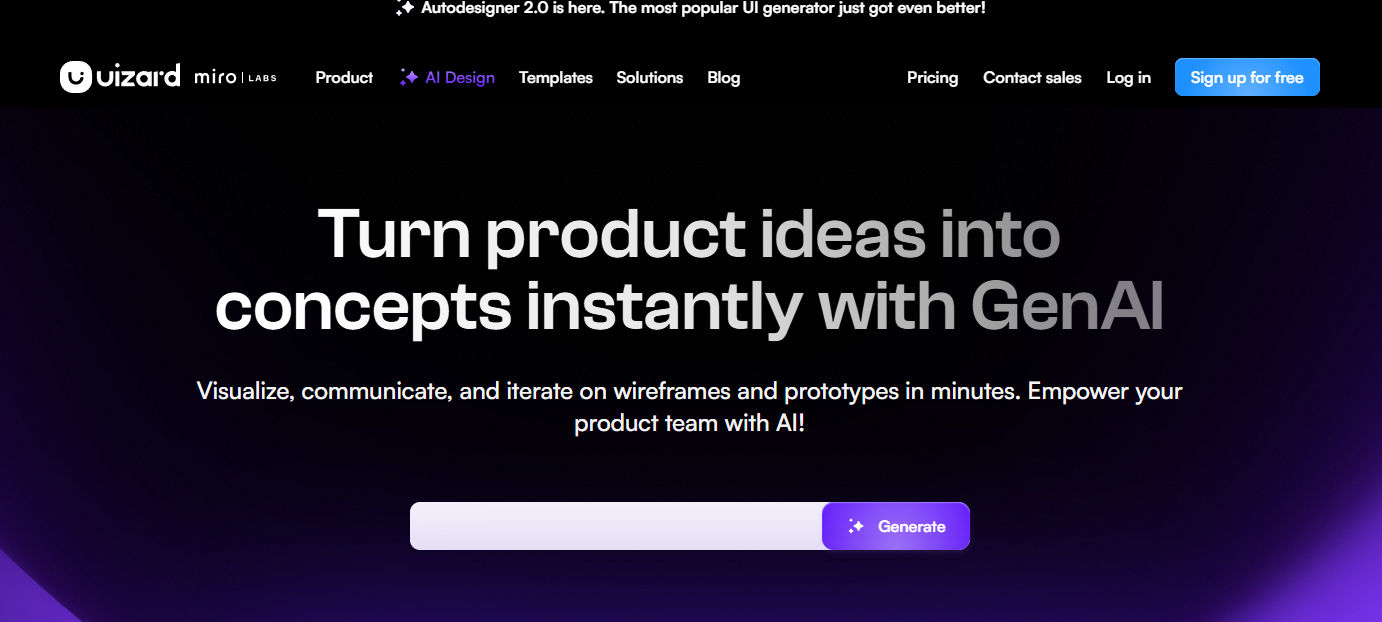
Uizard specializes in turning visual artifacts (like whiteboard sketches or screenshots) into testable digital prototypes using its Autodesigner 2.0 engine.
Best for: Transforming napkin sketches, screenshots, or simple text prompts into clickable MVPs and multi-screen user interfaces for fast stakeholder feedback.
Pros + essential features:
- Automatic sketch-to-prototype conversion.
- Prompt-to-UI generation for entire onboarding flows.
- Real-time multi-user collaboration.
- Includes “Focus Predictor” heatmaps for early usability prediction.
Drawbacks:
- Generated designs often prioritize speed over high-fidelity perfection and require refinement for production quality.
- Maintaining design system consistency involves manual setup.
- Less powerful for complex interactions than specialist tools.
3. Figma AI (Structural System Audits)
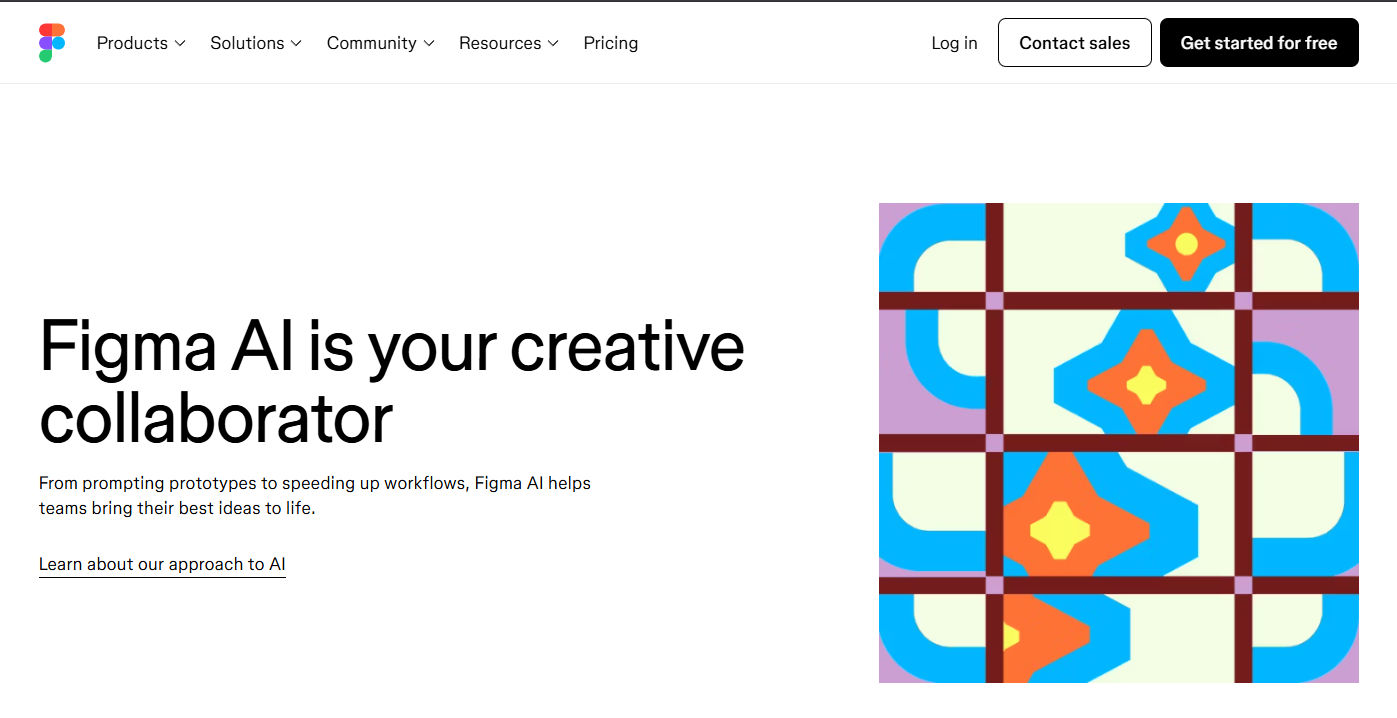
Best for: Maintaining design system consistency and accelerating workflows for teams already embedded in the Figma ecosystem through prompt-to-UI generation and automated layout tasks.
Pros + essential features:
- AI-powered “Check Designs” linter.
- Smart auto-layout assistance.
- Content ideation via FigJam AI.
- Enhanced Dev Mode for context-aware code suggestions to bridge the design-to-development gap.
Drawbacks:
- AI feature availability and credit limits vary strictly by plan type.
- The feature set is still evolving through incremental rollouts.
- Learning curve to master the full scope of native AI capabilities.
Pricing options:
- Free Starter tier.
- Professional seats at $15/month.
4. Adobe Firefly (AI for Product Design’s Visual Assets)
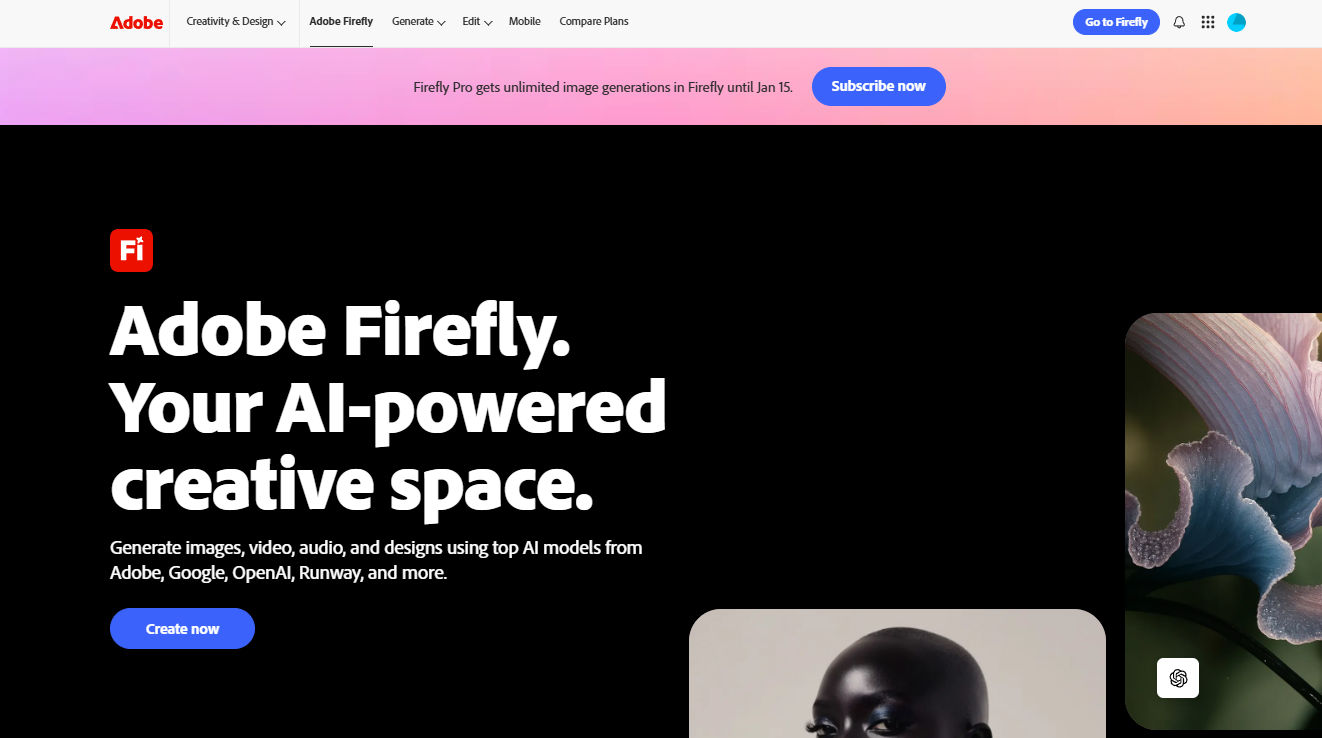
Best for: Creating custom textures, product launch visuals, and typographic effects that align with a product’s unique visual identity through high-end generative imagery.
Pros + essential features:
- Generative Fill.
- Text-to-image effects.
- Text-to-vector generation.
- Deep integration with Photoshop and Illustrator to enhance professional manual design workflows.
Drawbacks:
- Significant learning curve for non-Adobe users.
- Not built for speed or quick daily content creation.
- Lacks simple automation features like bulk resizing or templates for non-designers.
- Remains optimized for 2D assets rather than overall UX logic.
Pricing options:
Included in Creative Cloud subscriptions or stand-alone from $9.99/month.
Also Read: From Research to Prototyping: Top 5 AI Tools for UX Design
5. Attention Insight (Predictive Ergonomic Analysis)
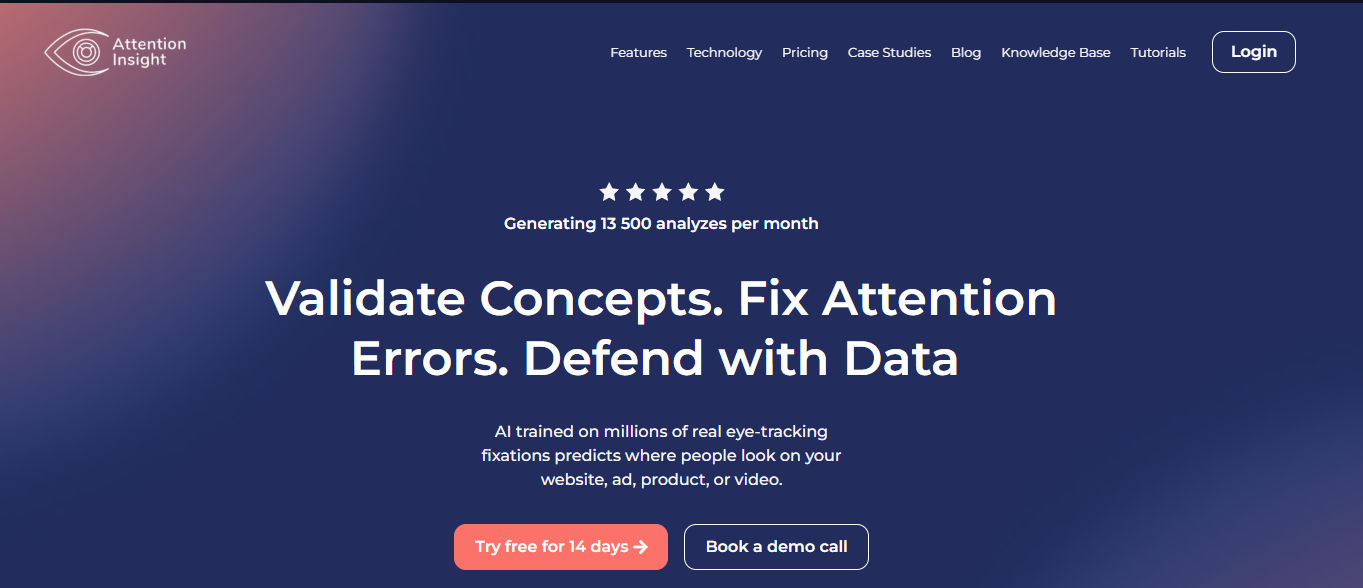
Best for: Instantly validating visual hierarchy and predicting market design trends through objective “Clarity Scores” that measure how user-friendly and learnable an interface is.
Pros + essential features:
- AI-powered attention heatmaps.
- “Focus Maps” that reveal what is noticed in the first 3–5 seconds.
- A/B testing to compare design variations.
- Benchmarking against industry standards for ergonomic optimization.
Drawbacks:
- Lack the ability to capture active user engagement metrics such as cursor movement, scrolling depth, or emotional resonance.
- Results serve as a preliminary validation layer that requires subsequent live testing.
Pricing options:
- Free trial available.
- Solo plan at €19/month.
- Small Team at €129/month.
- Team plan at €399/month.
6. Maze AI (Data-Driven User Validation)
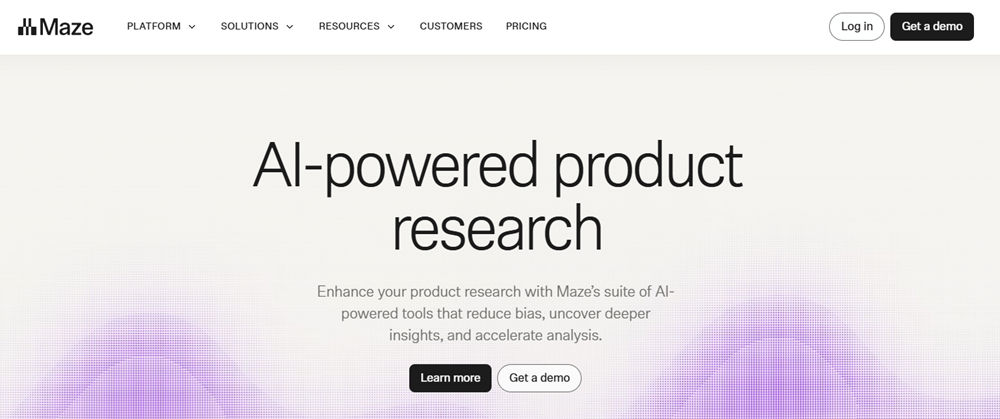
Stand out among the AI product design software by automating the research phase and extracting actionable patterns from large-scale user testing through an intuitive testing interface.
Best for: Maze closes the feedback loop by turning raw user data into comprehensive usability reports while offering a direct, simple setup for Figma prototype testing.
Pros + essential features:
- Automated participant recruitment.
- AI-driven sentiment analysis.
- Diverse question formats for complex surveys.
- Seamless synchronization with external design tools for rapid iteration.
Drawback:
- Prototype stability issues on mobile and significant hurdles when attempting to customize or merge test reports.
Pricing options:
- Free tier available.
- Professional testing starts at $99/month.
Also Read: 8 AI Signature Design Tools for a Professional Signature
7. Builder.io Fusion
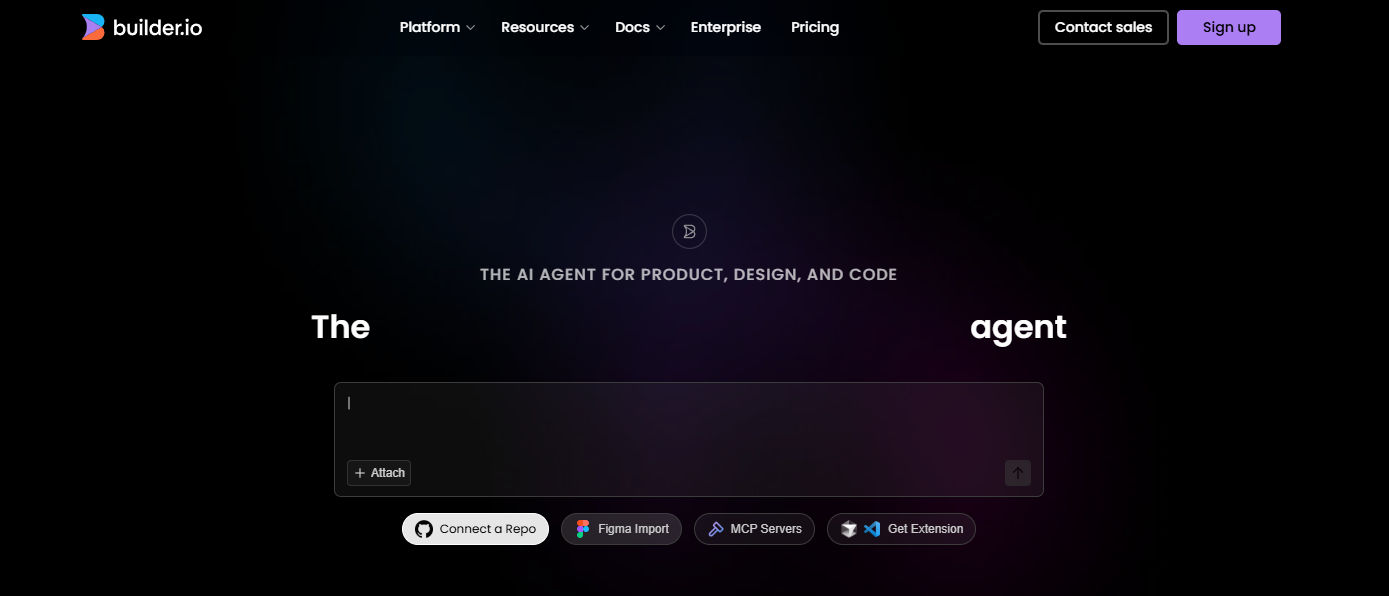
Under the mass production readiness category of AI in product design, it solves the “handoff problem” by translating visual designs directly into production-ready code.
Best for: Bridging the gap between static mockups and live products by generating clean, component-aware Git contributions that use a team’s existing code library.
Pros + essential features:
- Design-to-code automation.
- Supports real design tokens.
- Integrates directly into existing developer pipelines and GitHub repositories.
Drawback:
- No back-end support.
- Steep learning curve.
Pricing options:
- Free for individuals.
- Pro plan for teams at $24/user/month.
Also Read: Top 5 AI For Engineering Design: Faster, Smarter, and Better
AI for Product Design for Innovative Execution
By adopting AI, designers shift to strategic orchestration, focusing on empathy and decision-making while tools handle technical production. To excel globally, pair this efficiency with a professional visual identity.
Premium typefaces from StringLabs Creative ensure your branding matches your technological innovation, providing the final seal of prestige and market quality.