
AI in Blender: 7 Smart Add-ons for Faster 3D Production
Deadlines, revisions, and creative blocks are part of every 3D artist’s life. Thankfully, AI in Blender helps streamline the process, so you can focus more on creating and less on repetitive technical work. Let’s dive deep into the top AIs in Blender.
Key Takeaways:
- AI-powered add-ons help creators speed up modeling, texturing, and asset creation in Blender.
- AI features help artists maintain consistent visual quality across different projects.
- Smart tools help creators focus more on creativity and less on technical limitations.
How AI in Blender is Transforming 3D Workflows With 7 Powerful Tools
From faster asset creation to smarter texturing, today’s tools help artists meet demanding production across industries. These solutions support creative consistency, efficiency, and visual quality at scale. Now, let’s explore the seven AI-powered add-ons that make 3D work feel less like labor and more fun.
1. Dream Textures
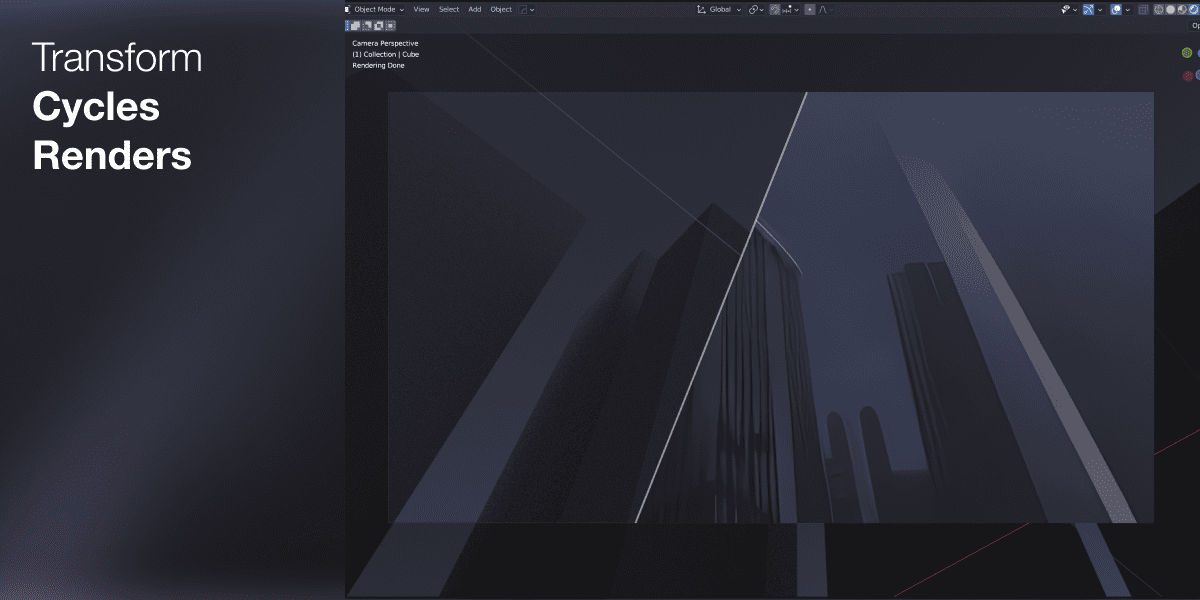
Dream Textures lets artists generate seamless textures and concept visuals using text prompts inside Blender. It runs on Stable Diffusion models and supports inpainting, outpainting, and depth-guided projections. This helps creators produce fast visual ideas without leaving their 3D workspace.
The addon works locally, so users avoid cloud limits and data restrictions. Game developers and archviz studios use it to create tiling materials quickly. This speeds up production while keeping full creative control over textures and surface details.
For creators exploring AI in Blender, Dream Textures offers a practical way to test visual styles early. It also helps your team align with client expectations before entering detailed production stages.
Also Read: Will AI Take Over Graphic Design? (and How to Stay Relevant)
2. Tripo 3D
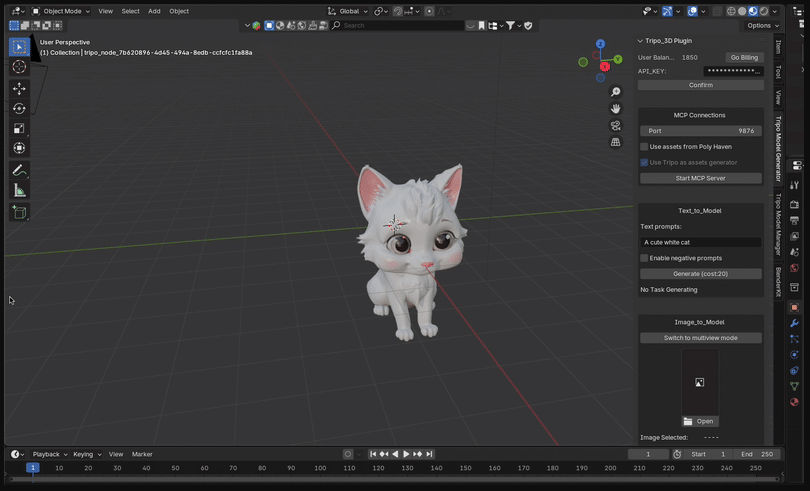
Tripo 3D turns text or images into usable 3D models through multiview synthesis. It shows real-time progress and exports files in OBJ or FBX formats. Artists can import these models directly into Blender for refinement.

As part of the Best Blender AI Addons category, Tripo 3D supports fast workflows from concept to asset. Studios often use Tripo 3D for rapid prototyping in animation and film projects. The tool significantly reduces modeling time by streamlining the early asset creation phase. This helps teams focus on storytelling, lighting, and final polish.
3. BlendAI
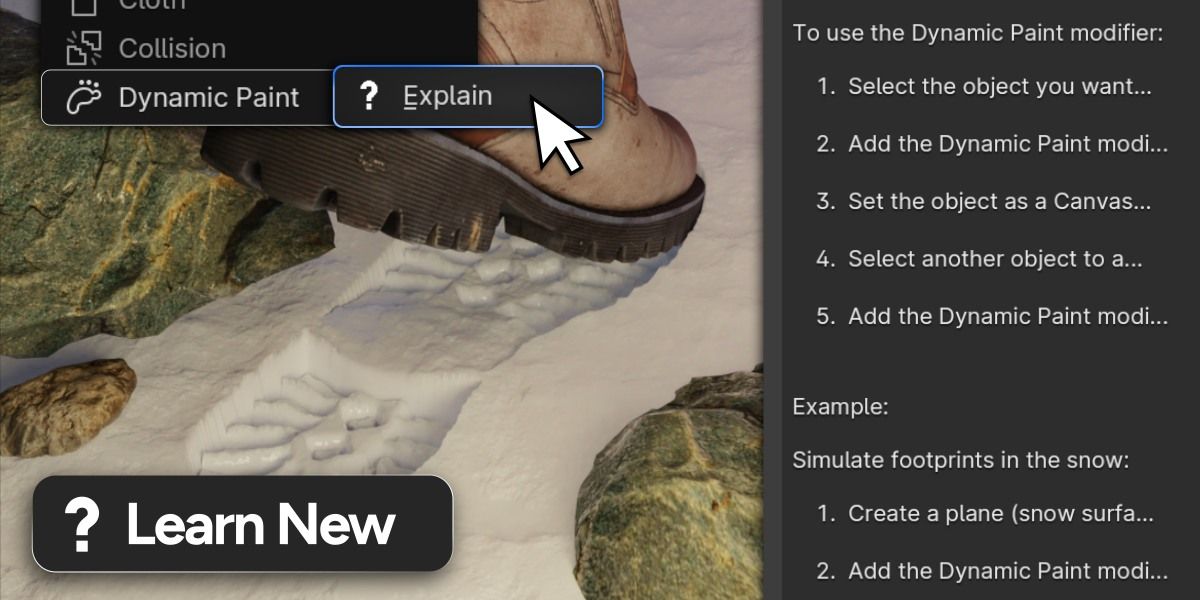
For anyone using an AI for Blender addon, BlendAI offers simple automation without technical barriers. BlendAI acts as an AI assistant inside Blender without requiring API keys. It helps users generate materials, organize assets, and automate repetitive tasks. This makes it accessible for both beginners and experienced artists.
Branding and product visualization teams use BlendAI to speed up scene setup. The addon can generate shaders and assist with asset exports. This keeps production timelines short while maintaining visual consistency. Ultimately reduces manual work and improves overall workflow efficiency.
Also Read: AI Game Development: 9 Best Tools for Faster Game Creation
4. AutoDepth AI / TrueDepth
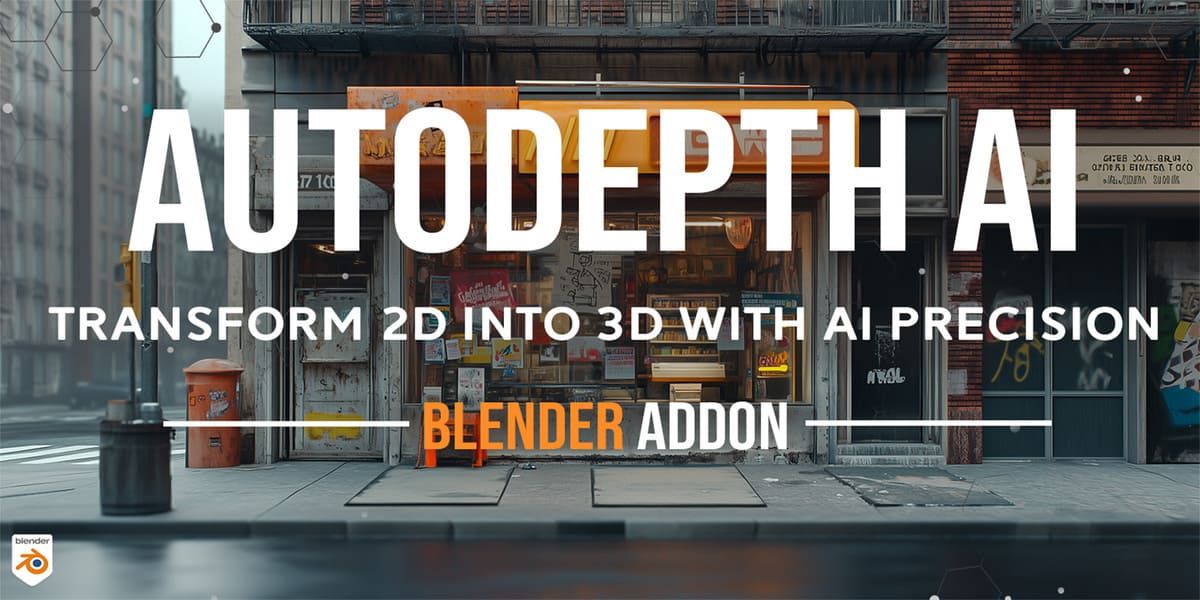
AutoDepth AI turns 2D images and videos into detailed depth maps. Artists can apply these maps as displacements on 3D models. This creates realistic surface geometry from flat visuals. With AI in Blender, tools like AutoDepth AI help match real-world references. They support accurate visual results for commercial and industrial projects.
Archviz and automotive studios use this tool to enhance realism. It adds depth to building facades, interiors, and product surfaces. This improves render quality without heavy manual sculpting.
5. Blender AI Assistant
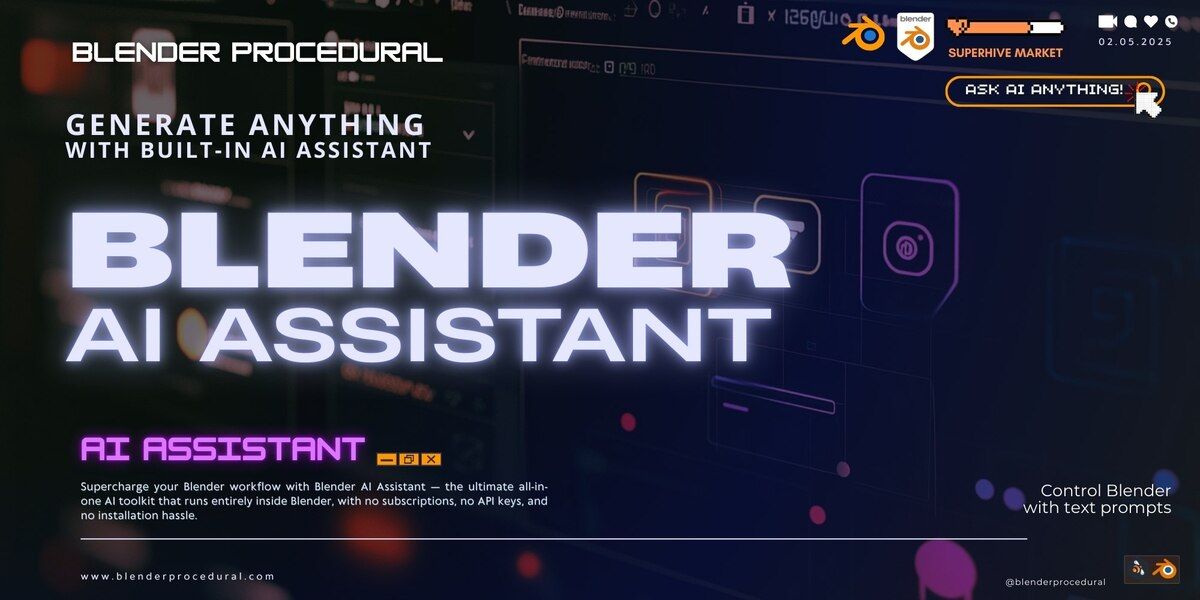
Blender AI Assistant works as a personal assistant inside Blender. It explains tools, automates tasks, and generates references or text content. Artists can also use it for image inpainting and scene organization.
Large studios benefit from this AI assistant when managing complex scenes. The addon helps reduce training time for new team members. It also improves daily workflow efficiency across departments.
As an AI addon blender solution, this tool supports faster production planning. It helps teams stay organized while meeting tight project deadlines.
Also Read: 10 AI Calling Predictions for 2030
6. 3D AI Studio
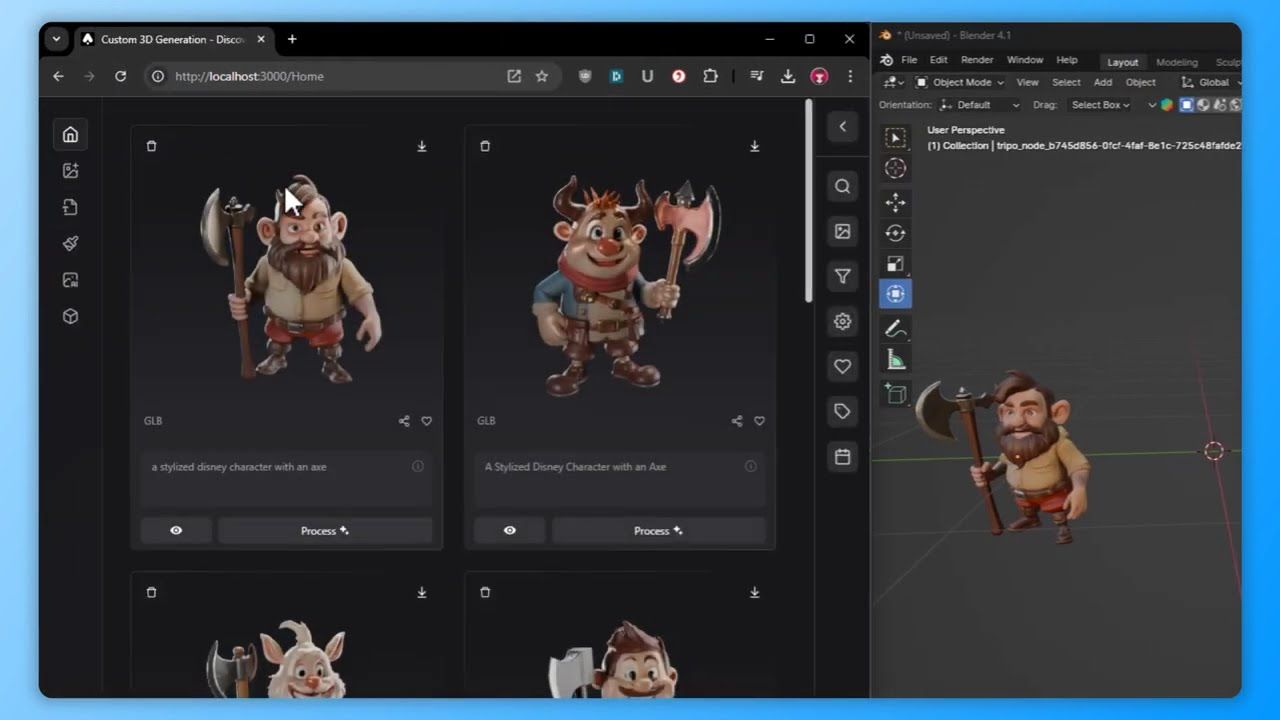
3D AI Studio connects web-based AI generation with Blender. Users can import GLB models with textures for sculpting and animation. This allows quick refinement of AI-generated assets. For creators using AI in Blender, 3D AI Studio offers smooth asset integration. It supports faster iteration without sacrificing quality control.
Game developers and metaverse creators often use this tool. It helps them improve topology, materials, and animations after generation. This bridges the gap between AI output and production-ready assets.
7. Auto Painter AI
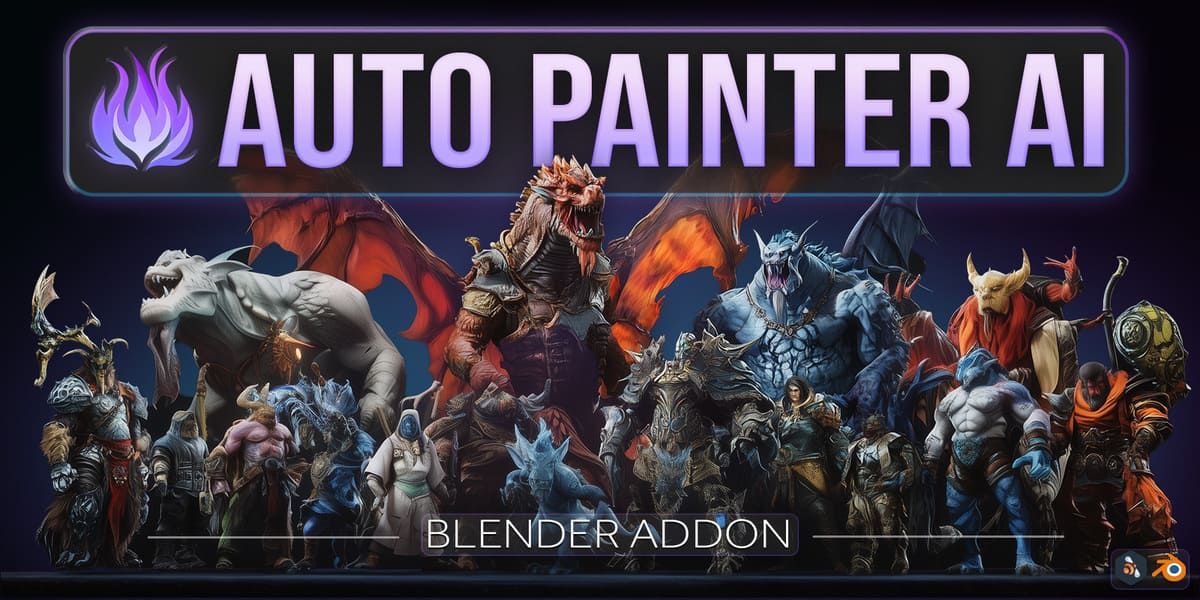
Auto Painter AI applies AI-driven textures directly onto 3D meshes. It generates PBR materials that match the model’s geometry. This simplifies the texturing process. As part of modern AI in Blender workflows, Auto Painter AI helps maintain visual quality. It supports efficient asset finishing across creative industries.
Motion graphics and VFX artists use it to speed up rendering preparation. The addon adds procedural surface details without manual painting. This saves time during high-volume production.
Also Read: Top 5 AI For Engineering Design: Faster, Smarter, and Better
Ready to Level Up with AI in Blender?
Smart workflows empower artists to create 3D visuals that feel polished, consistent, and production-ready. When creativity meets efficiency, the results speak clearly to clients, audiences, and collaborators across every creative field.
A recognizable visual identity helps creative work leave a lasting impression. By refining the presentation of portfolios, demo reels, and websites, creators can effectively showcase their style. StringLabs Creative’s adaptable typefaces support professional design, distinctive character, and competitive presentation on a global scale.