
Top 7 AI Mockup Generator Picks to Create Product Visuals
Research from Williams College revealed that humans process visuals 60,000 times faster than text. It highlights how high-quality mockups are crucial for brands, creators, and designers. Unfortunately, creating traditional mockups is time-consuming. That is why an AI mockup generator becomes a go-to tool for making polished designs quickly.
With customizable templates, adjustable elements, and realistic rendering, even non-designers can achieve impressive results. Hence, keep reading to discover the best AI generators for creating mockups that will elevate your design workflow effortlessly!
Key Takeaways
- AI mockup generators significantly speed up the design workflow by automating lighting, shadows, and perspective for highly realistic product visualizations.
- Different tools offer specialized features from physical product realism (Modor AI), batch processing (MockupLabs), and digital UI/UX layouts (UXPilot).
7 AI Mockup Generator Tools That Save Designers Hours of Work
We’ve compiled the best AI mockup generator tools that enhance creativity and give your branding projects a professional look. Choose the one that fits your workflow best!
1. Canva
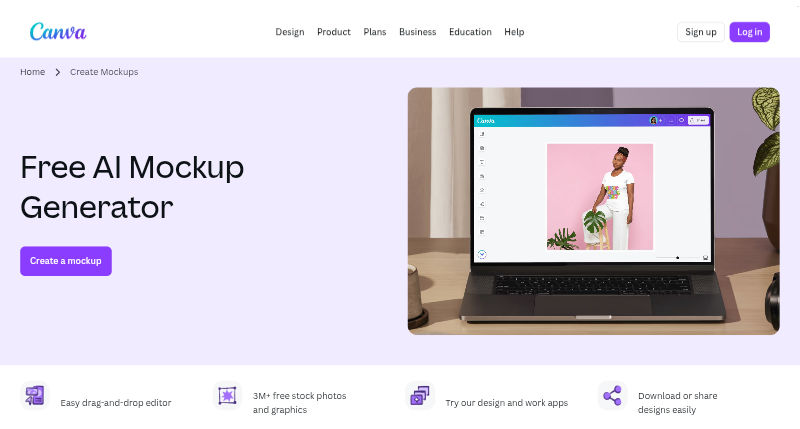
Canva’s AI-powered mockup generator is built for simplicity to allow users to place designs into realistic mockup scenes without dealing with complex tools. With just a few clicks, even non-designers can create clean and professional-looking mockups.
Its strength lies in the integrated design ecosystem. Users can adjust colors, backgrounds, typography, and branding elements with ease, making Canva suitable for visual branding, posters, merchandise previews, packaging concepts, and fast-moving digital content.
Also Read: 8 Free and Paid Canva Alternatives for Creative Projects
2. Recraft AI

Unlike general-purpose design tools, Recraft AI mockup generator focuses on precision and speed in product visualization. It allows users to upload designs and apply them to product mockups, with AI handling scale, alignment, and surface adaptation. This ensures that designs appear printed or embedded, rather than simply overlaid.

In addition, Recraft offers flexible control over background colors and product variations, making it easier to adapt mockups to different brand identities. Because of this, it is particularly useful for packaging design, merchandise previews, and e-commerce visuals where realism plays a key role in customer trust and conversion.
3. MockupLabs AI
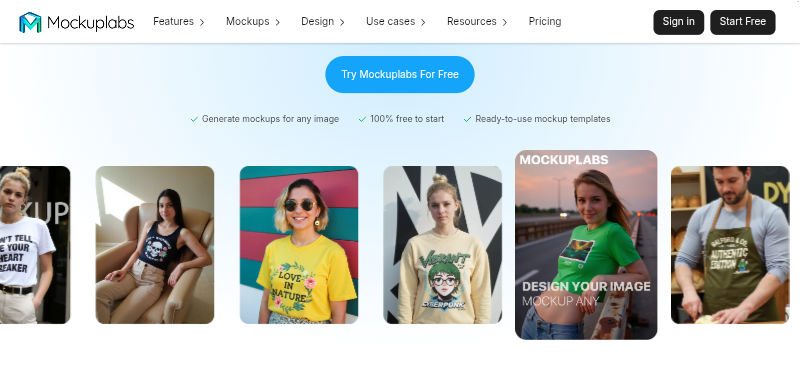
MockupLabs is designed with efficiency, especially for designers working on large-scale branding projects. Instead of generating mockups one by one, users can create multiple variations in a single workflow, allowing them to test designs across different products or formats quickly. This batch-based approach significantly reduces repetitive work.
At the same time, the AI engine manages shadows, lighting, and depth to ensure consistency across all outputs. Designers can still fine-tune colors, backgrounds, and branding elements. It makes MockupLabs a strong choice for apparel collections, poster campaigns, packaging, and digital marketing assets that require visual cohesion.
4. Lovart AI
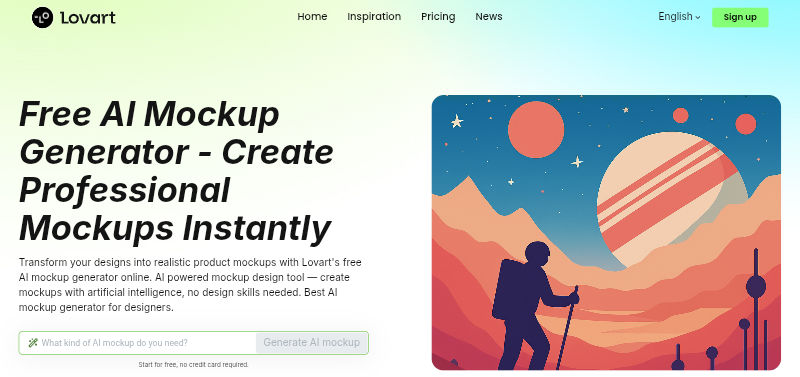
Lovart offers a free AI mockup generator designed for accessibility and ease of use. Once a design is uploaded, the AI automatically adjusts placement and proportions to create a balanced, realistic result without technical effort.
Even with its simple approach, Lovart still allows customization of colors, backgrounds, and visual settings. This makes it a practical option for small businesses, independent creators, and early-stage brands working on posters, packaging concepts, merchandise, or social media visuals.
Also Read: 7 Best AI Image Generator Options Without Restrictions for Free
5. UX Pilot
UX Pilot approaches mockups from a digital-first perspective, focusing on UI and UX design rather than physical products. Its AI helps transform layouts into polished interface mockups by organizing spacing, visual hierarchy, and component structure. As a result, designers can move from concept to presentation-ready visuals much faster.
Moreover, UXPilot allows customization of color schemes, typography, and branding elements to ensure consistency with product guidelines. This makes it particularly valuable for creating app screens, website layouts, dashboards, and other digital assets where clarity and professionalism are essential.
Also Read: Will AI Replace UX Designers in the Future? Learn the Facts here!
6. Visily
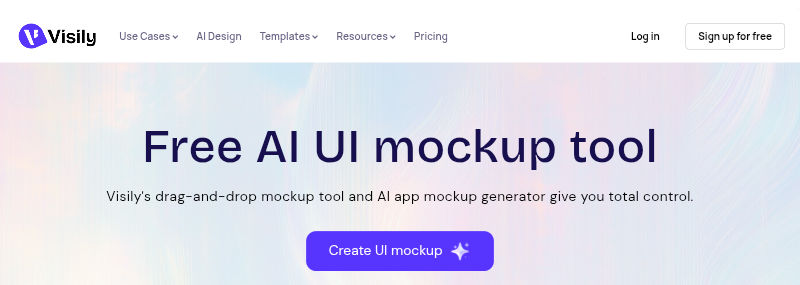
Visily is built for speed and collaboration, which suits teams that work under tight deadlines. Using AI, Visily can convert rough wireframes or sketches into clean, high-fidelity mockups that are easy to refine. This helps teams align visually before moving into development.
In addition, users can adjust backgrounds, brand colors, and UI components to ensure the mockups reflect the intended identity. Visily works especially well for digital products, SaaS platforms, and startup presentations that require visually convincing mockups without a lengthy design process.
Also Read: 7 Best AI Icon Generator Tools for Modern UI and Branding
7. Modor
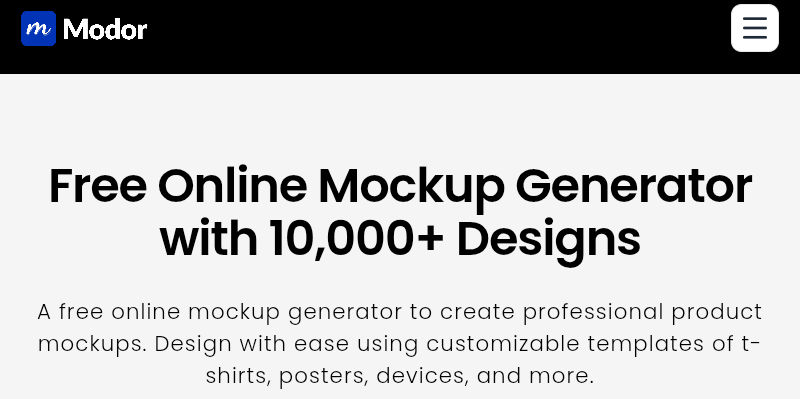
Modor is an online AI mockup generator that stands out for its emphasis on realism, particularly for physical products and printed materials. The AI engine focuses on lighting, shadows, and perspective to create mockups that closely resemble professional product photography. This makes it suitable for high-end branding needs.
Beyond realism, Modor offers strong customization options, allowing users to refine colors, backgrounds, and branding elements with precision. As a result, it is well suited for packaging design, poster visuals, product catalogs, and marketing assets intended for both digital and commercial use.
Create Market-Ready Visuals Using an AI Mockup Generator
In conclusion, an AI mockup generator helps create realistic visuals faster, but it works best as a starting point rather than a final solution. While AI handles layout, perspective, and realism efficiently, it cannot fully express a brand’s character. Therefore, additional design elements are still needed to achieve professional results.
For this reason, pairing AI-generated mockups with creative font collections by StringLabs Creative strengthens visual identity and consistency. Well-designed typefaces improve hierarchy, readability, and overall polish. When both are combined, you can turn simple mockups into market-ready assets. Grab yours now!