
8 AI Signature Design Tools for a Professional Signature
Have you ever felt unsure about how to create a digital signature that looks professional? An AI signature design makes it easy to generate a personalized signature in seconds. To help you get started, we have compiled a list of the best AI signature design generators available today.
Key Takeaways
- AI signature generators simplify the process of creating personalized, professional digital signatures.
- Modern AI tools enhance branding and authenticity, allowing users to pair unique signatures.
- AI is rapidly transforming creative and professional workflows, enabling more immersive, efficient, and customizable experiences.
Top 8 AI Signature Design Tools to Make Your Signature Look More Professional.
According to Intel, AI capabilities are already being used to create more immersive and personalized experiences, helping individuals and businesses around the world. For that reason, creating a digital signature with AI is incredibly convenient. Here are some free AI signature design tool recommendations you can try.
1. Canva AI Signature Generator

Key Features:
- Draw your signature or type and pick a font, including calligraphy styles.
- Fine-tune size, style, line thickness, and angle for a polished look.
- High-resolution export for use across any platform.
- Fully compatible across desktop and mobile.
You can craft a custom signature in seconds, either draw it yourself or type your name and choose from a range of stylish and calligraphy-inspired fonts. It’s perfect for giving contracts, business cards, and branded content a personal, professional finish.
Also Read: 8 Free and Paid Canva Alternatives for Creative Projects
2. ChatGPT Signature Generator

Key Features:
- Customizable signature styles that allow users to tailor the look and feel to match personal or brand preferences.
- Support for importing certified digital signatures, enabling secure and trusted use when required.
- Expanded AI capabilities, including tools like translation and summarization, for added flexibility beyond signature creation.
Among today’s AI signature design generators, ChatGPT stands out for its combination of advanced features, reliable performance, and user-friendly experience, making it a versatile choice for creating professional digital signatures.

Also Read: How to Use ChatGPT for Logo Ideas, Taglines & Visual Concepts
3. Compromath AI
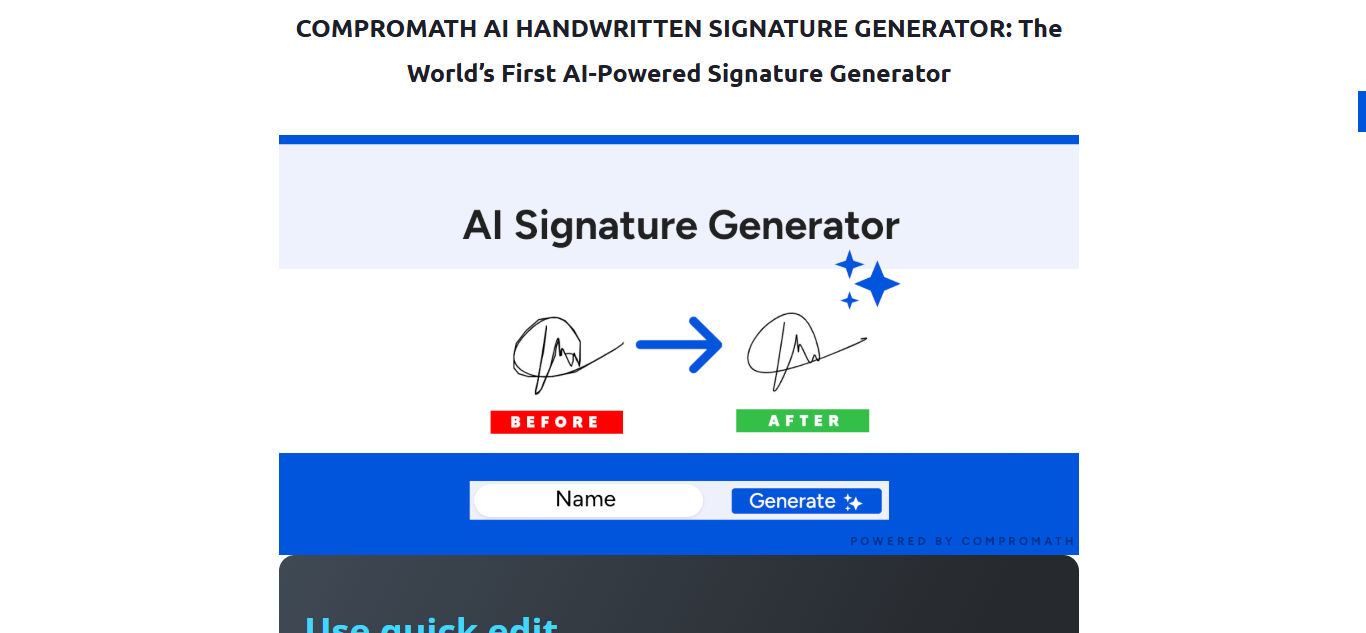
Key Features:
- Pen Color Selection lets you choose your preferred pen color for a personalized touch.
- Pen Stroke Selection allows you to adjust the thickness of your signature strokes.
- Adjustable canvas size enables you to customize the height and width of the signature canvas.
- Canvas background color options let you choose between a colored or transparent background for easy document use.
Compromath AI Signature is a powerful signature generator that leverages advanced AI technology to create natural, handwritten-style signatures. With its customizable features, it offers a versatile solution suitable for both personal and professional use.
4. Signaturely

Key Features:
- Pen Color Option lets you choose the pen color you prefer.
- Pen Stroke allows you to adjust the thickness of your signature.
- Angle option enables you to customize the slant for a more personal style.
- Free Download provides your signature in a transparent PNG format.
- E-Signature documents are available with premium plans.
Signaturely is a simple and intuitive online signature generator that helps users create clean, professional signatures in minutes. The free version supports basic signatures, while premium plans unlock full e-signature features.
5. BunnyDoc
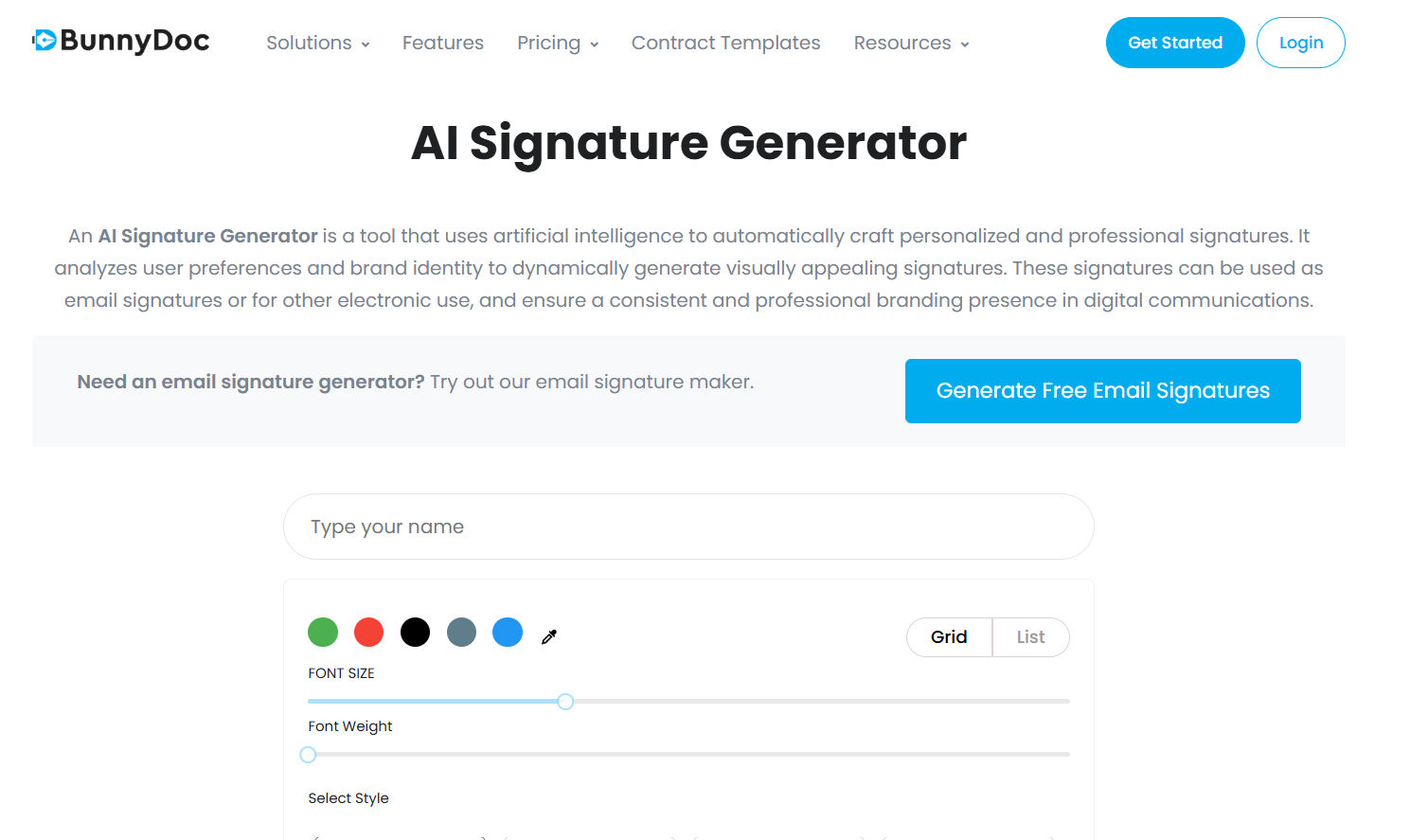
Key Features:
- Simplifies document editing and signing
- Uses advanced AI algorithms for personalized results
- Simple, beginner-friendly interface
- No sign-up required
BunnyDoc uses advanced AI to generate unique, personalized signatures by analysing user preferences and brand identity. Unlike repetitive template tools, it produces natural results and lets users type a name, select preferences, and seamlessly create or share PDFs for easy document signing.
6. Signaturegen

Key Features
- Font-Based Signatures instantly generate signatures using a variety of cursive, calligraphy, and business fonts for various documents and electronic contracts.
- AI Custom Signatures create personalized, professional signatures with AI-generated strokes and layouts based on your name.
- Handwritten Signatures let you draw on-screen or upload handwriting to produce authentic “wet ink” e-signatures in high-quality transparent PNG format.
- Animated AI Signatures display your signature being written stroke by stroke, with real-time playback to refine the flow and style.
Signaturegen is an all-in-one platform for AI signature design, enabling users to create professional signatures for contracts, emails, PDFs, and social profiles, with transparent PNG and SVG exports.
Also Read: Top 5 AI For Engineering Design: Faster, Smarter, and Better
7. SignWell

Key Features:
- Basic pen color selection
- Free transparent PNG download
- E-signature documents are available with premium plans
SignWell offers a simple, reliable solution for creating handwritten signatures, with premium features designed for professional document signing.
8. Artlogo

Key features:
- Type your name for an instant text-to-signature transformation
- Draw your signature directly on the screen
- Scan your handwritten signature for a digital version
- Create a professional signature tailored to your needs
Handwritten signatures offer limited creative flexibility because they depend entirely on your natural handwriting. A text-to-signature generator like Artlogo overcomes this limitation by providing stylised, professional signature designs based on your typed name.
Also Read: Top Picks: Best AI Poster Design Tool for Every Designer
Make Your AI Signature Design Work for You!
As you explore the convenience and speed of AI-generated signatures, it is worth remembering that originality still plays a key role in expressing who you are. A distinctive signature or visual style helps your brand stand out while maintaining a personal, authentic feel.
To elevate your branding further, consider pairing your signature with premium fonts from StringLabs Creative. High-quality typography enhances professionalism and brings cohesion to your digital identity, helping every visual element feel intentional and refined.