
9 Best AI Tools for Presentations to Create Professional Slides
Between 2023 and 2030, the AI tools for presentations market is expected to grow by 22% annually. This surge reflects a move toward efficient tools that take the heavy lifting out of design.
But, this leads to an important question: Which AI tools are the best for creating presentations? This article highlights nine of the best tools that can help you to decide which tool is the best to improve your slide quality for professional work, education, or business pitching.
Key takeaways:
- Tools like Gamma, Canva, and Beautiful.ai help users create slides faster.
- Prezi and Gamma support non-linear navigation, interactive elements, and dynamic storytelling for more engaging presentations.
- Platforms such as Pitch and Tome are for teams to work together and track progress in real time.
9 Best AI Tools for Presentations
There are many tools available to help you create presentation slides, but not all of them deliver effective results. Below are recommended and free AI presentation makers.
1. Gamma
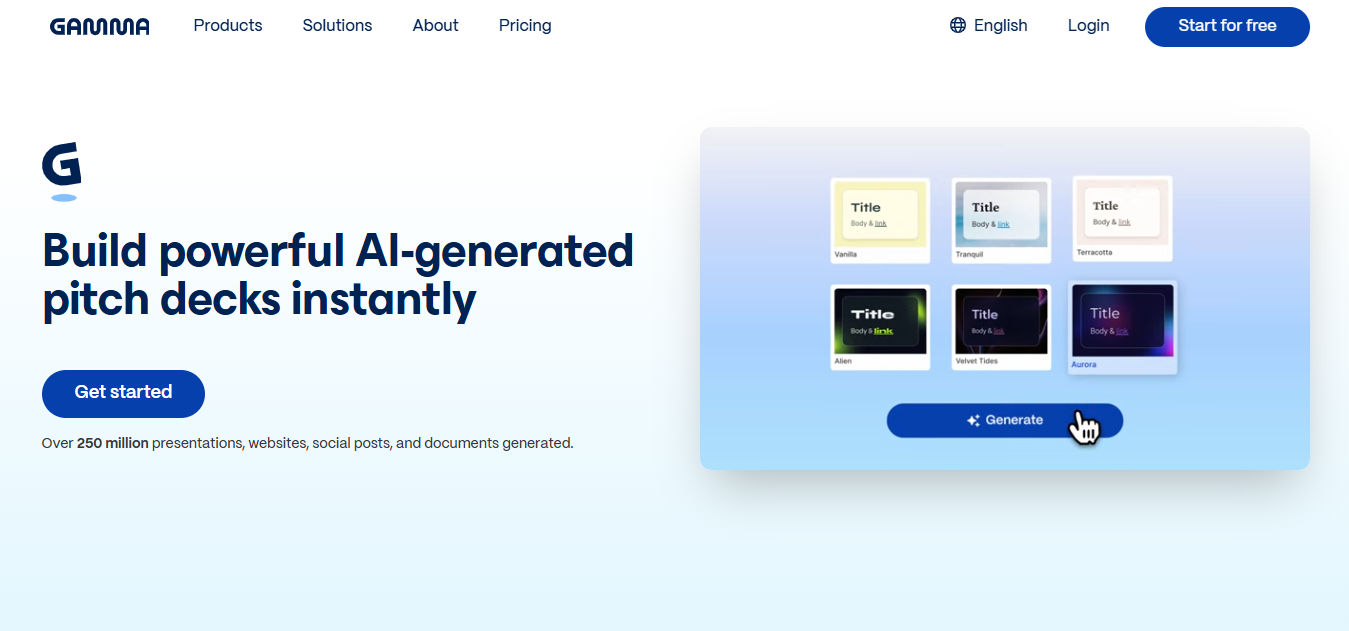
Gamma is an AI tool for presentations known for its ability to create slides with a consistent and polished visual style. The presentations generated are more than just a collection of slides but are structured with a clear narrative from start to finish.
What makes Gamma especially engaging is its support for interactive elements, such as non-linear navigation, buttons, and hyperlinks between slides, which make presentations feel more dynamic. Additionally, the platform allows for real-time team collaboration, so the process of creating and editing presentations will be done faster and more efficiently.
2. Canva
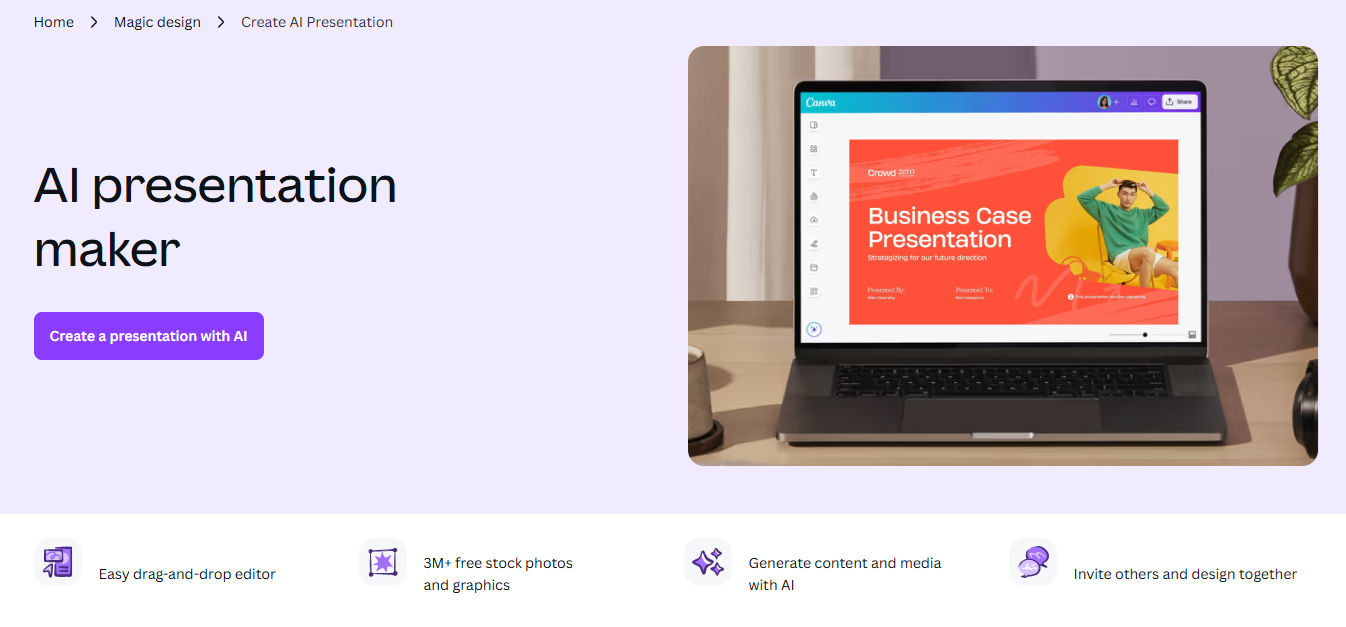
Canva is a popular tool for presentations, known for its ease of use and wide variety of templates. In particular, with the Canva AI feature, users can quickly create visually appealing presentations without any design skills.
A built-in Brand Kit stores your assets and enforces a consistent look across every slide. Because Canva also supports instant team collaboration and one-click exports, it serves as a complete solution for business professionals.

Also Read: 8 Free and Paid Canva Alternatives for Creative Projects
3. Beautiful.ai

Beautiful.ai is a tool for presentations that offers a balance between automation and editing flexibility. While slides can be generated automatically, users still have full control to customize them as needed.
The tool handles the technical side by auto-formatting charts and data for better clarity. It even suggests layouts based on your content, so your slides stay polished and look consistent. It takes the stress out of building high-stakes pitch decks and professional reports.
4. Prezi
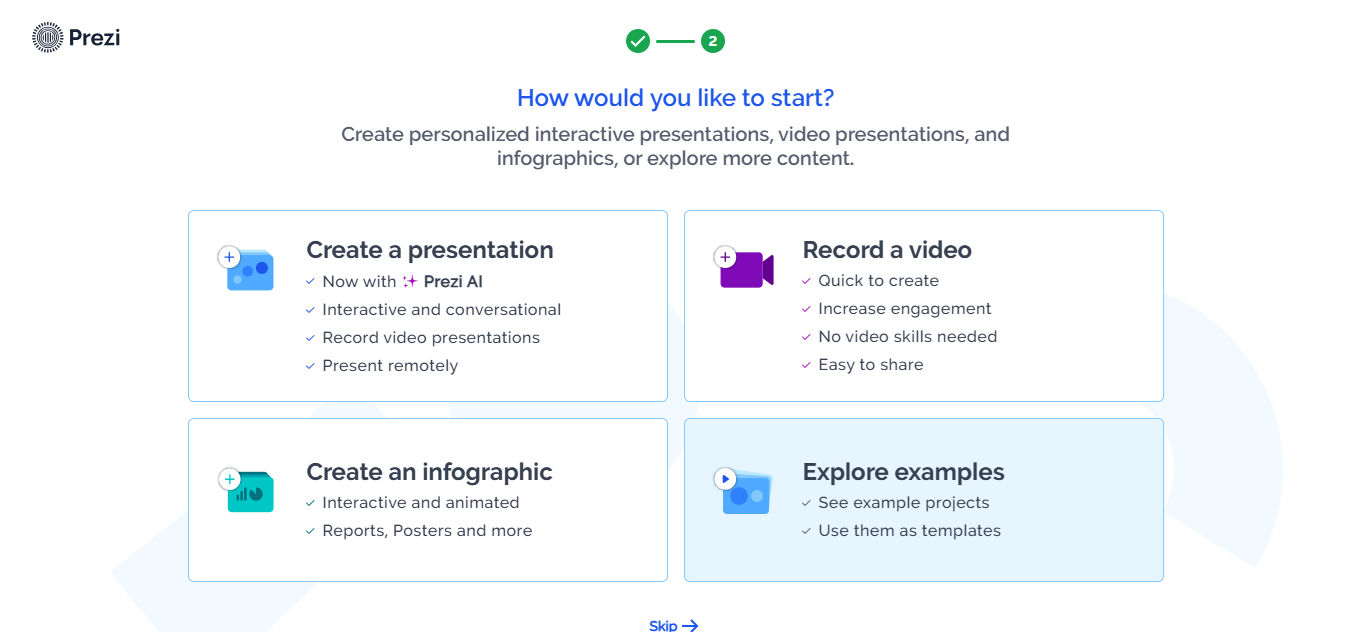
This AI tool excels at delivering content in a dynamic, non-linear format. Prezi allows users to organize content on a single large canvas with visual connections between topics. This setup enables a more flexible and interactive storytelling flow.
In addition, Prezi offers content navigation that can be tailored to audience interests, along with movement effects such as zoom and pan, making each presentation feel lively and engaging. With these advantages, Prezi is ideal for educational presentations, storytelling, and conveying complex ideas in a way that is easy for audiences to understand and remember.
5. AutoPPT
AutoPPT is an AI tool for presentations that helps users to create slides easily and tailored to their needs. The tool offers a wide range of ready-to-use templates and allows slides to be generated from simple prompts.
In addition, AutoPPT provides comprehensive customization options, including setting language, sentence length, number of slides, tone, and target audience. Since you can define the audience and sentence length beforehand, the output feels intentional and structured. It’s a solid shortcut for anyone who needs a tailored presentation without the usual manual overhaul.
Also Read: 7 AI Outline Generator Tools for an Efficient Planning Process
6. Mentimeter
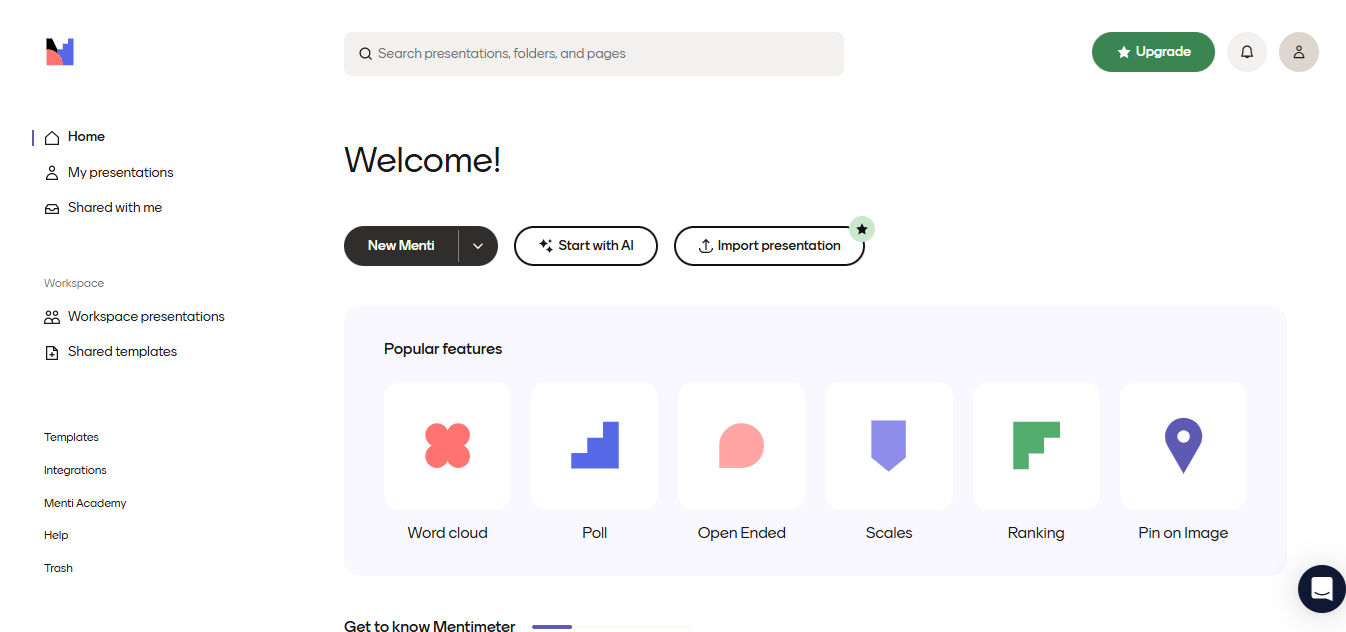
Mentimeter is an AI tool focused on creating interactive and engaging slides. The tool allows users to build presentations easily from simple prompts, uploaded files, images, or videos to enrich the content.
In addition, Mentimeter comes with a library of templates and interactive tools like polls or quizzes to keep people engaged. Since it builds real-time interaction directly into the slides, it works well for everything from workshops to pitch decks where you want to actually talk with your audience.
7. Pitch
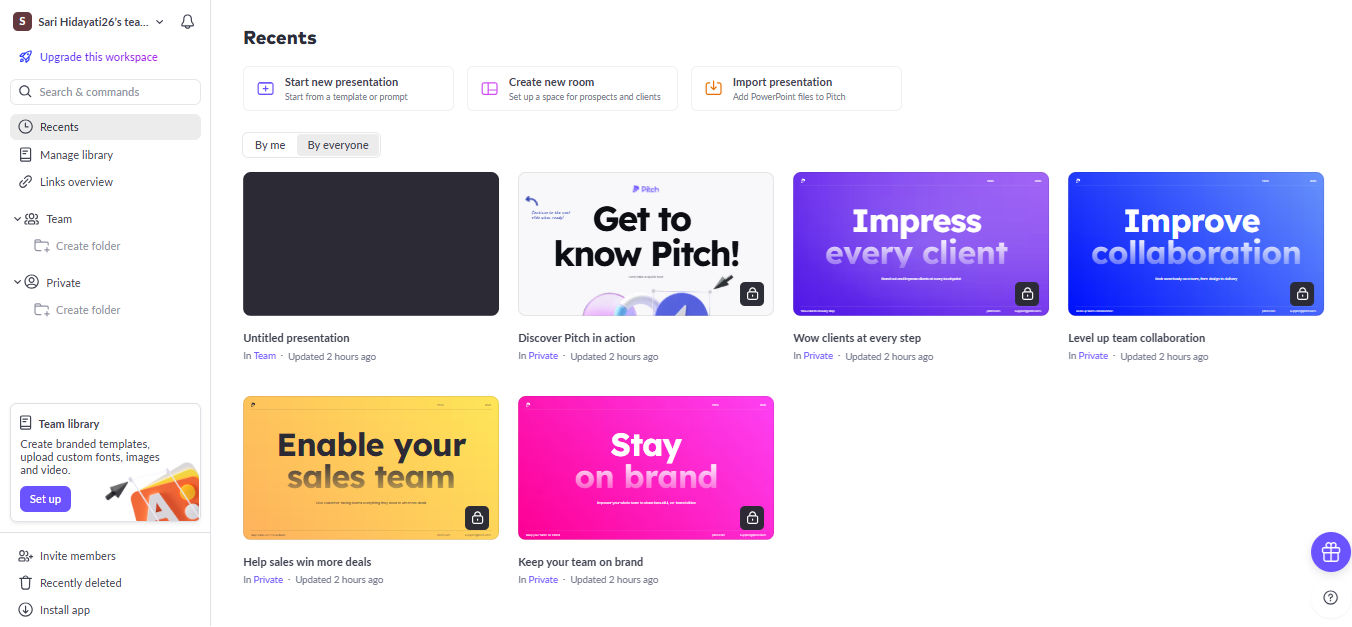
Pitch is an AI tool for presentations that is ideal for collaborative slide creation. It is designed for teams that need a structured workflow, from task assignment to approval processes. This approach makes presentation creation more efficient and organized.
In addition, Pitch offers a variety of professional templates. It also includes extra features like “AI Action” in the workspace, which can generate images and automatically select color schemes. This allows users to create presentations that are not only informative but also visually engaging.
8. AiPPT
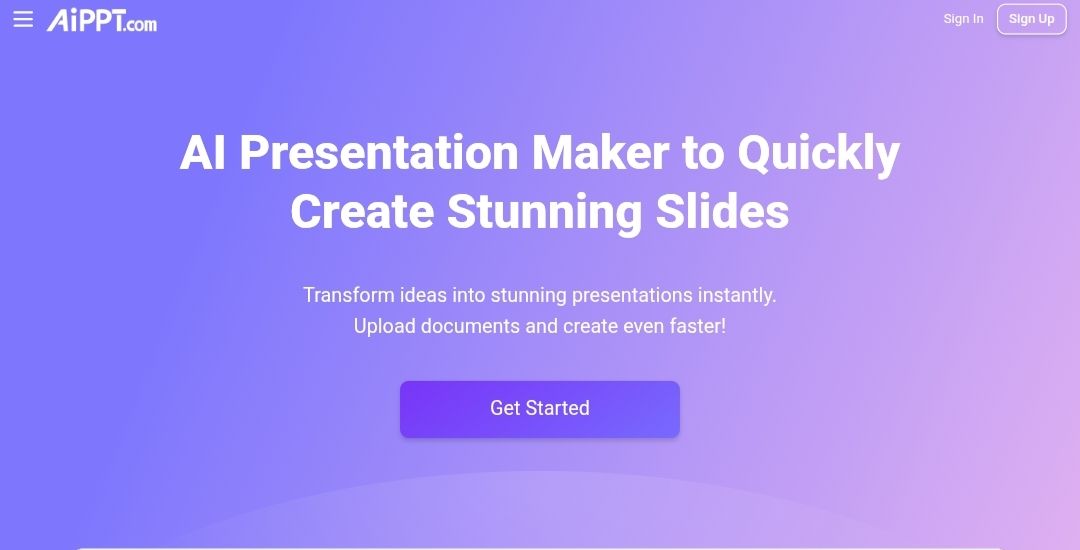
AiPPT’s strength lies in its vast library of templates, offering over 200,000 ready-to-use options. This makes the presentation creation process much more efficient and straightforward. In addition, AiPPT supports instant slide generation from text or documents and allows users to interact with the AI via chat to build presentation outlines.
With so many customizable templates and styles, AiPPT is suitable for a wide range of needs, from business reports, investor pitches, and academic presentations to team updates.
9. Slidesgo
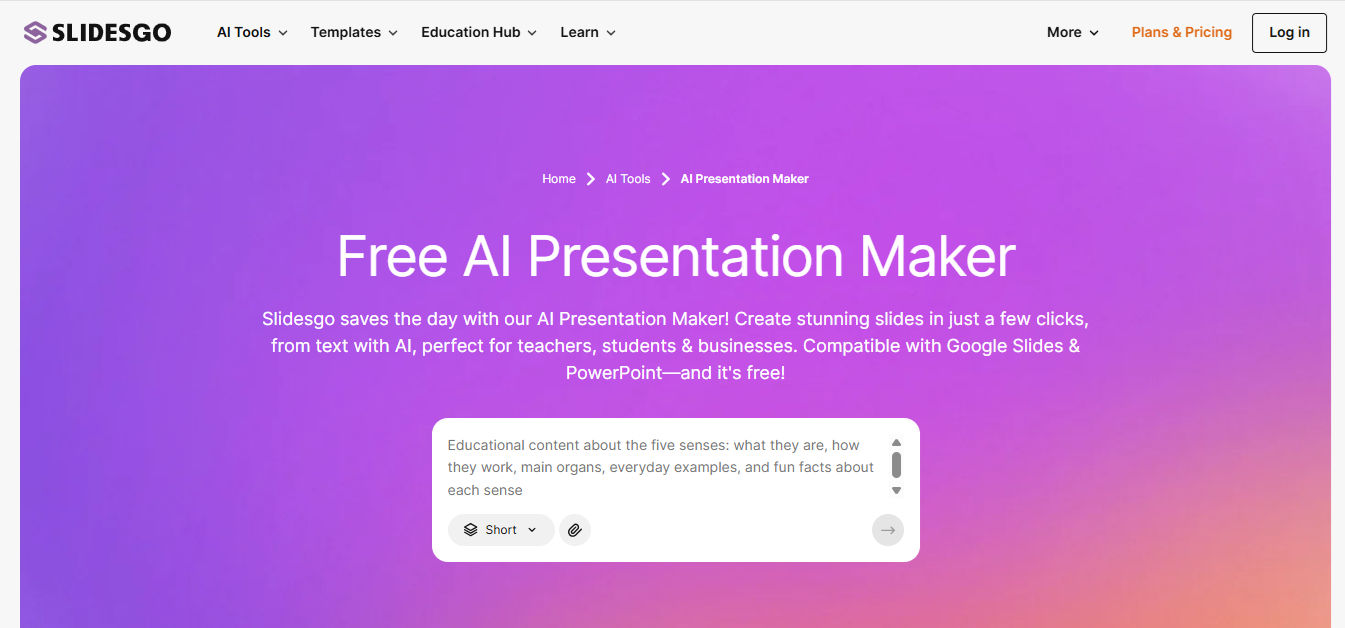
Slidesgo is an AI tool for presentations that stands out for its customization flexibility. Unlike tools that generate slides entirely automatically, Slidesgo gives users the freedom to adjust layouts, colors, and content to suit their presentation needs.
For educators and corporate professionals, it’s a high-efficiency solution that delivers polished, bespoke presentations without the typical time investment.
Also Read: Top 5 Options of AI Infographic Tool for Data Visualization
How to Use AI for Presentations Effectively
Once you’ve chosen your AI tools for presentations, it’s important to know how to use them effectively. Here are some tips to get the most out of them.
- Use AI primarily to create outlines and initial draft slides, then refine them with a human touch for a more professional result.
- Always verify any data generated by AI to avoid errors in your presentation.
- Consider combining multiple AI tools to achieve the best overall output.
- Choose tools according to your needs, for example, Gamma for modern web-based presentations and Canva for quick visuals and branding.
Also Read: Best AI Humanizers to Make AI Writing Sound Professional
Create Your Best Presentations
By leveraging AI tools for presentations to structure slides, summarize content, and adjust design and flow, you can create presentations that are visually engaging while conveying messages clearly and effectively to any audience.
However, effective presentations also require consistent visual identity and typography to ensure your message looks professional and easy to understand. To enhance the appearance of your slides, using premium fonts from StringLabs Creative is highly recommended. To order, visit StringLabs Creative!