
Avoid These Common Stock Footage Mistakes That Make Videos Feel Cheap
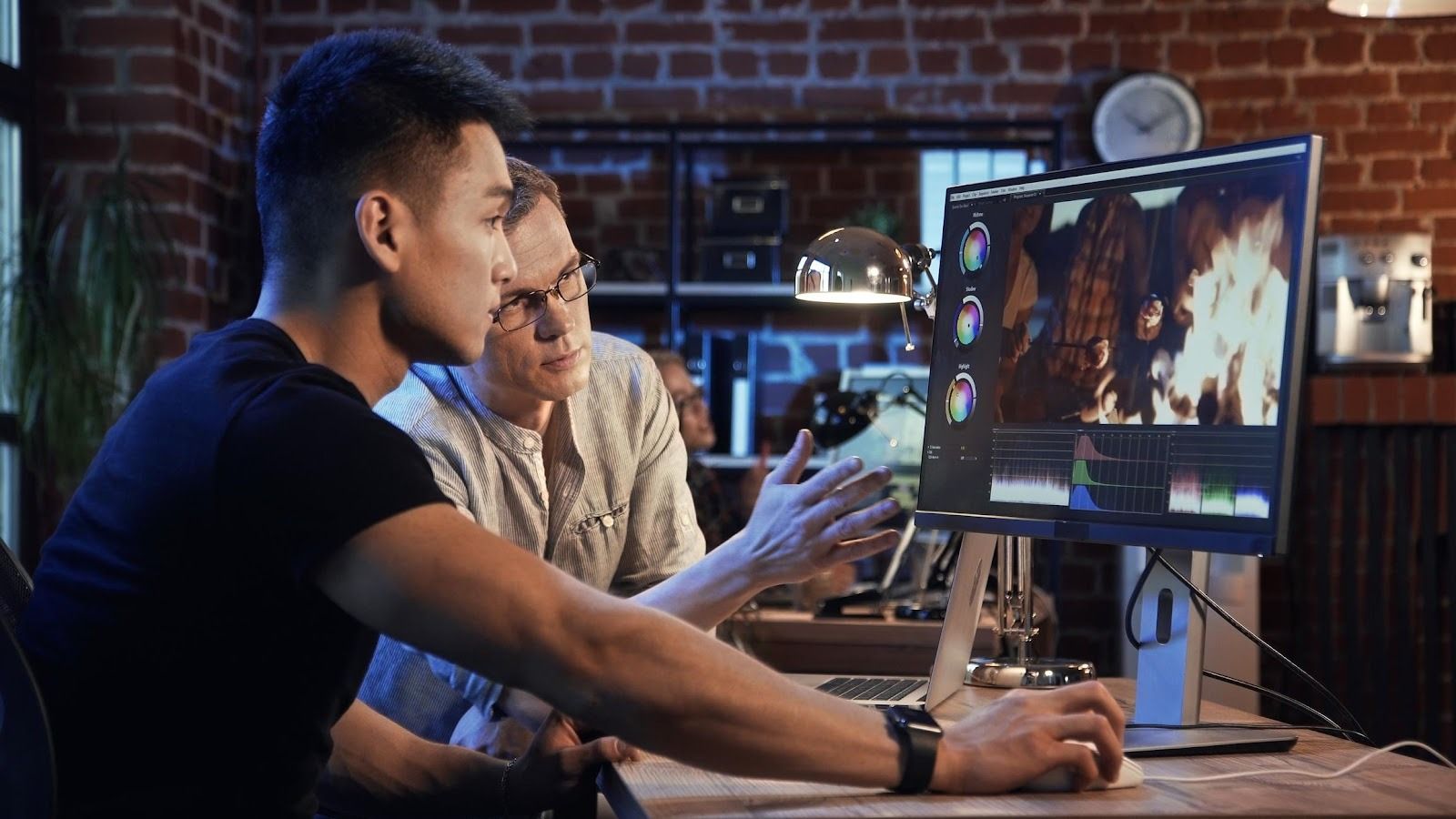
Stock footage doesn’t make a video feel cheap. Using stock footage carelessly makes a video feel cheap. There’s a difference, and it’s worth defending because stock is one of the most useful creative resources modern teams have. Used with taste and intention, stock video footage can elevate production value, speed up iteration, and fill gaps that would otherwise require expensive shoots.
The problem is that stock is easy to access, which means it’s also easy to misuse. The result is a familiar vibe: a video that looks like it was assembled from whatever was closest to the download button, stitched together with random color grades, loud transitions, and a voiceover trying to convince everyone it’s “authentic.”
Let’s fix that.
This guide covers the most common stock footage mistakes that make videos feel cheap, why they happen, and exactly how to avoid them. The aim isn’t to shame stock. The aim is to make your videos look intentional, cohesive, and premium even when you’re working fast.
Mistake 1: Picking Footage Based on Keywords Instead of Visual Style
The quickest route to generic is searching with generic terms:
- “business success”
- “happy customers”
- “teamwork”
- “innovation”
Those searches return the most literal, most overused clips because that’s what the algorithm thinks you want.
How to avoid it:
Search by cinematic descriptors and real-world context:
- “handheld documentary office b-roll”
- “natural light home kitchen close-up”
- “macro texture slow motion”
- “candid conversation coffee shop”
- “overcast outdoor walk cinematic”
Better yet, start with a visual brief:

- lighting (natural vs studio)
- camera movement (handheld vs gimbal)
- palette (warm vs cool)
- mood (calm vs energetic)
- authenticity level (UGC vs polished)
When your selection is driven by style, your final edit automatically looks more custom.
Mistake 2: Using “Corporate Acting” Clips That Feel Staged
The second viewers see exaggerated smiles, slow-motion high fives, or a boardroom scene that looks like it was cast by a brochure, trust drops. Not because people hate happiness, but because they can feel the performance.
How to avoid it:
Choose footage that feels observational:
- candid moments
- real environments
- subtle emotion
- imperfect details (wrinkles, lived-in spaces, natural movement)
A good litmus test: if the clip looks like it’s trying very hard to communicate a concept, it probably will feel like stock.
Mistake 3: Mixing Different “Camera Worlds” With No Plan
A cheap-feeling video often has this pattern:
- Clip A: cinematic 24fps, shallow depth of field
- Clip B: bright 60fps, hyper-sharp gimbal
- Clip C: grainy handheld phone footage
None of those are inherently bad. The problem is that they’re neighbors with no explanation.
How to avoid it:
Define a “camera world”:
- frame rate (24 vs 30)
- motion style (handheld vs stabilized)
- depth of field preference
- overall sharpness level
Then only choose stock that fits, or group styles by purpose:
- handheld = authenticity moments
- stabilized = product beauty moments
- static = information moments
When your motion language is consistent, the video feels designed.
Mistake 4: Slapping One LUT on Everything and Calling It “Graded”
LUTs are useful, but the “cheap stock” giveaway is when every clip has a dramatic filter applied without correcting exposure and white balance first. Skin tones go weird. Shadows crush. Highlights clip. And suddenly everything looks like a moody Instagram preset from 2017.
How to avoid it:
Use a simple three-step color workflow:
- Correct (exposure, white balance)
- Match (bring clips into the same neighborhood)
- Grade (apply your creative look)
If you use LUTs, apply them after correction and adjust intensity. Your goal is consistency and natural skin tones, not “maximum vibe.”
Mistake 5: Ignoring Audio and Leaving Stock Clips “Silent” in a Loud World
A lot of stock-based edits feel cheap because they’re visually busy but sonically empty. Music alone isn’t enough. Real-world sound cues create realism and continuity.
How to avoid it:
Add basic sound design:
- room tone or ambience for each scene (office hum, street noise, café ambience)
- subtle foley (typing, footsteps, package crinkles)
- gentle transitions (soft swishes, not cartoon whooshes)
Sound is the glue that makes stock feel like it was shot in the same space.
Mistake 6: Using Stock as “Proof” of Something Specific You Didn’t Actually Do
This one is more than a style issue. It can become a trust and brand issue.
Examples:
- using stock footage of a factory to imply you manufacture in-house
- using stock “customer” shots to imply real testimonials
- using “team meeting” footage to suggest a team size you don’t have
- using stock product shots that don’t match what you sell
How to avoid it:
Use stock for context and mood, not for claims. If you need proof, use:
- real screenshots
- real product shots
- real behind-the-scenes clips
- real customer quotes (with permission)
Stock can support truth. It shouldn’t replace it.
Mistake 7: Overusing Dramatic Transitions and Template Effects
Nothing makes a video feel like a cheap slideshow faster than:
- aggressive wipes
- spinning zoom transitions
- glitch effects on every cut
- heavy motion graphics that compete with the message
How to avoid it:
Let the edit do the work:
- cut on action (movement matches across clips)
- use simple dissolves sparingly
- use consistent typography and clean overlays
- keep transitions functional, not attention-seeking
If your transitions are louder than your story, the viewer will feel that you’re compensating.
Mistake 8: Choosing Footage That Doesn’t Match the Audience’s Reality
Even beautiful footage can feel “cheap” if it feels fake for your target customer.
If you sell to:
- small businesses, avoid glossy enterprise boardrooms
- everyday consumers, avoid luxury penthouse kitchens unless that’s your niche
- tradespeople, avoid spotless hands using tools like props
- creators, avoid generic corporate environments
How to avoid it:
Choose footage that matches:
- wardrobe
- environment
- age range and lifestyle cues
- tech and props (modern and believable)
Authenticity is a premium signal. Unrealistic staging is a cheap signal.
Mistake 9: Cropping Horizontal Clips Into Vertical Without Respecting Composition
For Reels, Shorts, and TikTok, the temptation is to grab any gorgeous 16:9 clip and crop it into 9:16. But if the subject is off-center, you’ll end up with awkward framing and unreadable action.
How to avoid it:
- source vertical footage when possible
- if cropping, pick centered subjects and high-res clips
- use split layouts for text
- keep safe zones for UI overlays
- avoid complex wide scenes that depend on side details
A good vertical ad feels designed for vertical. A bad one feels like a compromise.
Mistake 10: Using Stock Without a Narrative Job
The most common “cheap stock” feeling comes from this: the clips don’t do anything. They’re just there. The video becomes a montage of unrelated scenes while the voiceover does all the heavy lifting.
How to avoid it:
Give every shot a job:
- Hook: stop scroll with motion or relevance
- Problem: show the pain moment
- Solution: show the action change
- Proof: show outcome, credibility, or social proof overlay
- CTA: give a clean next step
If you can’t explain why a clip is in your timeline, it probably shouldn’t be.
Mistake 11: Not Unifying Typography, Captions, and Graphics
Stock videos often look cheap when the text overlays look like defaults:
- inconsistent fonts across scenes
- random colors
- too many styles
- captions that cover the subject
How to avoid it:
Create a simple graphics system:
- one font family (two weights max)
- one accent color
- consistent caption placement
- consistent animation style (subtle)
- readable size for mobile
This one change can make stock feel instantly branded.
Mistake 12: Forgetting That “Less” Is Often the Premium Choice
Some creators try to “fix” stock footage by piling on effects: heavy grain, extreme color shifts, constant motion graphics, loud sound effects. It often backfires.
How to avoid it:
Make one or two intentional choices:
- a consistent grade
- subtle texture if needed
- clean sound design
- disciplined pacing
Then stop. Premium often looks like restraint.
A Quick “Premium Stock” Checklist Before You Export
Use this checklist as a final pass:
- Does the footage style match across clips (lighting, motion, framing)?
- Are exposure and white balance consistent?
- Do skin tones look natural?
- Is the sound design cohesive?
- Do transitions feel invisible rather than flashy?
- Does each clip serve the story?
- Does the footage match the audience’s reality?
- Are claims honest and not implied by unrelated stock?
- Is typography consistent and readable on mobile?
- Does the video feel like one world, not many worlds?
If you can answer “yes” to most of these, your stock-based video will feel intentional and professional.
The Takeaway
Stock footage is not the enemy of premium video. Carelessness is. The common mistakes that make videos feel cheap are all avoidable: generic selection, staged acting, mismatched camera styles, lazy color grading, silent audio, dishonest implication, and template-heavy effects.
Treat stock as raw material, not a finished product. Choose clips by visual style, match them with correction and grading, glue them together with sound and consistent graphics, and make every shot earn its place in the story.
Do that and stock video footage becomes what it should be: a practical, creative advantage that helps you move faster without looking like you rushed.