
7 Best AI Icon Generator Tools for Modern UI and Branding
Designing icons no longer has to start from a blank canvas. With the best AI icon generator, you can turn ideas into clean, consistent visuals in minutes. This new method is perfect for designers who want speed without sacrificing personality or polish.
Key Takeaways:
- AI icon generators help maintain visual consistency.
- Designers can speed up UI/UX workflows by automating variations and technical adjustments.
- Using AI for icon creation reduces production costs
Best AI Icon Generator: Smarter Icons, Faster Design
AI-powered icon tools are changing how modern interfaces are designed. By using AI to create icons, teams can maintain visual consistency, speed up UI and UX workflows, and lower production costs. With technical tasks handled by AI, designers can focus more on ideas and creative direction.
If you are looking for the best AI tools to get started, the next section highlights seven AI icon generators worth trying today.
1. Logo Diffusion
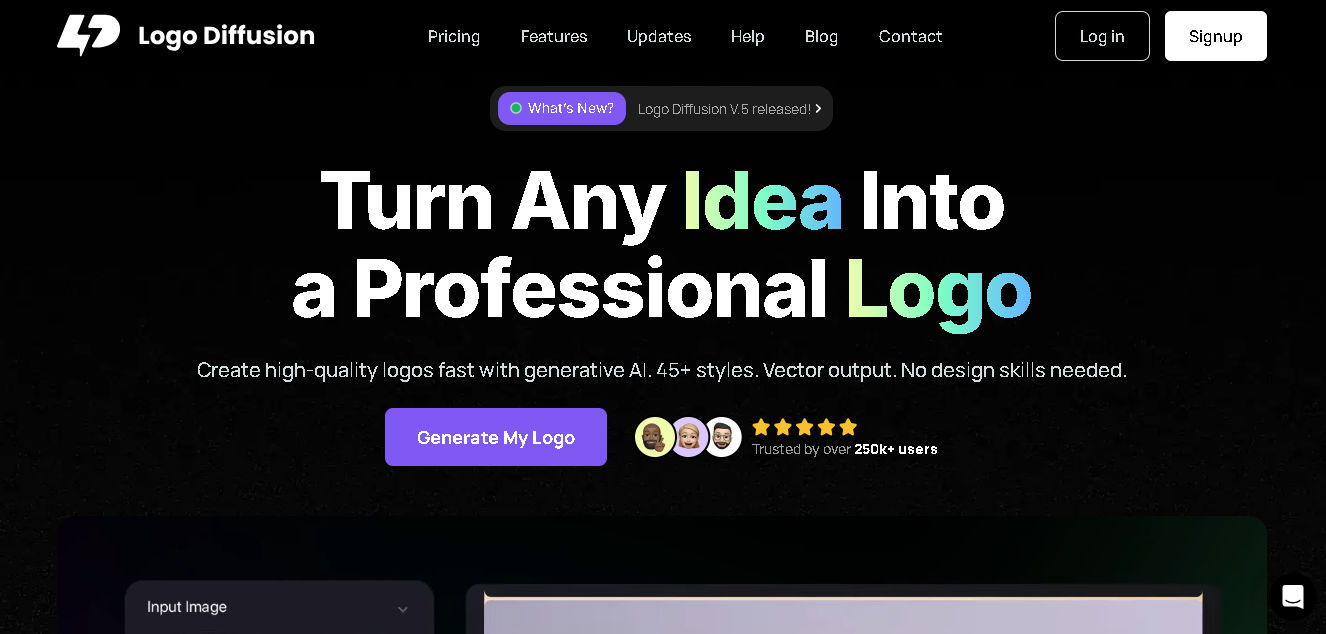
Logo Diffusion is often considered the best AI icon generator for teams that need flexible logo and icon concepts from text prompts or rough sketches. It streamlines branding workflows by offering controlled style previews and exporting clean vector assets, suitable for both digital and print use.
Beyond generation, Logo Diffusion is particularly valuable for iterative branding work, where consistency matters most. Its ability to fine-tune outputs across multiple runs helps teams compare visual directions without disturbing the creative process.
Key Features:
- Intuitive dark-themed interface with smooth, prompt-based generation
- Supports line art, emoji-style icons, and image-to-vector outputs
- Adjustable credit usage per generation with consistently refined image quality
Also Read: Automated Conversion: Mastering the AI Landing Page Generator

2. Iconify AI
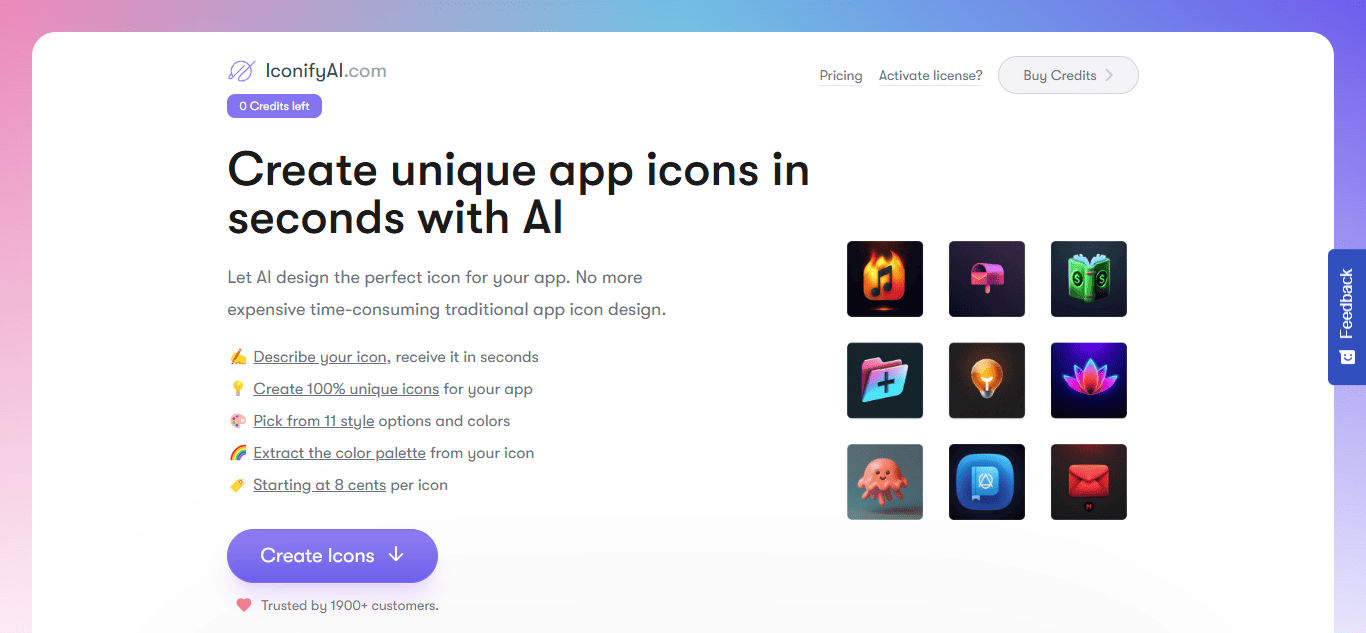
Iconify AI is designed for app developers and digital designers who need polished, high-resolution icons in seconds with full commercial rights. The platform automatically aligns styles and colors, making it practical AI for generating icons optimized for both iOS and Android deployment.
What sets Iconify AI apart is its focus on deployment-ready results rather than experimentation. Icons are formatted to reduce post-processing, which is especially useful for fast-moving product teams.
Key Features:
- Smart color palettes and shape adjustments
- HD outputs with affordable credit-based pricing
- Full ownership rights for resale and unrestricted usage
3. Illustroke
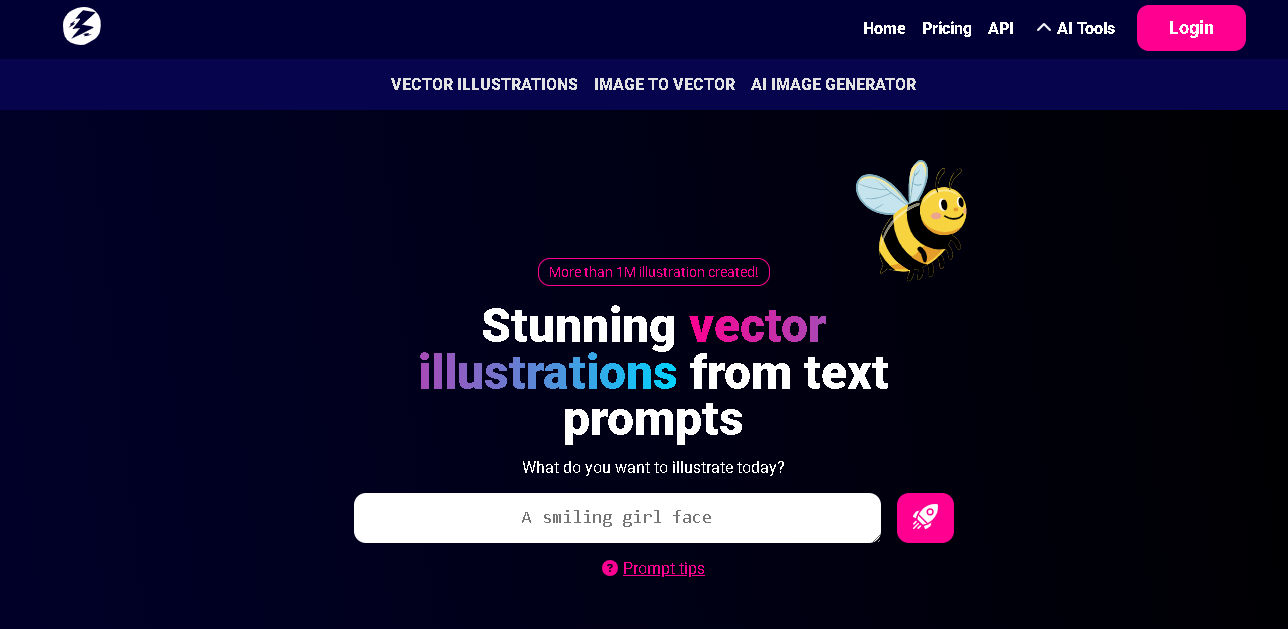
Illustroke focuses on generating clean vector illustrations and icons from simple prompts, making it ideal for designers working in Figma or Adobe Illustrator. Users can instantly generate multiple variations and fine-tune without compromising scalability or sharpness.
The platform is ideal for workflows that demand SVG precision and long-term reusability. Its emphasis on vectorcleanliness reduces the need for manual cleanup in professional design software.
Key features:
- Over 40 illustration styles with three variations per prompt
- SVG and PNG exports for print, animation, and web use
- Built-in editor with cloud-based saving
Also Read: Will AI Replace UX Designers in the Future? Learn the Facts here!
4. Fotor AI Icon Maker
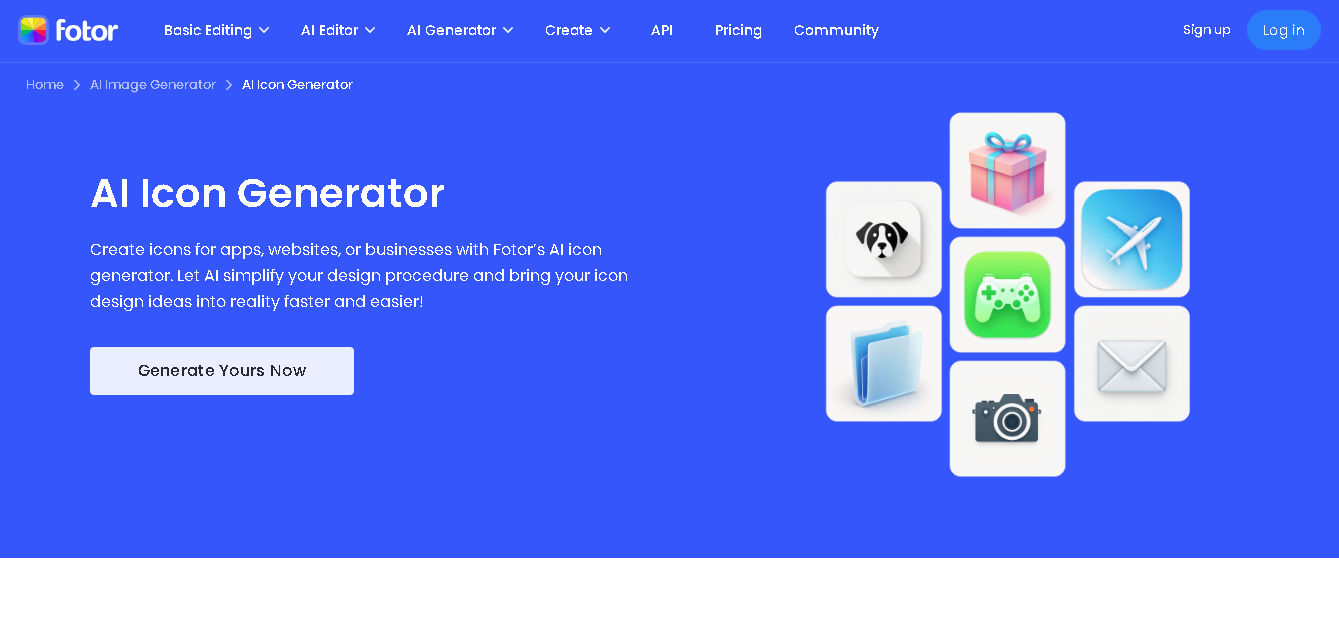
Fotor enables both beginners and pros to create functional app or website icons as easily as writing detailed prompts and quick edits. With a generous entry tier, it also works well as a free icon generator for users who want fast results without complex design tools.
Its biggest advantage lies in accessibility, as users can generate, edit, and export icons within a single interface. This makes Fotor a practical option for marketers or small teams without dedicated designers.
Key Features:
- Bulk generation and AI editing for backgrounds and text
- Optimized outputs for mobile apps and social media
- Suitable for personal and business use with optional pro upgrades
5. Recraft AI
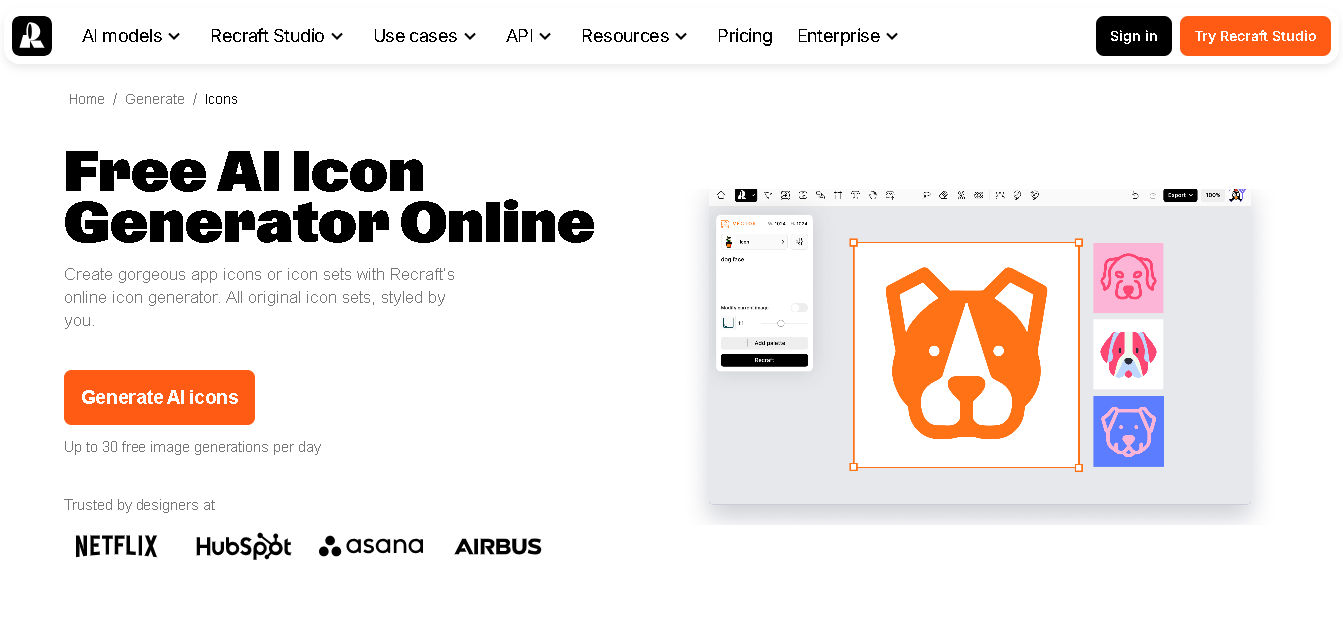
Recraft AI is a powerful choice for professional designers who need precise control over icon systems, making it a strong contender among the best AI icon generator tools for structured design work. It produces crisp vector icons from prompts or brand references, supporting various styles for modern interfaces.
What makes Recraft AI especially effective is its ability to generate icon sets in one click while maintaining visual consistency. This approach is ideal for UI kits, app dashboards, and marketing visuals that require multiple icons to feel unified.
Key Features:
- Extensive style presets with optional generation from reference images
- Brand customization using HEX color codes
- Vector-based outputs suitable for iOS, web, and scalable layouts
Also Read: From Research to Prototyping: Top 5 AI Tools for UX Design
6. Kittl AI
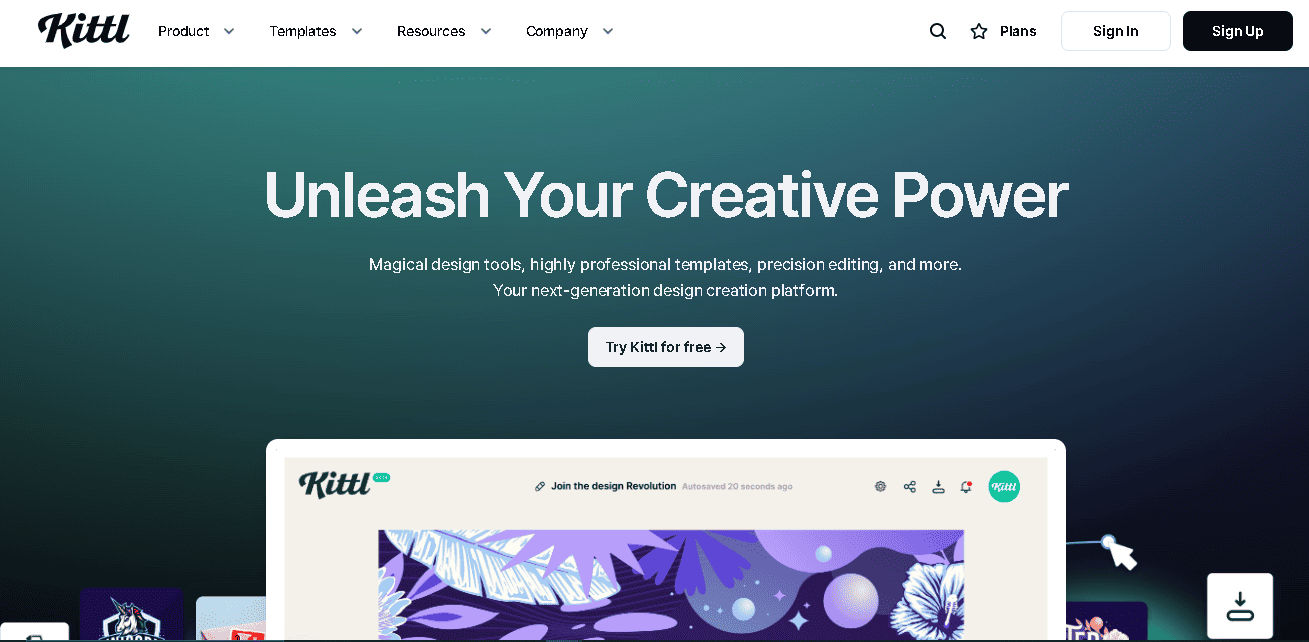
Kittl AI blends icon and illustration generation into a broader design ecosystem, making it a strong option for creators building merchandise or branded visuals. Its AI tools vectorize outputs efficiently while allowing color swaps and template-driven consistency.
Because Kittl combines AI generation with traditional layout tools, it supports end-to-end design production. Users can move from concept to final asset without switching platforms.
Key Features:
- Commercial-ready designs with unlimited content access on paid plans
- Fast processing with background removal and vector color control
- Text-to-vector generation for icons, clipart, and illustrations
7. Canva Magic Studio
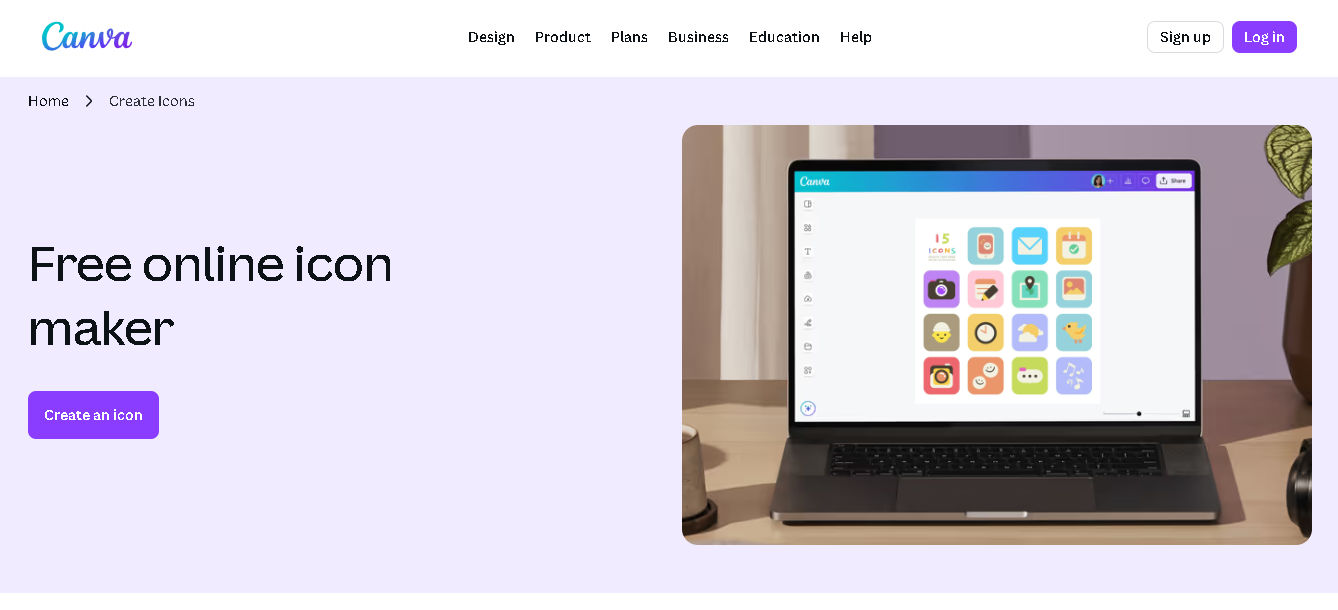
Canva Magic Studio allows users to generate and customize icons from text prompts within a familiar design environment. Because of its massive asset library and ease of use, it has become a popular AI icon solution for teams managing multi-platform branding.
Its real strength lies in collaboration and scalability across teams. Icons can be reused, resized, and adapted across multiple formats without breaking visual consistency.
Key Features:
- Real-time editing with simple upload and customization tools
- AI-powered vector icon generation with shape and template options
- Extensive graphics and font collections
Also Read: 8 Free and Paid Canva Alternatives for Creative Projects
Elevating Brand Design with the Right AI Icon Generator
The best AI icon generator helps simplify workflows, but your real value lies in enhancing visual storytelling. Consistent, well-designed icons contribute to a stronger aesthetic and make brands feel more confident and professionally crafted across digital products.
To reinforce that visual quality, elevate your projects with our high-class fonts from StringLabs Creative. Visit our collection to discover typefaces that support consistency and elegance, helping your designs feel complete, cohesive, and distinctly professional.