
10 Leonardo AI Alternative Tools With Flexible Workflows
Leonardo AI is a popular AI image generator for producing high-quality illustrations and concept art, but many users report limitations in its free plan. According to user reviews on G2, the free trial offers only 150 credits per day, which can restrict creative exploration. As a result, many creators are searching for a Leonardo AI alternative.
To help you find the best alternative to Leonardo AI, we’ll break down the top options and explain which tools best suit specific creative needs. So, if you’re ready to upgrade your creative process, keep reading to discover the perfect AI image generator for you!
Key Takeaways
- Leonardo AI alternative tools offer more flexible pricing, workflows, and creative freedom than the free Leonardo AI plan.
- The best Leonardo AI alternatives support diverse needs, from cinematic visuals and branding to photorealistic and artistic image generation.
10 Best Leonardo AI Alternatives for High-Quality AI Image Generation
Below, we’ve curated ten Leonardo AI alternative options that excel in high-quality image generation, offer distinctive features, and fit a wide range of creative needs. Choose the one that works best for you!
1. Kling AI (4.8 on G2)
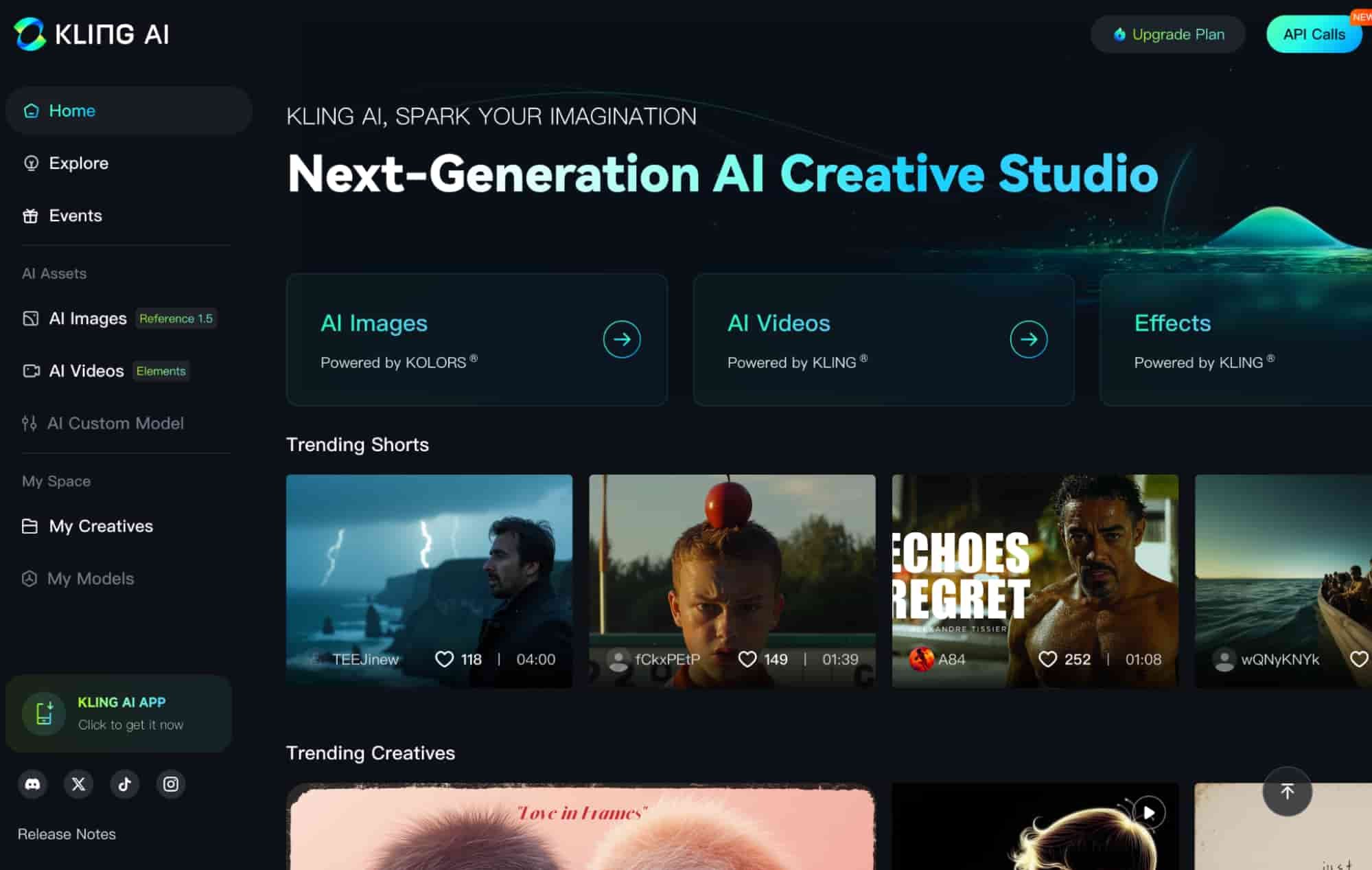
Kling AI is gaining popularity for cinematic visuals and storytelling-focused outputs. Its clean interface allows creators to generate images with minimal effort.
Features:
- Cinematic and realistic visuals.
- Strong character consistency.
- Easy-to-use dashboard.
- Image-to-video support.
- Optimized for social content.
Pricing: Paid plans required for full use starting at $23.9.
Also Read: Kling AI vs RunwayML: From Prompt Control to Final Visual Output

2. FLUX (4.5 on G2)
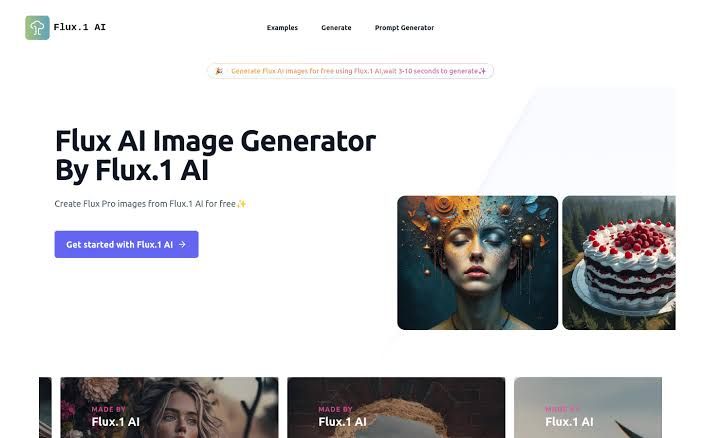
FLUX stands out for its impressive realism and clean image output. Its interface is modern and beginner-friendly, which makes it easy to generate professional visuals quickly.
Features:
- High photorealism quality.
- Accurate lighting and textures.
- Responsive prompt handling.
- Simple web-based workflow.
- Fast rendering speed.
Pricing: Free tier is available for 14 days; paid plans vary from $15 to $49.
3. Adobe Firefly (4.5 on G2)

Adobe Firefly is one of the Leonardo AI-similar tools built for designers who value commercial safety and Adobe integration. It’s very easy to use, especially for existing Adobe users.
Features:
- Seamless Adobe Creative Cloud integration.
- Commercially safe training data.
- Text effects and generative fill.
- High-quality design outputs.
- User-friendly interface.
Pricing: The standard version starts from $9.99, while the Pro version starts from $19.99 per month.
4. Midjourney (4.4 on G2)
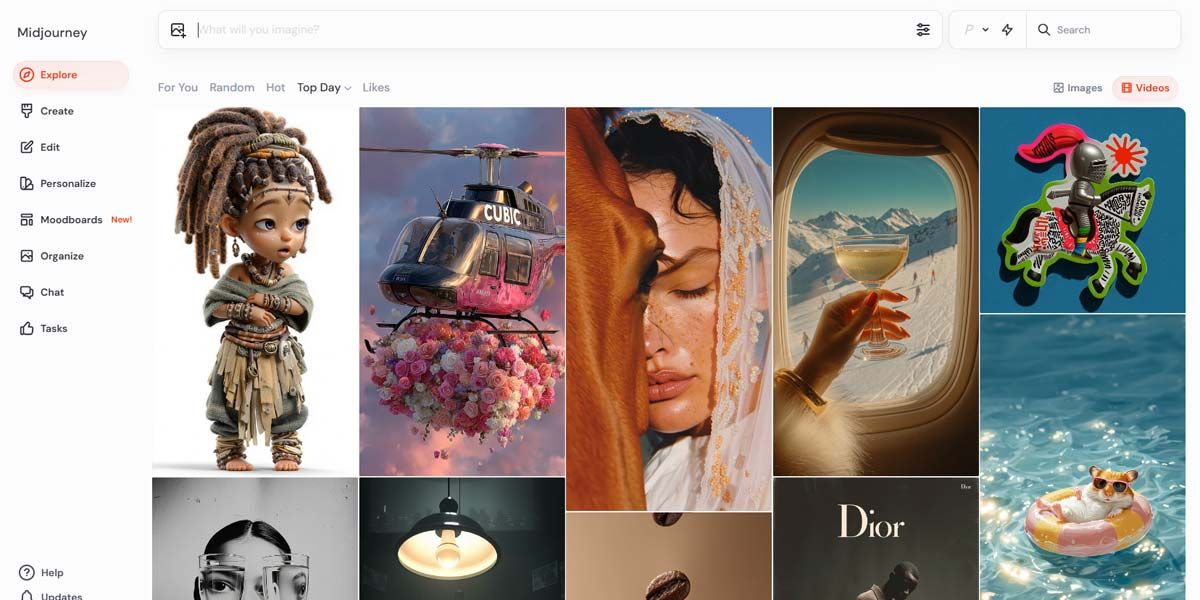
Midjourney is widely known for producing highly artistic and visually striking images. Its Discord-based interface is simple to use once learned, making it accessible for beginners while still powerful for professionals.
Features:
- Exceptional artistic and cinematic image styles.
- Strong prompt interpretation.
- Fast image generation.
- Community-driven inspiration.
- High-resolution outputs.
Pricing: Paid plans start around $10/month; no permanent free plan.
Also Read: MidJourney vs FLUX: Which AI Image Tool Is Better?
5. Playground AI (4.4 on G2)
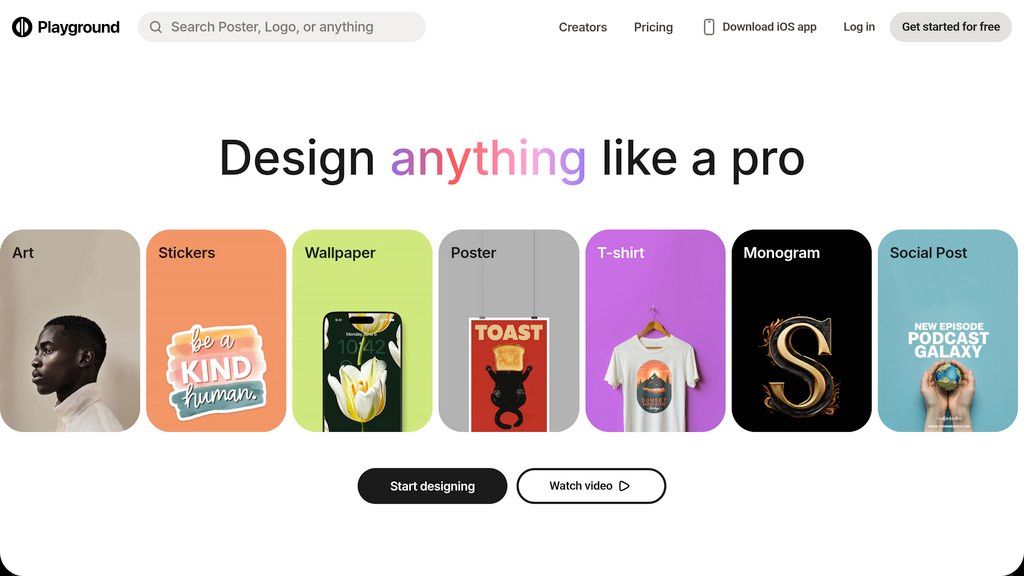
Playground AI is a beginner-friendly Leonardo AI alternative that’s great for experimenting with different styles. Its interface is intuitive and easy to learn quickly.
Features:
- Simple and clean UI.
- Multiple style presets.
- Free daily generations.
- Image editing tools.
- Stable Diffusion-based models.
Pricing: Free plan is available; paid plans unlock more features starting at $12/month.
6. Stable Diffusion (4.3 on G2)
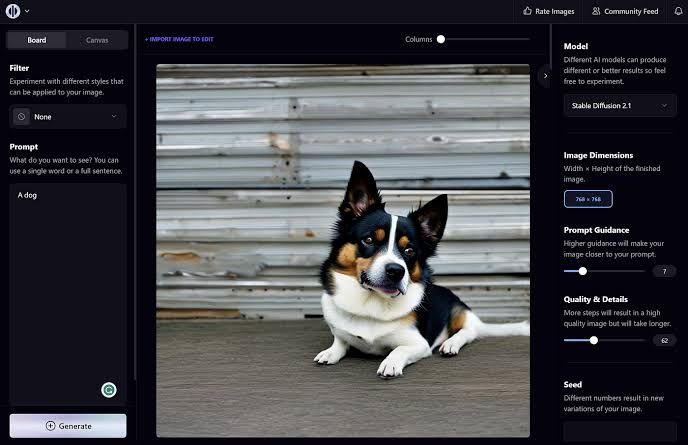
Stable Diffusion is an open-source AI image generator offering unmatched customization. While it has a learning curve, it’s extremely flexible for users who want full control.
Features:
- Open-source and self-hosting support.
- Custom model and LoRA training.
- High level of prompt control.
- Works offline (local install).
- Strong community ecosystem.
Pricing: Free (local); paid cloud services vary, starting from $10/month.
Also Read: Flux vs Stable Diffusion: 8 Key Differences for AI Artists
7. NightCafe (4.3 on G2)
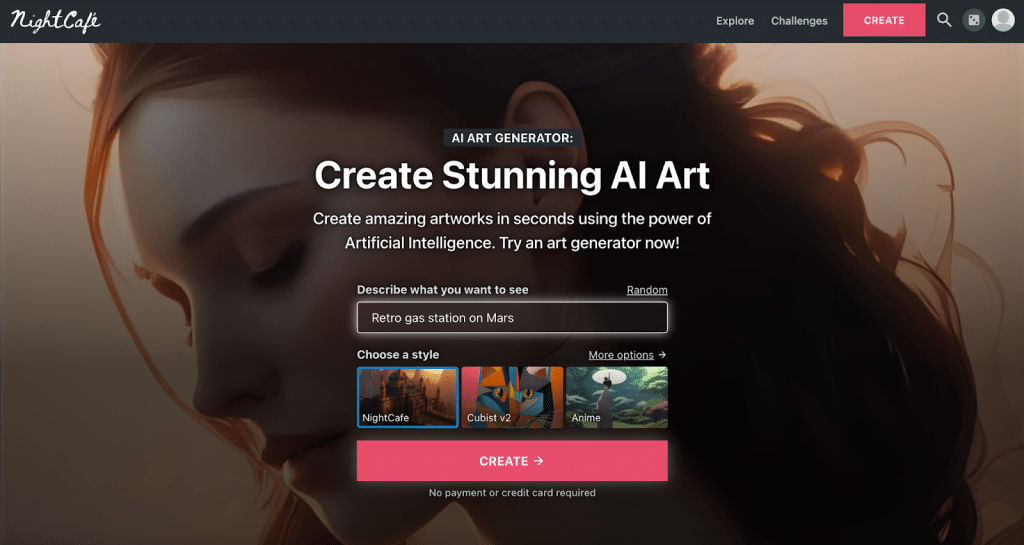
NightCafe focuses on community engagement and artistic experimentation. It’s easy to use and ideal for creators who enjoy sharing and discovering AI art.
Features:
- Multiple AI models supported.
- Community challenges.
- Style transfer tools.
- Beginner-friendly interface.
- Print and monetization options.
Pricing: Credit-based system starting from $7.99 for 100 credits however free daily credits available.
8. RunwayML (4.0 on G2)
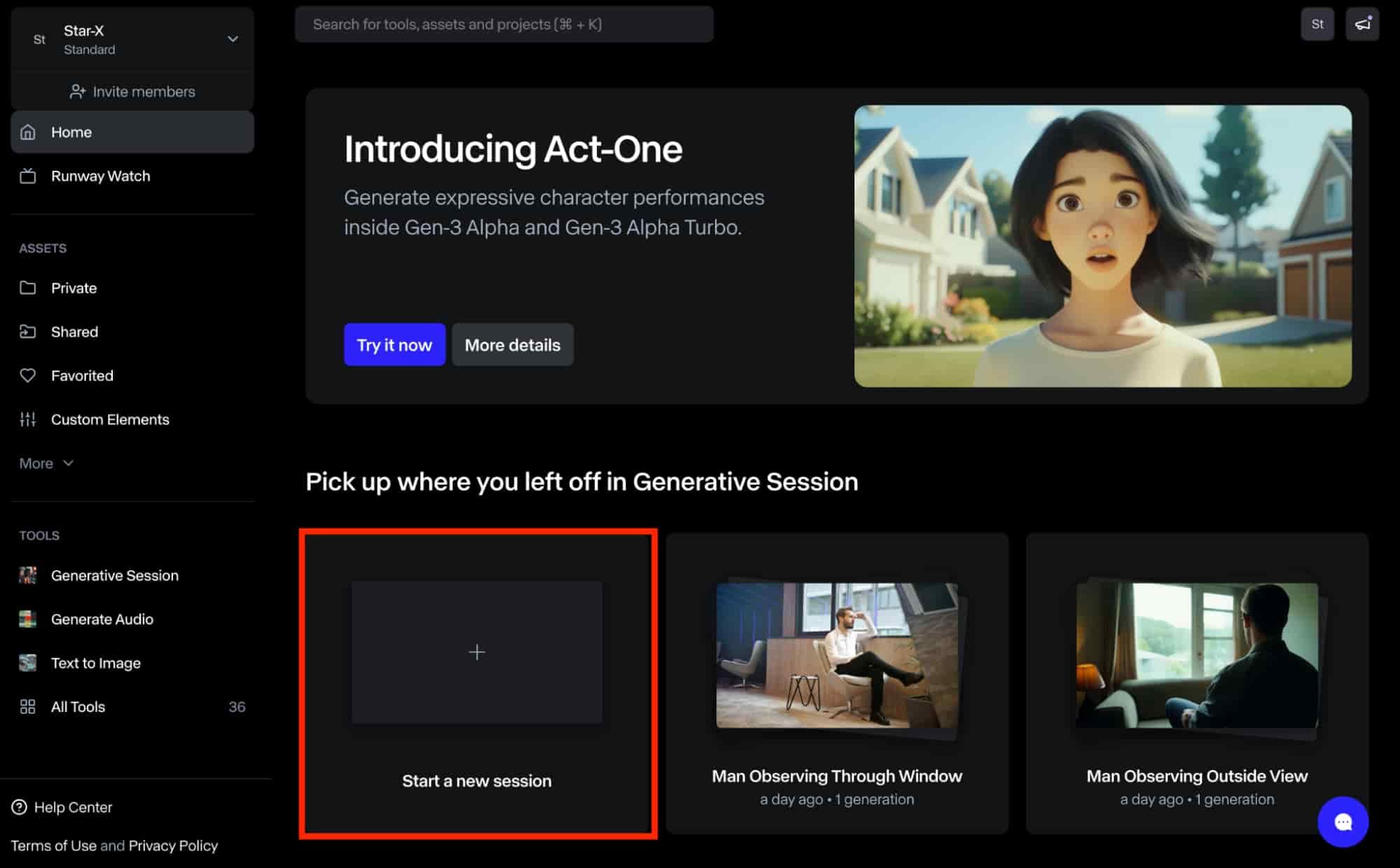
RunwayML combines AI image and video generation in one platform. It’s easy to use and ideal for creators working on multimedia projects.
Features:
- AI image and video generation.
- Timeline-based workflow.
- Collaboration tools.
- Creative effects and editing.
- Cloud-based access.
Pricing: Free plan available with 125 credits while paid plans start around $12/month.
9. DALL·E (3.9 on G2)
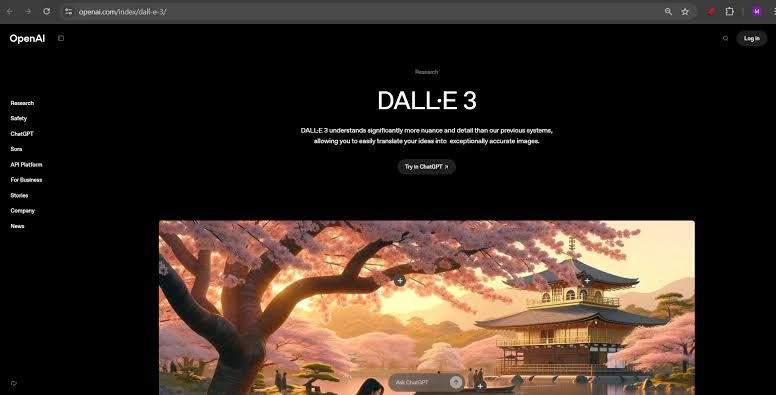
DALL·E is one of the top alternatives to Leonardo AI that’s known for its simplicity and fast idea generation. It’s perfect for beginners who want reliable results without complex settings.
Features:
- Simple text-to-image prompts.
- Fast image generation.
- Strong concept visualization.
- Integrated safety filters.
- Easy editing and variations.
Pricing: Credit-based pricing via OpenAI plans.
10. Ideogram (N/A)
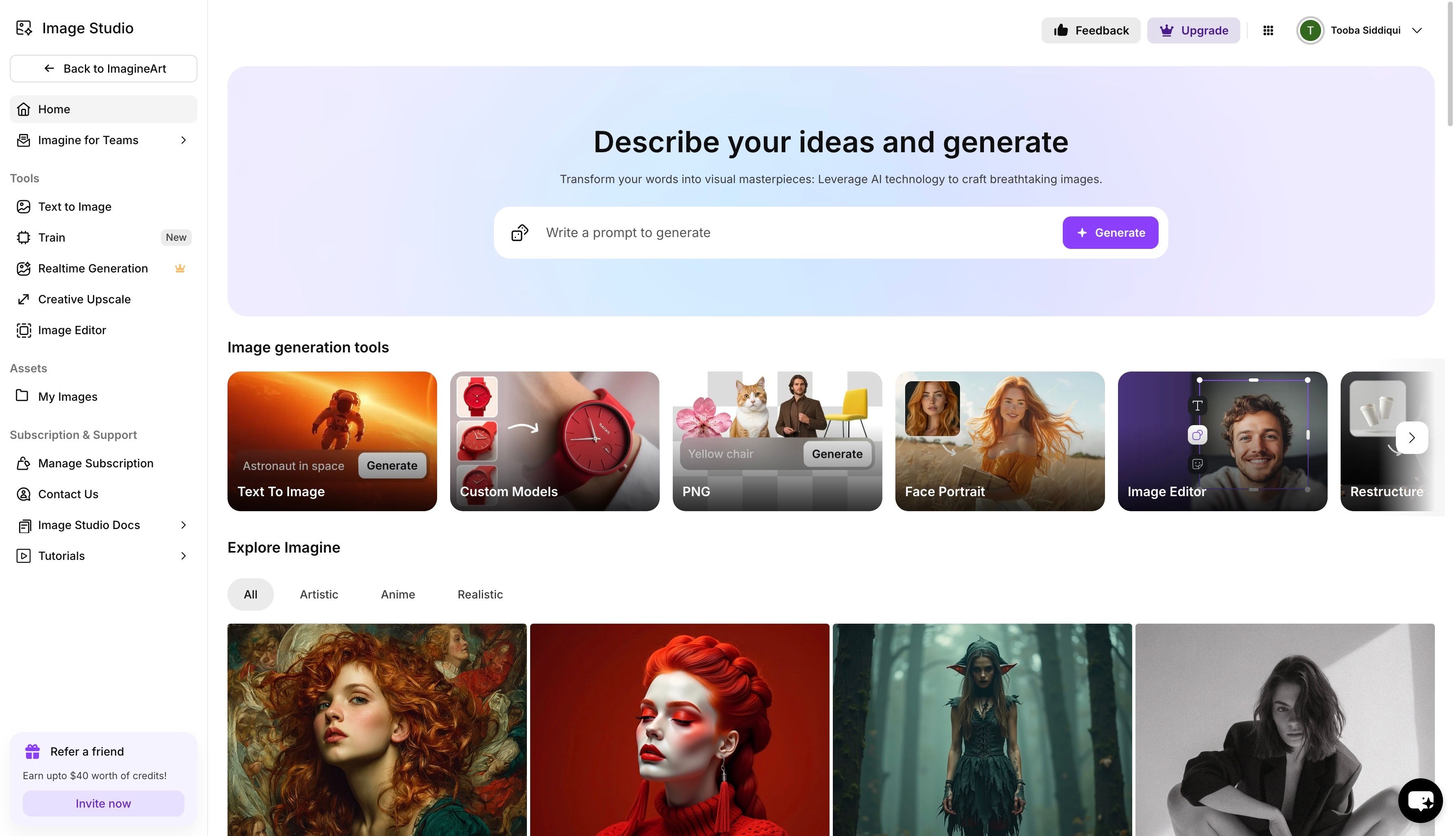
Ideogram excels in text rendering, which is ideal for logos, posters, and branding visuals. Its interface is simple and optimized for designers.
Features:
- Accurate text-in-image generation.
- Branding and logo-focused outputs.
- Clean UI.
- High-resolution exports.
- Fast generation speed.
Pricing: Free tier is available; paid plans for higher usage start at $7/month.
Also Read: Leonardo AI vs MidJourney: A Practical Comparison
Move Beyond Limits with a Leonardo AI Alternative
Selecting a Leonardo AI alternative boosts quality, but professional design defines the final result. Even high-quality visuals require structured typography to appear polished and cohesive. Consequently, blending AI artwork with premium fonts is vital for high-end branding outcomes.
StringLabs Creative presents fonts that are specifically crafted for artists demanding precision and consistency. Our readable font collection offers optimized kerning and versatile weights to enhance AI imagery naturally. As a result, pairing advanced tools with specialized typography elevates your professional branding projects. Try them now!
Comments are closed.