
20+ Midjourney Art Style Prompts To Elevate Your Design
Did you know that Midjourney is a one-of-a-kind generative AI tool that can help you create a wide range of design work across many different styles? Here, we’ve put together a collection of Midjourney art style prompts to help you achieve the best results and create exactly the designs you want.
Key Takeaways
- Clear, specific prompts with the right styles, moods, lighting, parameters, references, and examples help Midjourney generate more accurate results.
- Midjourney can quickly create diverse art styles and automate repetitive tasks, but human creativity is still essential to guide and perfect the final design.
- Maintaining consistent art styles, color palettes, aspect ratios, and typography ensures cohesive visuals.
Midjourney Art Style Prompts You Should Try!
According to Adobe, AI tools help automate repetitive tasks such as background removal, image resizing, and applying consistent styles, allowing creators to focus on more complex work. That is why we have gathered the best Midjourney art style prompts to make creating strong base designs faster and easier.
1. Anime Style
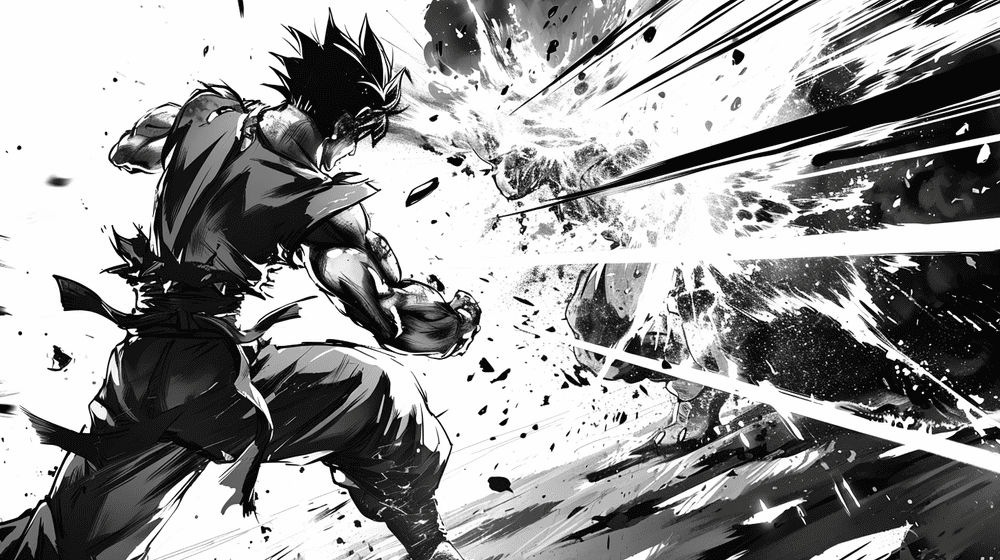
- “Manga-inspired action scene featuring dynamic characters locked in a fierce battle, bold high-contrast shading, and intense, dramatic expressions.”
- “A Japanese teenager strolling through a rainy Tokyo street, rendered in classic 90s anime style with soft Studio Ghibli lighting, cinematic film grain, shallow depth of field, and warm, nostalgic tones.”
- “An intricately detailed anime-style scene of a bustling futuristic city illuminated by neon lights and flying vehicles.”
- “Retro robot soaring above a city skyline, framed by dramatic clouds, with VHS-style texture and classic anime color tones.”
- “An anime digital artwork depicting a serene Japanese garden in autumn, featuring a koi pond, a traditional tea house, maple trees, and gently falling leaves.”
Also Read: Top 20+ Midjourney Logo Prompts You Must Try
2. Watercolor Style
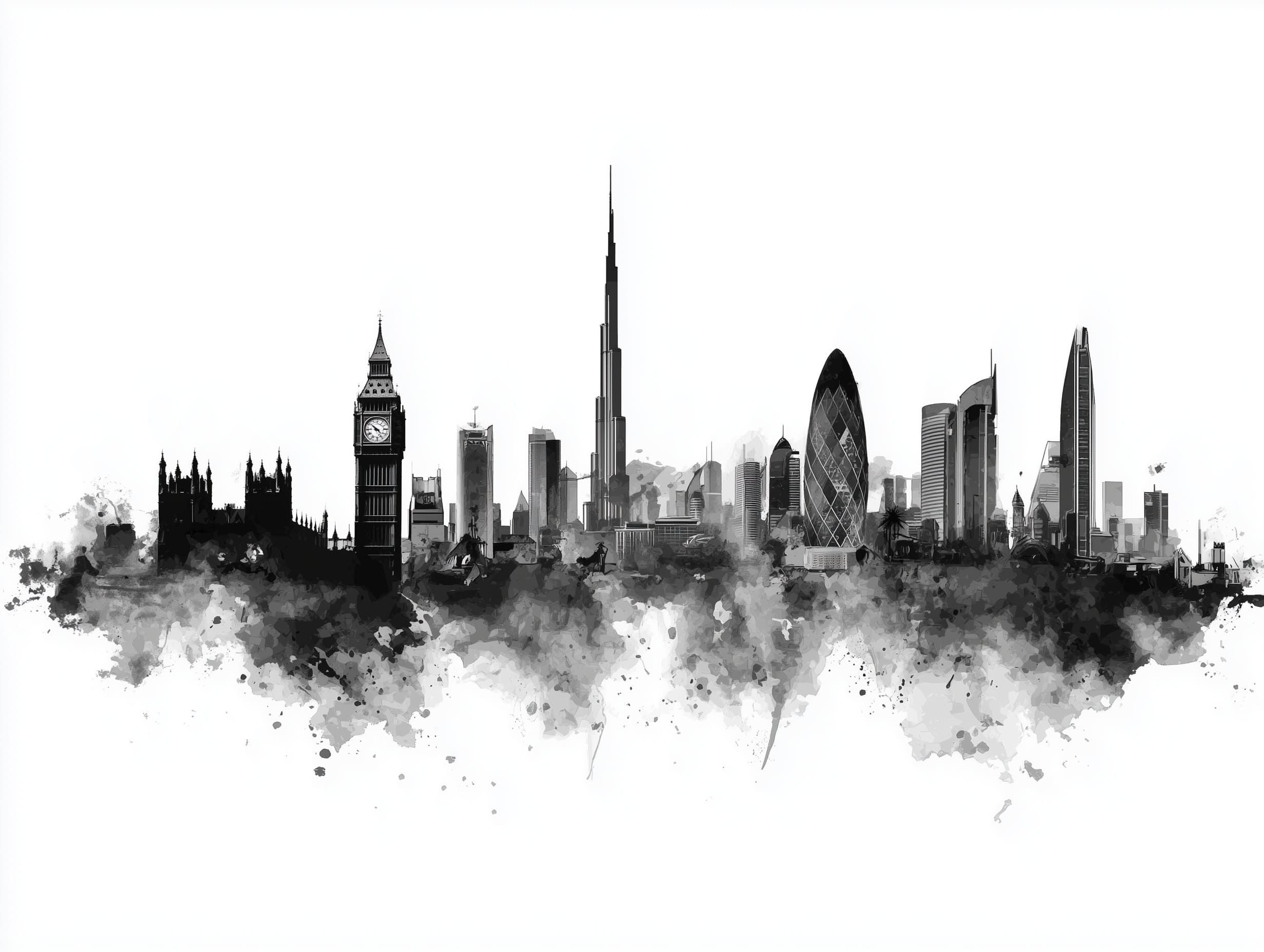
- “A black-and-white watercolor skyline of Dubai featuring London’s Big Ben and the Burj Khalifa at the center, set on a white background.”
- “A hand-painted watercolor scene showing a calm shoreline, with gentle surf and a richly colored sunset on the horizon.”
- “An ethereal, mist-filled forest with lush green undergrowth, soft sunlight streaming through the canopy, rendered using a wet-on-wet, impressionist technique.”
- “Digital watercolor mountain landscape featuring rugged peaks, subtle color gradients, and atmospheric perspective.”
- “A high-quality watercolor cartoon illustration of a cute blonde girl aged 4–5 drawing with pencils at a table, using bright colors.”
3. Cyberpunk Style
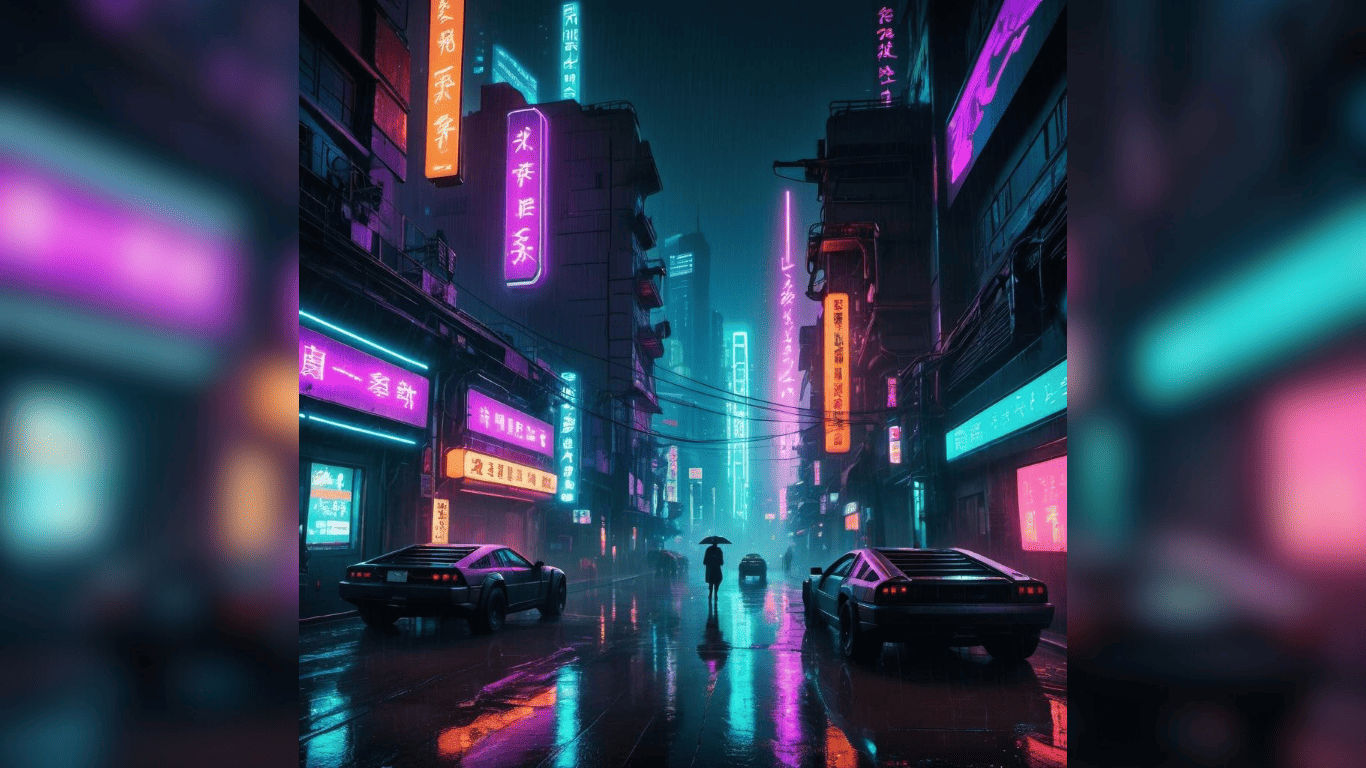
- “A cyberpunk cityscape at night with glowing neon lights, rain-drenched streets, and futuristic architecture, inspired by Blade Runner.”
- “A close-up portrait of a cyborg artist, featuring metallic skin and intricate, glowing tattoos forming detailed patterns across their face.”
- “A glowing futuristic skyscraper at night, with artists visible through colorful windows in a rain-drenched cyberpunk city.”
- “Cyberpunk aesthetic edit, neon pink and blue lighting, foggy night streets, reflective surfaces, high contrast, cinematic grading.”
- “A dystopian cyberpunk city under constant watch from patrolling surveillance drones.”
Also Read: 20 Examples of Midjourney Prompt to Generate Book Cover
4. Pixel Style

- “Pixel art showing a retro arcade packed with classic game machines, rendered in a 16-bit style.”
- “A retro sci-fi scene in 8-bit pixel art, featuring a space explorer rendered with chunky, block-style details.”
- “A cozy village scene rendered in 16-bit pixel art, featuring charming cottages and lush gardens.”
- “Pixel art of a cave interior inspired by Castlevania, dark atmospheric lighting.”
- “8-bit pixel art of a classic RPG hero holding a glowing sword, surrounded by pixelated magical effects.”
5. PopArt Style

- “A high-impact pop art illustration of a famous figure, designed with bold color contrasts, graphic comic details, and strong visual emphasis.”
- “An exaggerated pop art illustration of a hamburger, created with intense color saturation and strong shadow contrast.”
- “A vibrant pop art landscape with surreal color palettes, abstract shapes, and an imaginative, dreamlike quality.”
- “A stylized pop art rendering of an urban skyline, built with bright neon tones and clean, simplified shapes.”
- “A pop art depiction of a daisy, composed of primary color blocks and a graphic, comic-style visual treatment.”
Also Read: Ideogram vs MidJourney: 7 Things to Consider Before Deciding
7 Midjourney Style Prompt Guide You Shouldn’t Ignore
To get consistent and high-quality results, your prompts need more than just a subject. These tips will help you refine your approach and get better outputs from Midjourney:
- Write clear, detailed prompts that describe the subject, style, environment, lighting, mood, and background.
- Use the Midjourney Explore page to study different styles and review the exact prompts others use for inspiration.
- Add descriptive adjectives and adverbs to improve clarity and guide the visual style.
- Maintain brand color consistency by uploading a color swatch and using the “–sref” parameter.
- Adjust aesthetic parameters like “creative”, “stylize”, “chaos”, and “weird”, to control creative output.
- Use Turbo mode to generate images faster and streamline your workflow.
- Set consistent aspect ratios and resolutions to keep visuals polished across platforms.
Also Read: 10 Ways to Create a ChatGPT Prompt for Human Responses

Find More to Enhance Midjourney Art Style Prompts!
Midjourney artistic prompt stylescan definitely generate impressive illustration styles in seconds with the right prompts, but human creative ideas are essential to refine and perfect the results. Human creativity ensures visuals have a distinctive character that helps designs stand out from competitors.
To support this, choosing the right typography is essential, as it plays a key role in communicating with readers. StringLabs Creative offers a premium font collection that elevates your designs, making them more professional, visually appealing, and consistent across different platforms.