
The Power of AI Twitch Banner Generator to Create Instant Identity
For streamers, the Twitch banner is their channel’s visual billboard that defines their brand identity. Creating a high-quality, professional banner used to require extensive design skills or expensive freelancing. Now, the rise of the AI Twitch banner generator has democratized channel branding.
Adobe reports that 52% of creators are actively using generative AI to create new assets like images and videos. This statistic confirms that AI is essential for accelerating the design process. This guide reviews the top tools and techniques for creating your perfect Twitch aesthetic effortlessly.
Key Takeaways:
- AI banner generators allow streamers to produce professional, custom graphics instantly using simple text prompts.
- These tools significantly reduce the time and cost associated with creating a unique channel identity.
- The most effective AI generators integrate well with Twitch’s required dimensions and branding needs.
Best AI Tool to Create Twitch Banners
Choosing the right tool depends on your desired balance between creative control and speed. The best AI generators offer specific templates for Twitch’s dimensions, ensuring a perfect fit.
1. Piktochart’s AI Graphic Maker
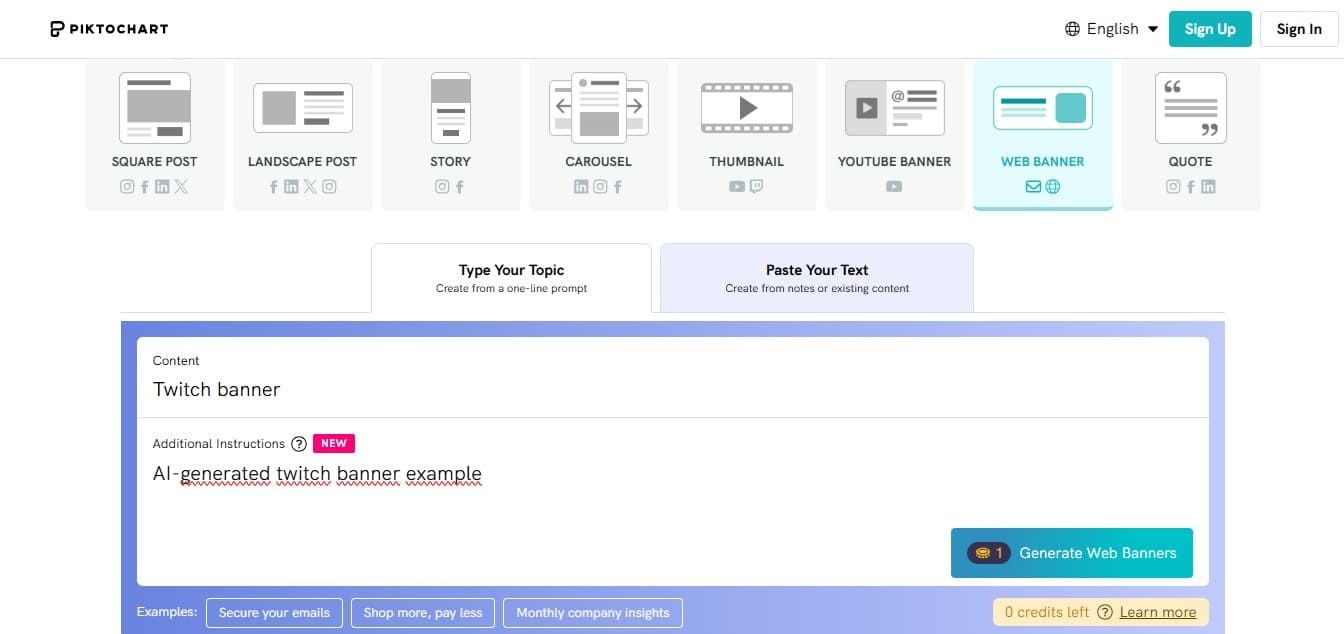
Piktochart excels at combining AI generation with a simple, user-friendly editor. The tool allows you to input your desired style or theme and generates several initial concepts quickly. It is ideal for streamers who need clean, information-focused banners without complex photorealism.
The platform provides a solid starting point that users can easily refine. Its intuitive drag-and-drop tools make it simple to swap out icons, adjust fonts, and tweak colors to match your personal brand. Additionally, the finished banners are perfectly formatted for Twitch’s required aspect ratios.
Also Read: How to Use AI to Create YouTube Dialogue in 5 Easy Ways
2. Adobe Express (Firefly Integration)
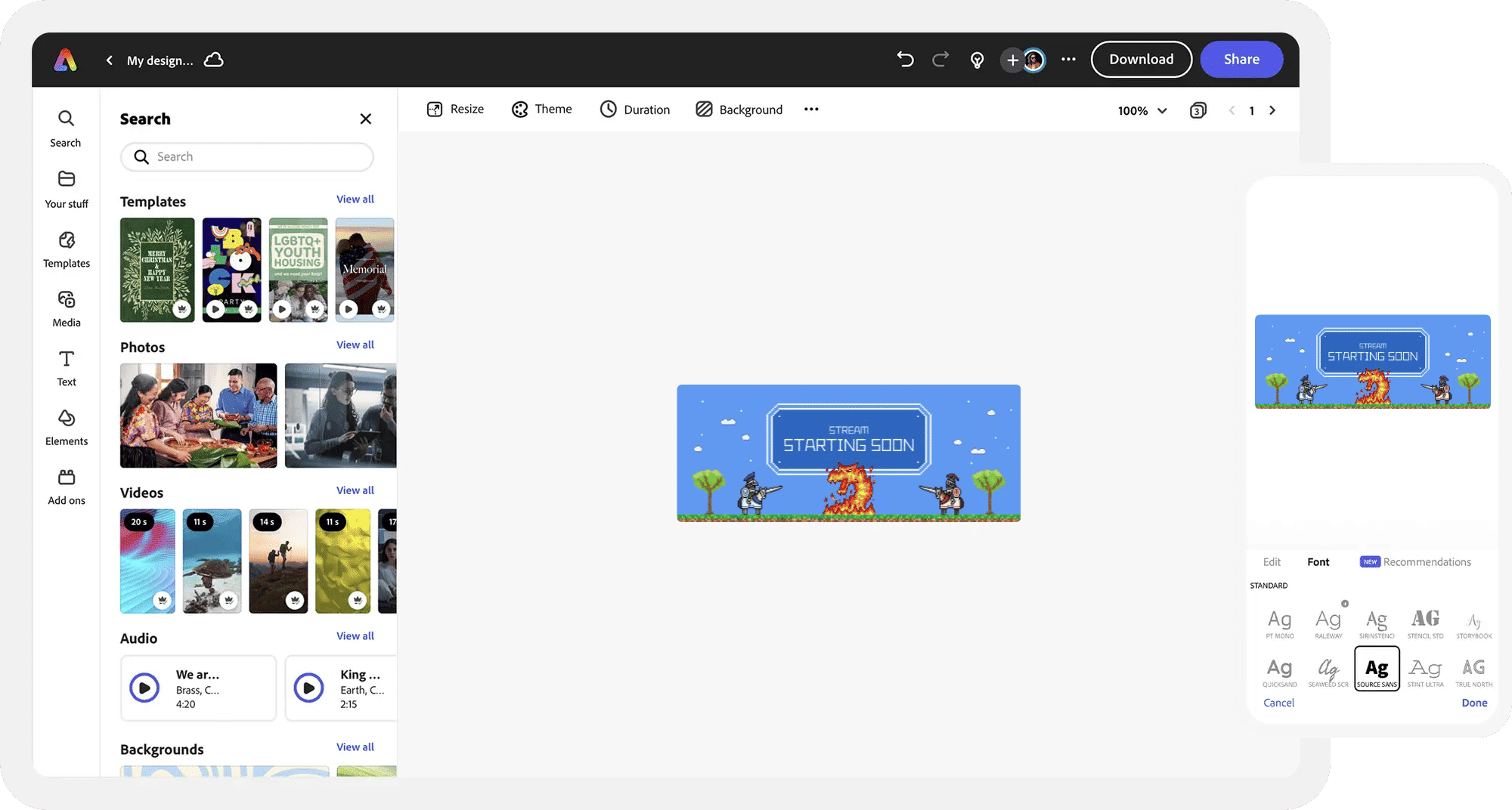
Adobe Express, integrated with the powerful Firefly model, offers sophisticated text-to-image generation. This tool provides advanced creative control over lighting, style, and composition. This versatility makes it an excellent choice for a dedicated AI Twitch banner generator.

Users can upload their own elements, like a logo or mascot, for seamless integration into the generated background. That’s why the output quality is highly professional and customizable for unique branding.
3. Fotor AI Banner Maker

Fotor is known for its speed and its wide variety of template options specifically for social media. It serves as a strong Twitch banner maker with AI capabilities. The AI handles basic design layouts and color schemes based on a prompt.
The platform provides a smooth, intuitive editing experience for minor adjustments. Built-in tools like the AI background remover and one-tap photo enhancer significantly reduce the time spent on manual retouching.
4. Designs.AI
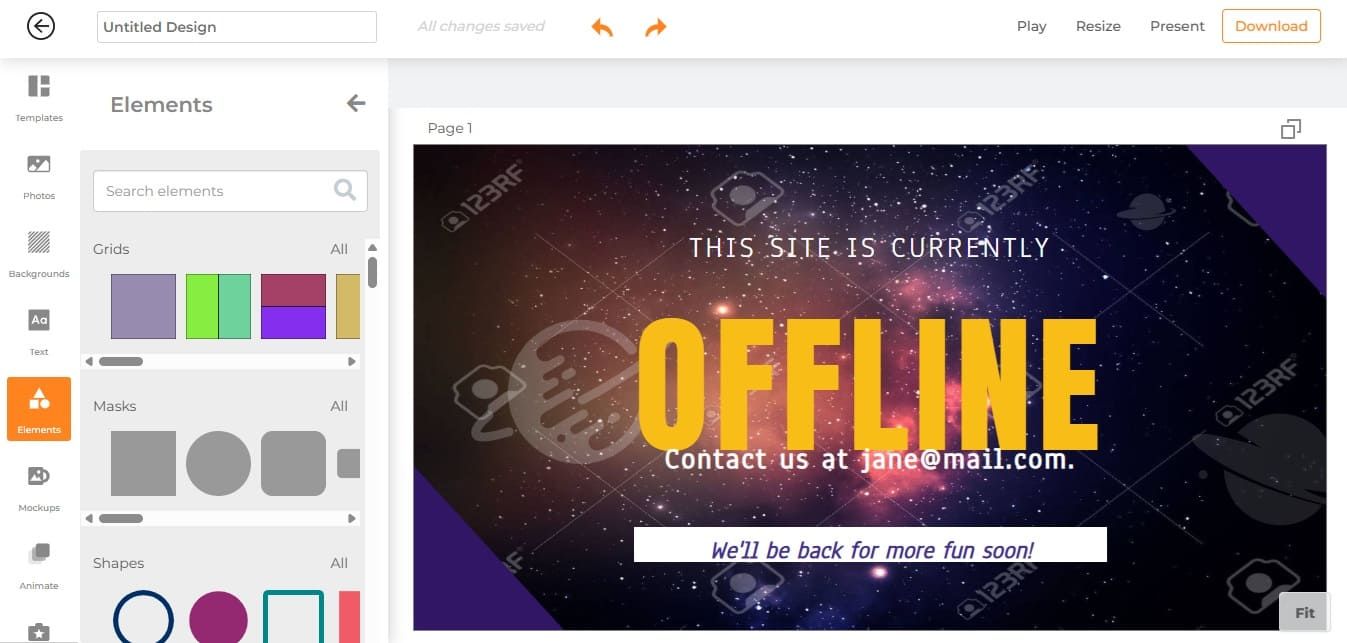
Designs.AI uses machine learning to create personalized assets based on your brand keywords and industry niche. The AI analyzes current design trends to produce modern, relevant banners. It is highly effective for streamers who want a sophisticated, market-aligned aesthetic.
This tool provides a strong foundation for building an entire visual identity, not just a single banner. With its smart resize feature, you can adapt your Twitch banner design into matching headers for YouTube, Twitter, and Facebook with a single click.
Also Read: Top Picks: Best AI Poster Design Tool for Every Designer
5. Simplified AI Graphic Designer
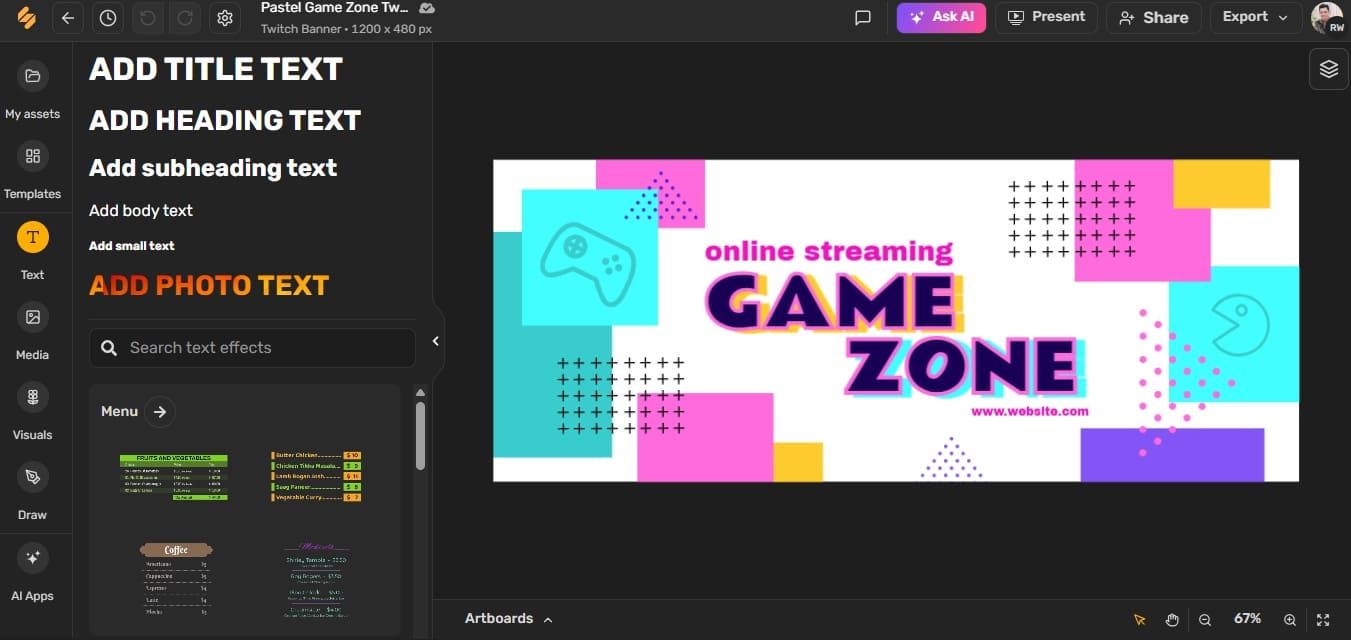
Simplified is an all-in-one content creation suite that includes robust AI design features. Its ability to create entire visual campaigns from a single prompt makes it a powerful AI Twitch banner generator. The platform’s efficiency makes it popular among content creators managing multiple channels.
The AI can generate text variations directly onto the banner and suggest compelling color pairings. This integration accelerates both the design and marketing aspects of the streamer’s work.
6. Canva’s Magic Design
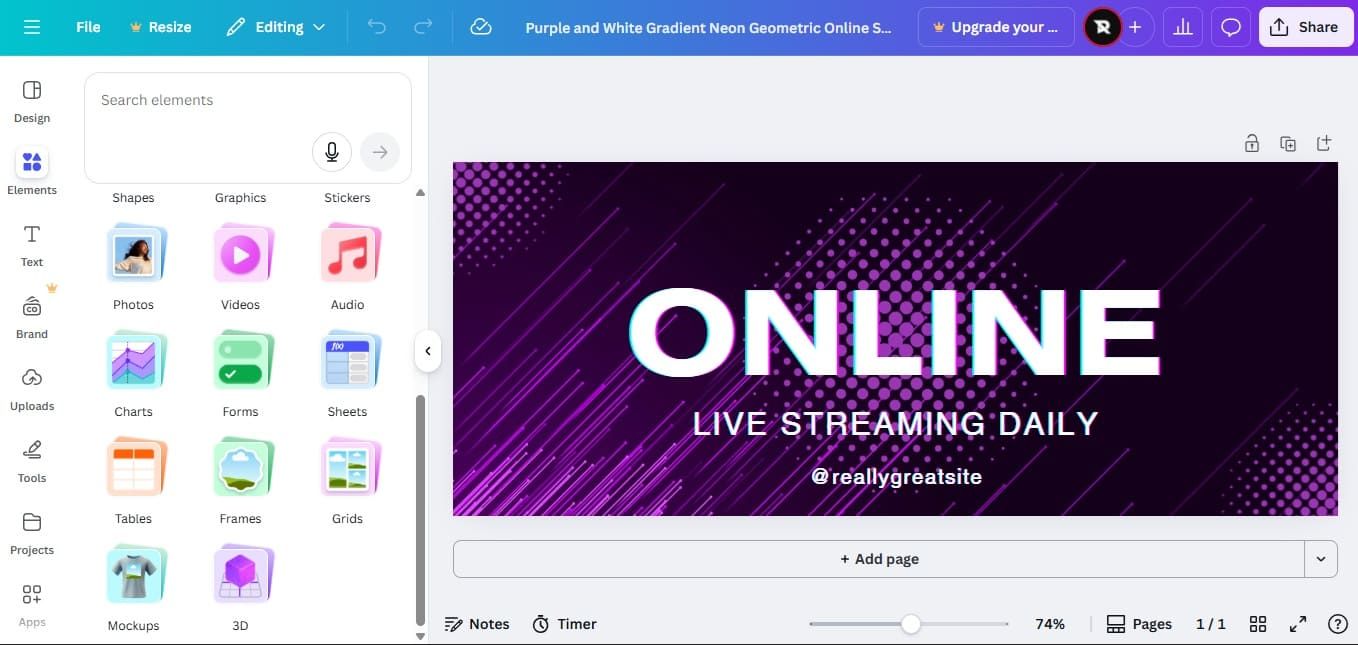
Use Canva’s Magic Design as your go-to Twitch layout design AI tool. The platform is highly accessible, even for users with zero prior design experience. You can upload your profile picture or logo and ask the AI to build a banner that matches its color scheme.
Beyond Magic Design, other Canva AI tools like Magic Edit let you add, swap, or change elements within your banner using simple text prompts. There’s also Magic Resize (Pro) to convert your new banner into perfectly sized Twitch panels, stream overlays, and social media posts.
Also Read: Create Faster and Smarter: 10 Free AI Tools for Content Creation
7. VistaCreate
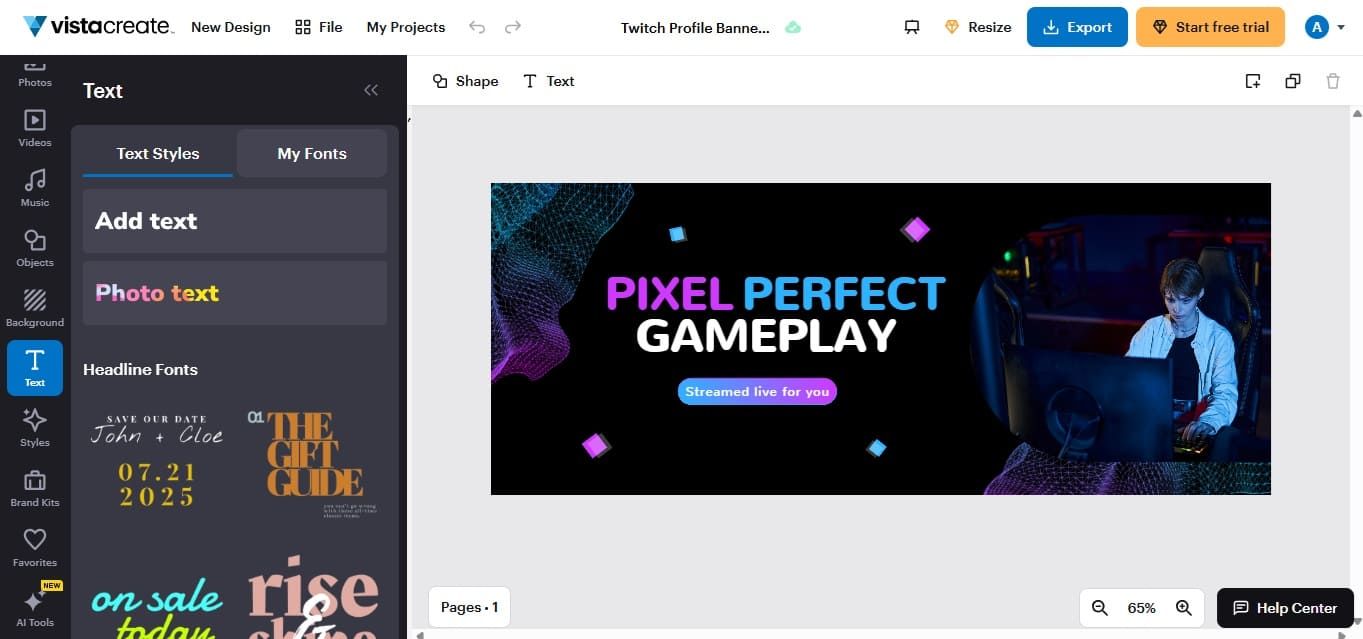
VistaCreate offers dedicated banner templates that can be heavily customized using their built-in AI tools and extensive asset library. The platform is known for its high-quality stock graphics and video integration. This allows for dynamic, animated banner designs.
The AI also assists with background removal and resizing design format. This is achieved through the ‘Background Remover’, which cleans up your custom images with a single click, and the ‘Resize’ feature, which ensures your final product is always perfectly optimized for quick web display and for platforms like Twitch.
Also Read: Best AI for Content Creation: 10 Tools Every Creator Should Try
Finalizing Your AI Twitch Banner Generator Design
The speed and quality delivered by an AI Twitch banner generator are revolutionary for content creators. These tools provide the necessary visual impact to capture attention in the competitive streaming market.
However, even the best AI-generated graphics require a final touch of professional polish and consistency. Your streamer brand needs strong, unique typography that matches the visual tone of your banner.
High-quality fonts are essential for creative professionals who want a cohesive and authoritative brand identity. Explore the exclusive premium font collections at StringLabs Creative to achieve this look. Crucially, StringLabs offers various commercial licensing options, which provide the necessary legal protection and flexibility for professionals to deploy a singular font across all platforms.
Comments are closed.