
How to Use AI on TikTok: 8 Secrets for Instant Reach
Knowing how to use AI on TikTok can help creators produce content faster and more efficiently. However, many still struggle to keep up with trends, unpredictable performance, and videos that easily get lost in crowded feeds. In such a competitive space, staying relevant and distinctive has become the biggest challenge.
This shift is reflected in growing AI adoption among creators. According to Statista, AI use by influencers is expected to reach 379 million by 2025, showing that AI is becoming essential for staying competitive on TikTok. This article explains how to use AI on TikTok effectively and where to start.
Key Takeaways:
- The use of AI on TikTok helps creators work more efficiently while staying relevant amid the competitive content landscape.
- AI is crucial for analyzing trends, improving video performance, and adjusting captions, audio, and visual quality.
- The combination of AI and a consistent visual identity makes content more recognizable, professional, and has the potential for sustainable growth.
Creators’ Secret Guide on How to Use AI on TikTok
Does TikTok use AI? Yes, TikTok uses AI to manage its algorithm and recommend content to users. AI also plays a role in analyzing trends and understanding audience behavior. Therefore, creators can take advantage of this technology. Here are some ways to use AI on TikTok.
1. Create Clear and Engaging Content
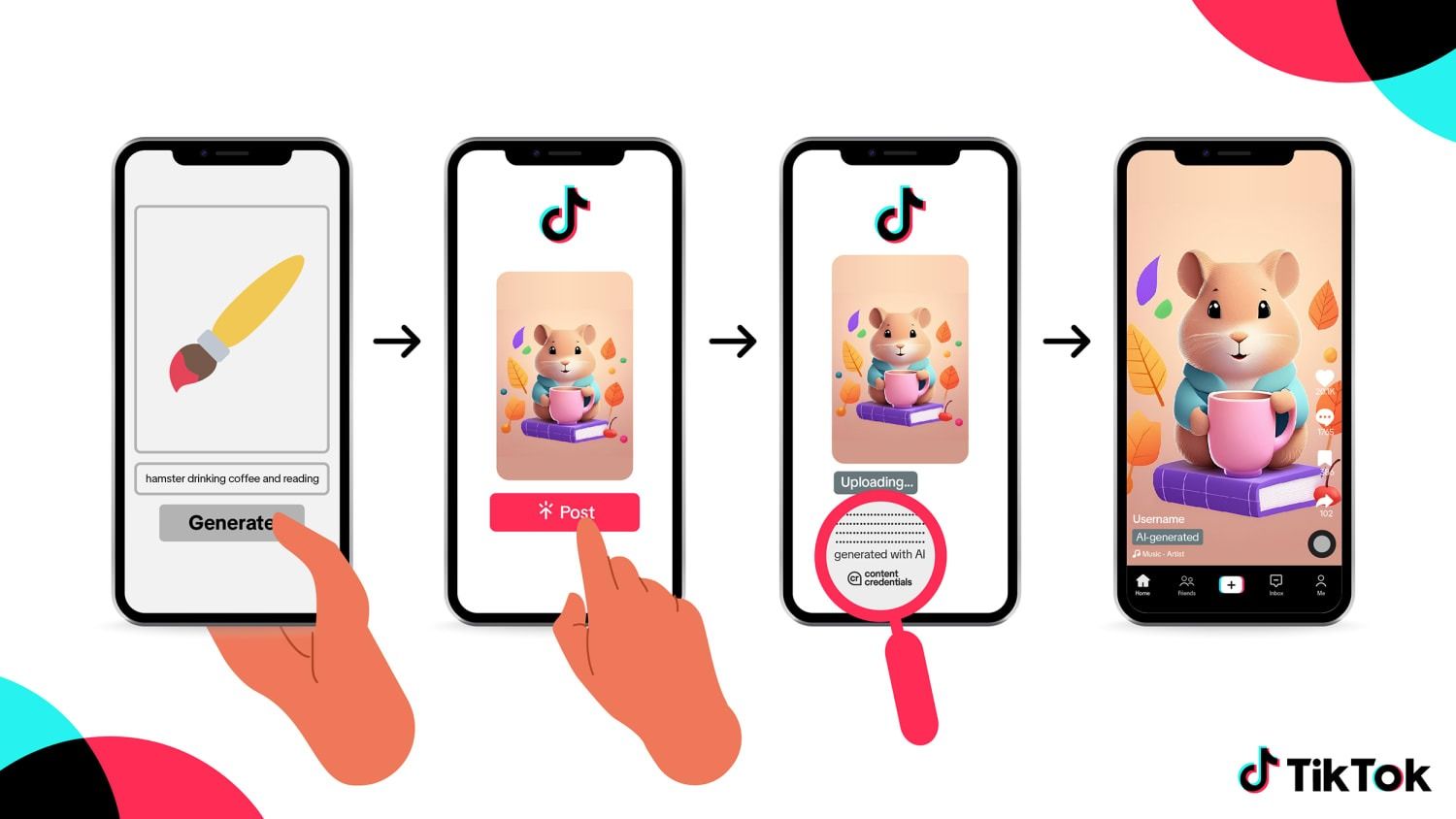
AI accelerates content creation by turning rough ideas into video concepts ready for development. From the beginning, creators may have a better idea of what their topics, key messages, and material flow will be like.
When there is a set flow, production runs more smoothly and consistently. Without spending much effort on fundamental content development, creators can focus on how things look and how they are spoken.
Also Read: 7 Best AI Subtitle Generator to Boost Video Accessibility
2. Use AI to Spot TikTok Trends Early
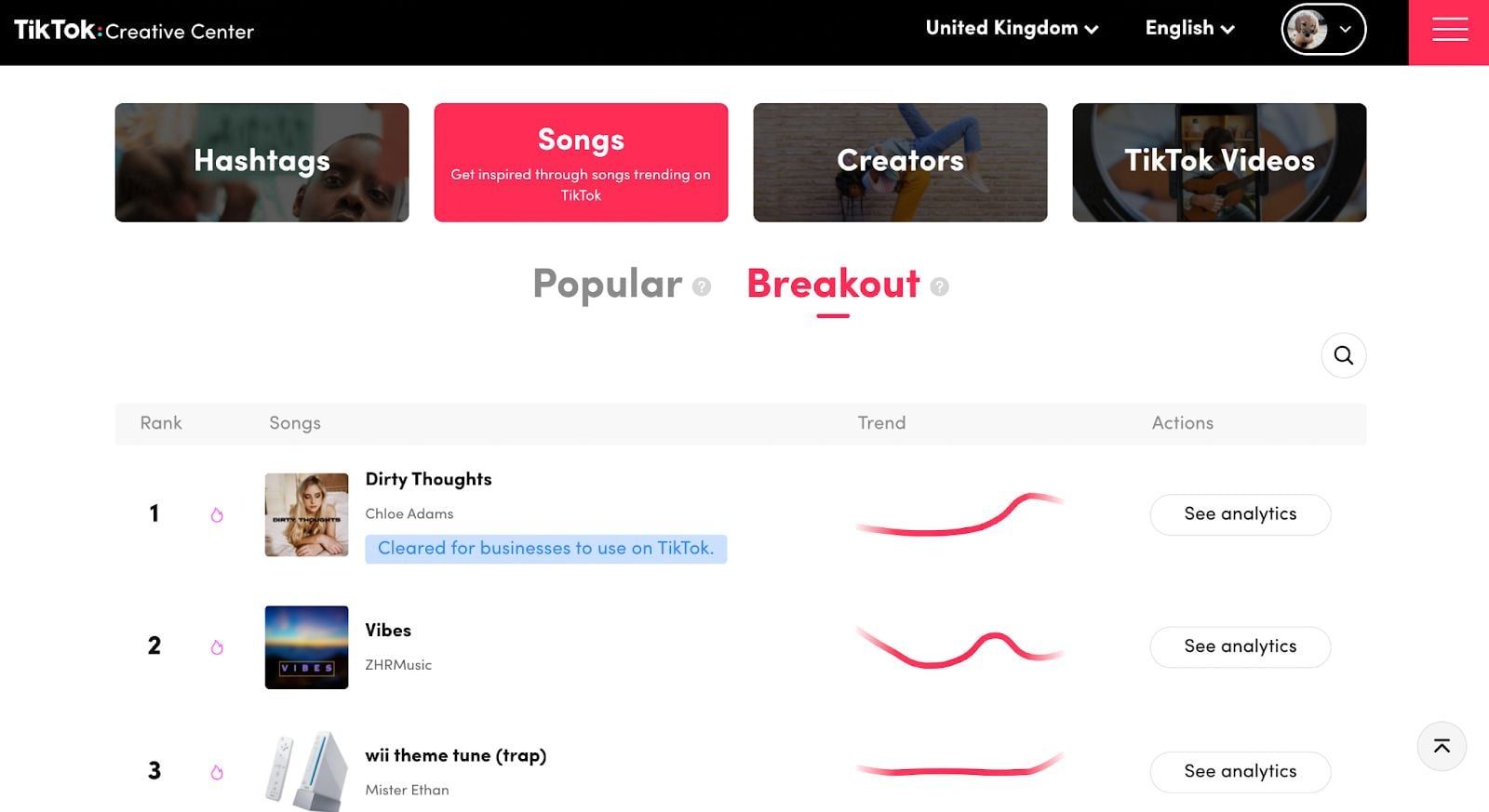
Creators employ AI to analyze search patterns, online community interactions, recurring content formats, and TikTok’s expanding audio usage. This data helps AI identify subjects, visual styles, and sounds that might become trends before they do.

This insight allows creators to make more confident content decisions. As a result, content can be produced and published at the right moment, making it feel fresher, more relevant, and more likely to reach a wider audience.
3. Improve Video Performance
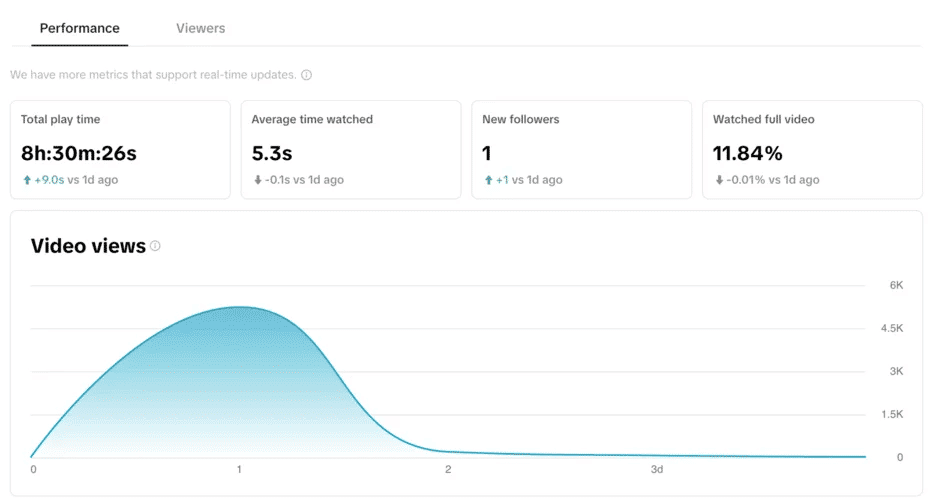
AI helps creators understand audience responses more realistically, from the part of a video watched to the end, the moment viewers start skipping content, to the type of content that generates the most engagement.
With a clearer picture, creators can make more confident content decisions, build on top-performing videos, and refine underperforming content for a more streamlined and consistent content strategy.
Also Read: AI Video Generators: The Future of Efficient Video Marketing with ImagineArt
4. Refining Video Quality to Increase Engagement
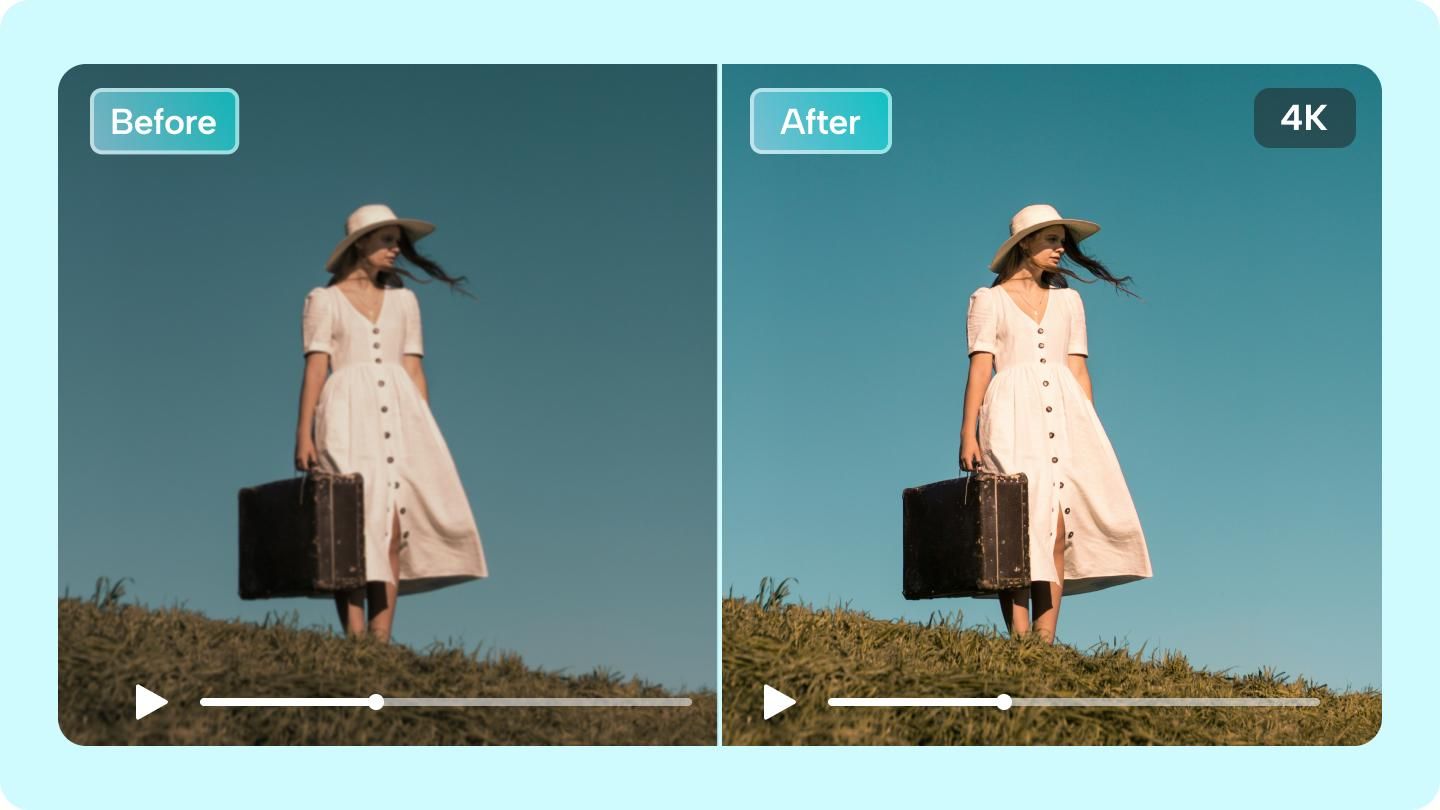
Beyond aiding the ideation process, AI also plays a significant role in improving video quality. Elements such as image sharpness, motion stability, lighting, and color can be automatically enhanced, resulting in a smoother, more enjoyable video experience.
Higher-quality visuals help retain viewers longer, encourage interaction, and keep content competitive on TikTok.
5. Personalize Captions for Better Content
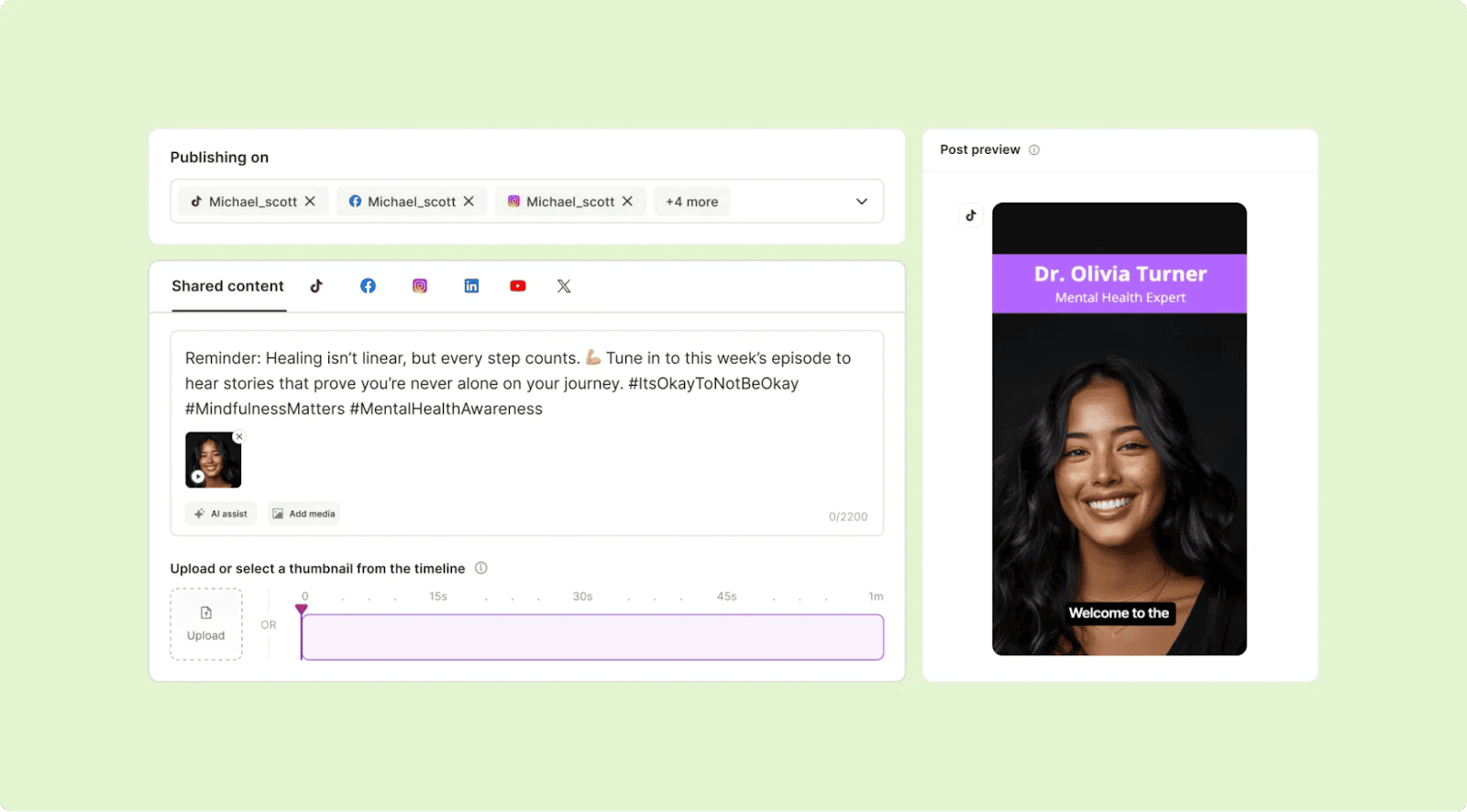
AI helps creators craft captions and subtitles that are more relevant to their audiences, both in terms of language style, emotion, and content context. With the support of an AI video subtitle adder, text can be adjusted to suit the video’s tempo, tone, and audience habits, which often involve watching without sound.
Clear, well-structured captions improve readability and message clarity, helping viewers follow the content more easily and increasing the chances of engagement.
6. Create Consistent Voice and Narration
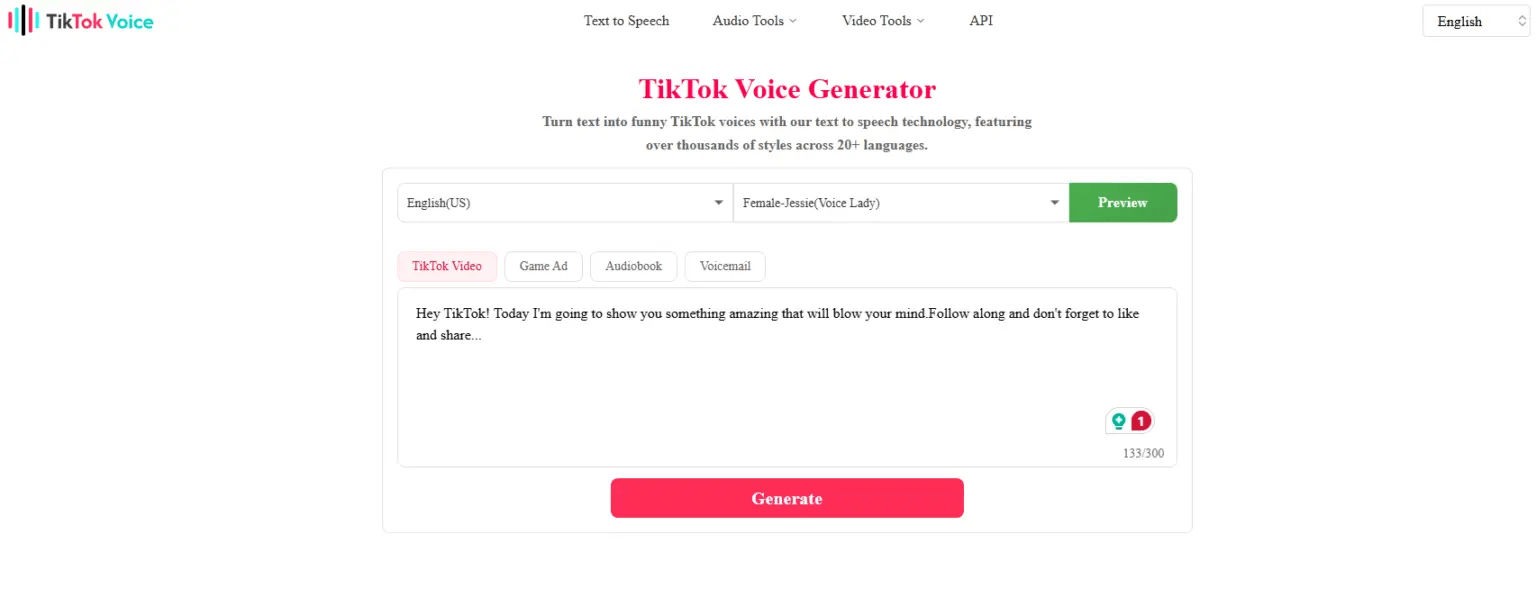
Another aspect of learning how to use AI on TikTok is improving voice quality and narration consistency. AI tools can enhance sound clarity and generate natural-sounding narration that matches a video’s mood, even when recording conditions are not ideal.
Some tools also allow creators to clone their voice without repeated recording. For narrative, educational, or series-based content, consistent narration helps videos feel more professional, recognizable, and easy to follow.
Also Read: How to Use AI to Create YouTube Dialogue in 5 Easy Ways
7. Optimize Audio and Music Selection
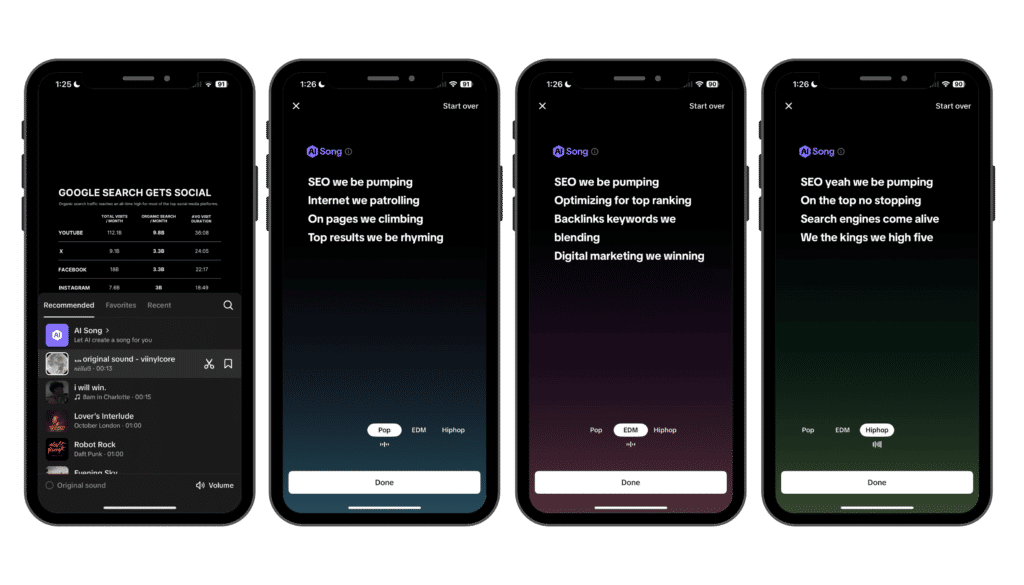
AI examines how often audio is used, how well it performs on FYP, and how appropriate it is to determine the optimal sound. Furthermore, AI analyzes this data to identify which sounds are popular, viral, and relevant to the audience.
AI helps you pick sounds strategically rather than randomly. Creators may move faster with new sound trends. They may also adjust the music to match the material, making videos more engaging, memorable, and likely to attract new viewers.
8. Support Long-Term Content Planning
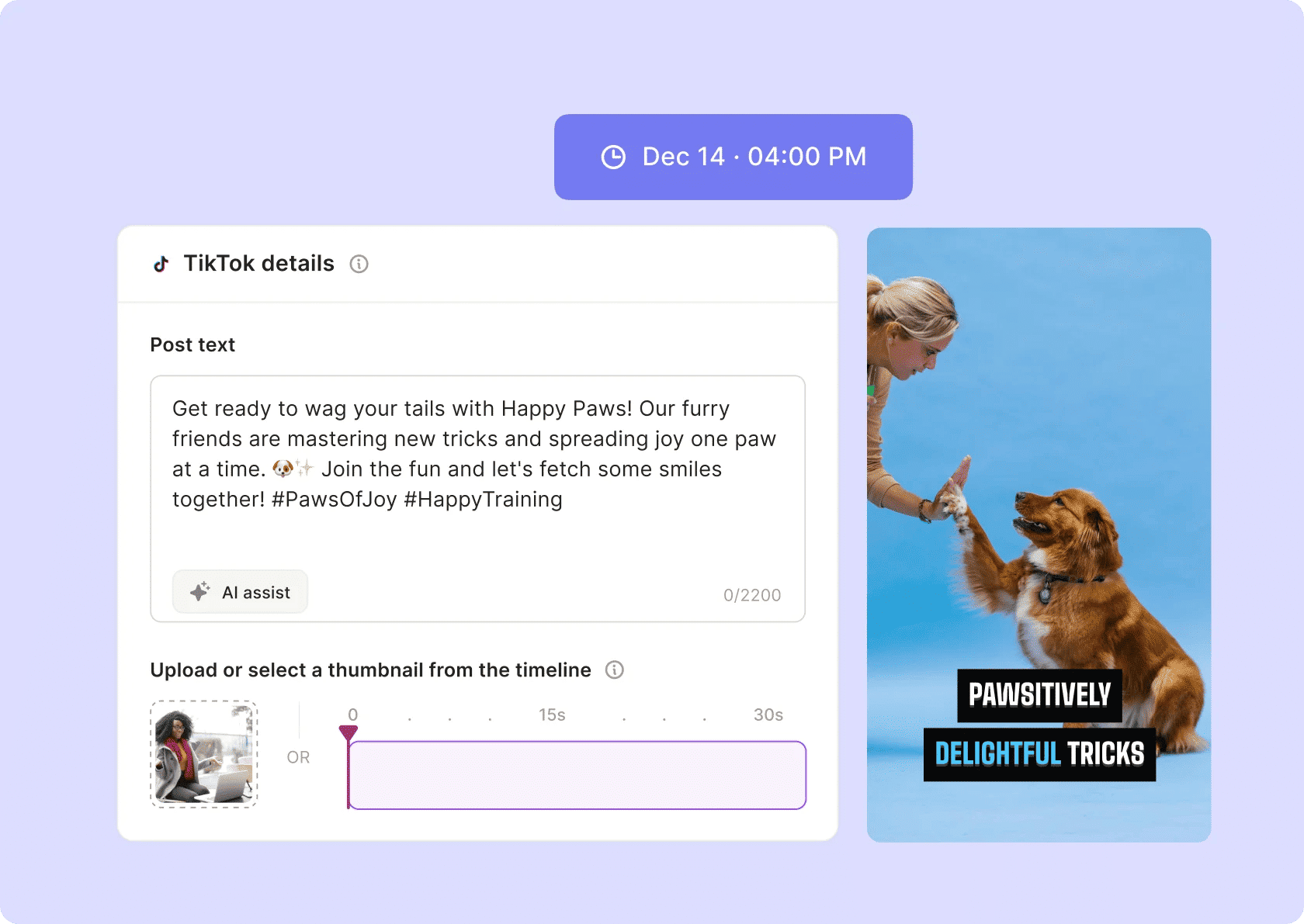
For long-term planning, AI helps identify content formats that consistently perform well over time. By analyzing patterns across multiple uploads, creators can understand which approaches are sustainable and worth repeating.
Through regular evaluation and strategic adjustments, AI supports steady content production without causing fatigue. This approach leads to more stable, focused, and targeted account growth in the long run.
Also Read: Best AI Video Creator for Instagram Reels: Top 7 Tools
Creating an Eye-Catching TikTok Image Using AI
Understanding how to use AI on TikTok is not just about production speed but also about building a standout identity that makes your content memorable. AI supports visual consistency across formats, including on-screen text and concise visuals like an AI quote post, allowing messages to be understood quickly as users scroll.
Therefore, using AI-friendly TikTok visual fonts helps on-screen text and subtitles appear more professional. Explore StringLabs Creative‘s premium font collection to create clean, recognizable content that stands out among the crowded TikTok feed.